Introduction to Trinity Health MyChart
Trinity Health MyChart is a user-friendly mobile application designed to empower patients by providing easy access to their health information and seamless communication with healthcare providers. By using the MyChart App, users can manage a variety of health-related tasks efficiently from their smart devices, enhancing the overall healthcare experience.
Key Features of Trinity Health MyChart
Comprehensive Health Information Access
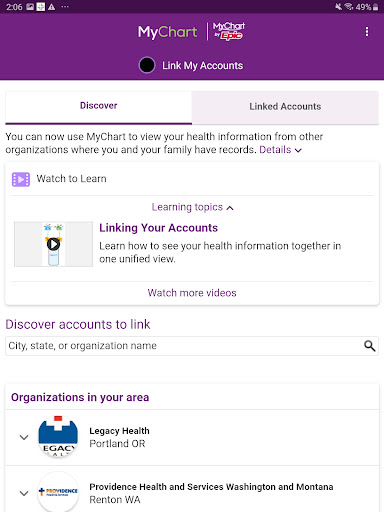
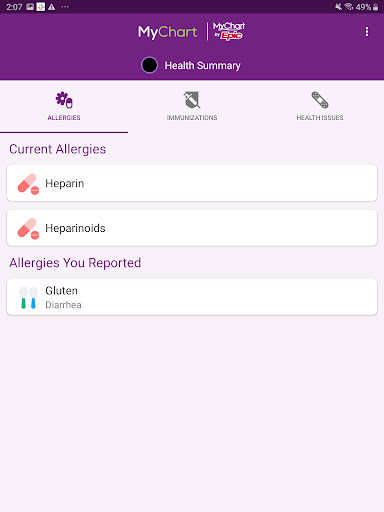
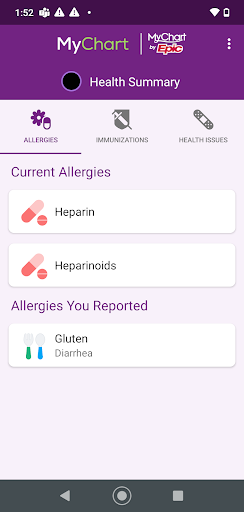
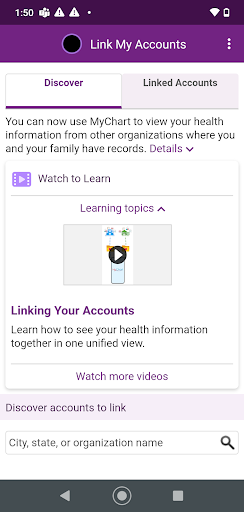
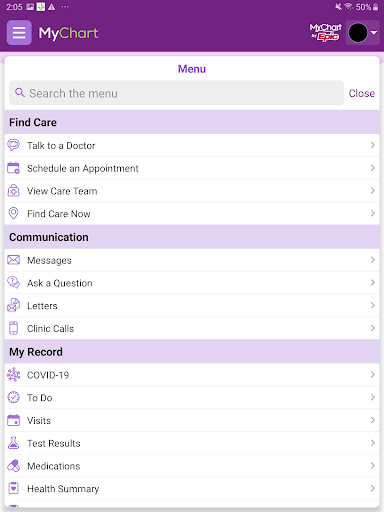
The app allows users to review test results, medications, vaccination history, and more. It consolidates all your health data into a single, organized dashboard, making it simple to stay informed about your health status without multiple logins or paper records.
Payment and Billing
Users can view and conveniently pay bills directly through the app, streamlining financial management related to healthcare services.
Secure Messaging and Communication
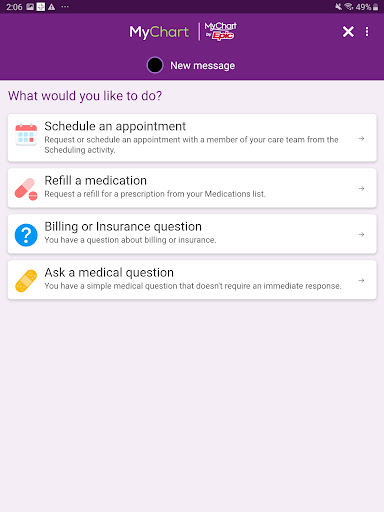
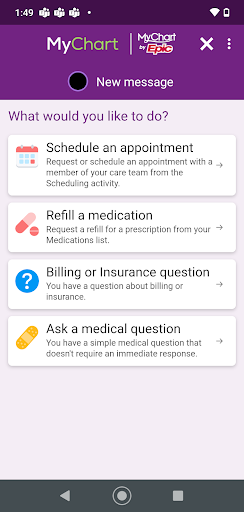
Empowering users to message your doctor securely, enabling questions, follow-ups, or prescription requests without the need for phone calls. This feature keeps you connected with your healthcare team effortlessly.
Appointment Management
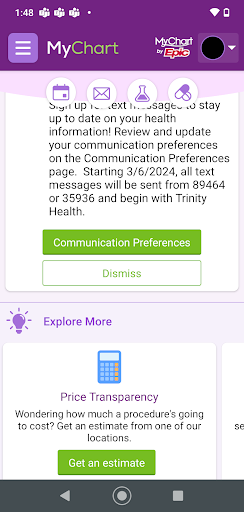
The app simplifies scheduling or changing appointments, providing availability updates and reminder notifications. This ensures you never miss an important visit and can manage your schedule with ease.
Prescription Refills and Health Tracking
Request prescription refills directly through the app and upload health and fitness data from other apps like FitBit or Apple Health, enabling a more holistic view of your wellness journey.
Getting Started
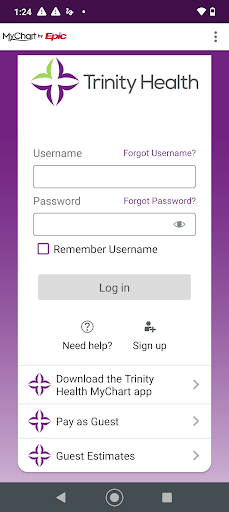
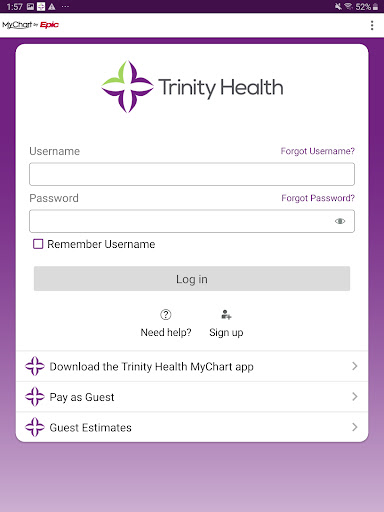
If you’re new to Trinity Health MyChart, creating an account is straightforward via mychart.trinity-health.org. Alternatively, your healthcare provider’s office can assist you in setting up your account, ensuring secure and personalized access to your health records.
Why Choose Trinity Health MyChart for Your Healthcare Needs
Managing healthcare records can often be overwhelming, with multiple appointments, test results, and medications to keep track of. Trinity Health MyChart addresses this challenge by centralizing all your health information and providing intuitive tools that make healthcare management much simpler.
Ease of Use
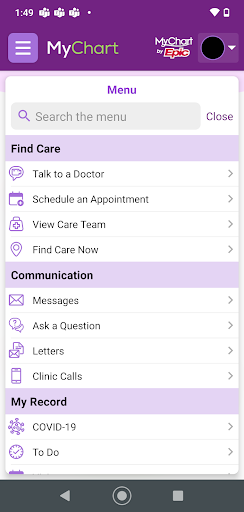
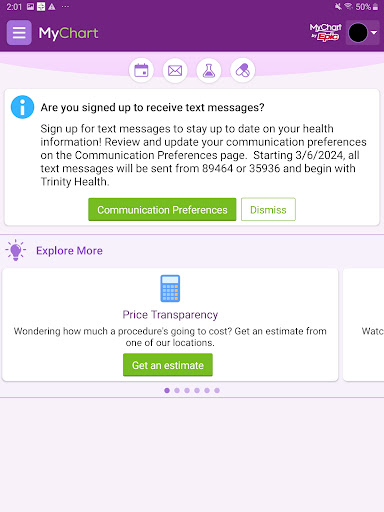
The app’s friendly interface makes navigation easy for users of all ages. From signing up with an activation code to accessing a comprehensive dashboard, the journey is designed to be quick and hassle-free. Information like upcoming appointments, recent test results, and health reminders are all easily accessible.
Enhanced Health Monitoring
Whether you're trying to keep track of your medications, allergies, or medical history, Trinity Health MyChart ensures that all relevant data is organized and at your fingertips. This feature is especially helpful for managing chronic conditions or health goals, giving you full control over your personal healthcare journey.
Streamlined Scheduling and Reminders
Forget waiting on hold or managing paper appointment cards. The app allows you to easily view available slots, book new appointments, and receive timely reminders. This system helps maintain your healthcare schedule without unnecessary stress or confusion.
Transparent Test Results
One of the most appreciated features is instant access to laboratory and diagnostic results. Notifications alert you once results are available, and detailed explanations accompany the findings. This transparency helps reduce anxiety and keeps you informed about your health status at all times.
Conclusion
If you’re seeking a comprehensive tool to enhance your healthcare experience, Trinity Health MyChart is an excellent choice. By integrating appointment scheduling, secure messaging, health record management, and health tracking into a single app, it empowers you to take charge of your well-being with confidence. Whether managing a chronic condition, staying on top of preventive care, or simply seeking better health insights, this app offers the convenience and transparency that modern healthcare demands. Discover how Trinity Health MyChart can become your trusted health companion, bringing peace of mind and improved health management right into your pocket.
Pros
- User-friendly interface accessible to everyone.
- Secure and confidential access to medical information.
- Real-time notifications for appointments.
- Ability to view lab results and prescriptions.
- Available 24/7 from any location.
- Accessible at any time.
Cons
- Limited options for customization.
- Occasional login difficulties.
- Some features are not accessible offline.
- Experience some delays with real-time updates.
- Restricted to Trinity Health network only.