
SuperCook - Recipe Generator: Overview
How many times have you found yourself looking for that perfect recipe – only to find that you’re missing one or more ingredients?
How many times have you opened the fridge and thought to yourself, what can I make?
How many times have you thrown away an ingredient, because you couldn't figure out how to use it before it expired?
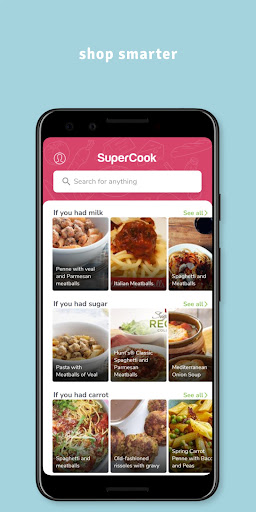
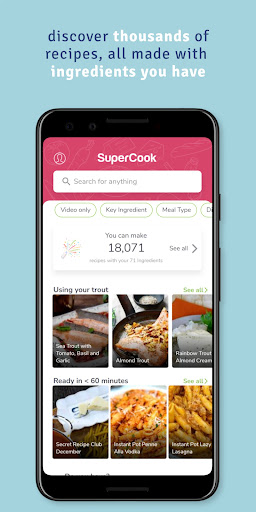
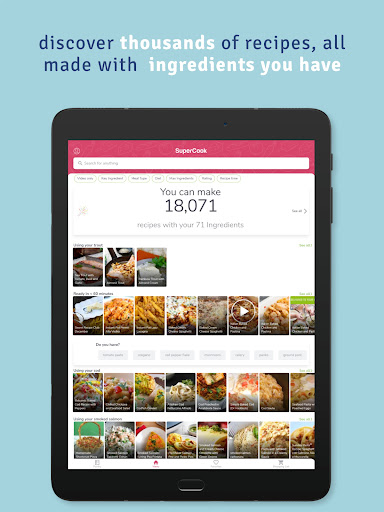
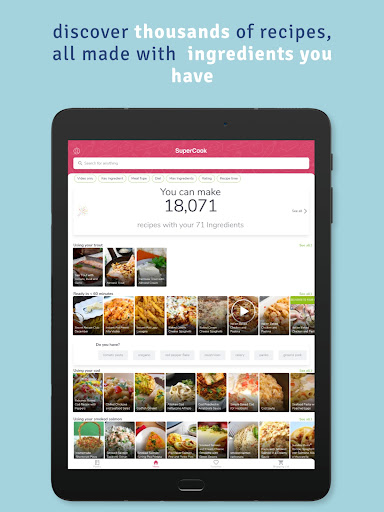
SuperCook to the rescue! Unlike other recipe apps, SuperCook only shows you recipes that require the ingredients you already have.
All the recipes you see on SuperCook are recipes you can make right now. No more inconvenient grocery runs for a missing ingredient, at a time when you should be home, with your family and friends.
Why purchase new ingredients when you can focus on what you already have?
Here’s how it works:
Here’s how it works
For SuperCook to do its magic, it needs to know all the ingredients you have at home.
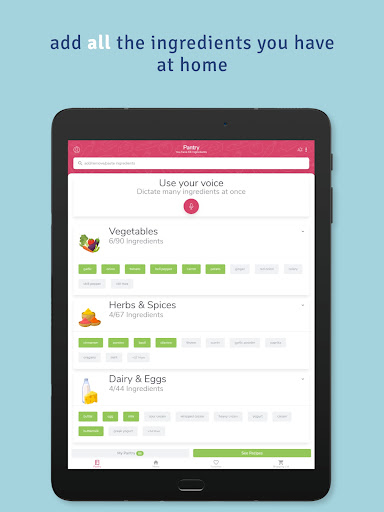
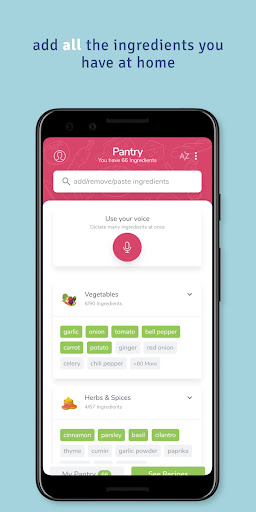
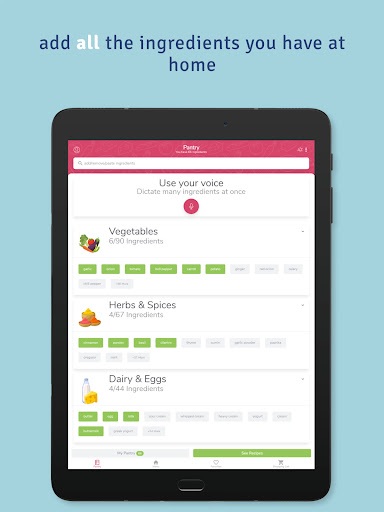
Visit the pantry page in the SuperCook app and choose from a list of 2000+ ingredients broken down into categories like fruits, vegetables, meats, and many more.
Start adding ALL the ingredients you have at home to your SuperCook pantry – including oils, spices, and yes - even that old bottle of Worcestershire sauce in the back of the fridge!
Sit back and watch SuperCook work its magic by finding recipes that match your ingredients.
SuperCook’s Unique App Features
Customized Recipe Ideas
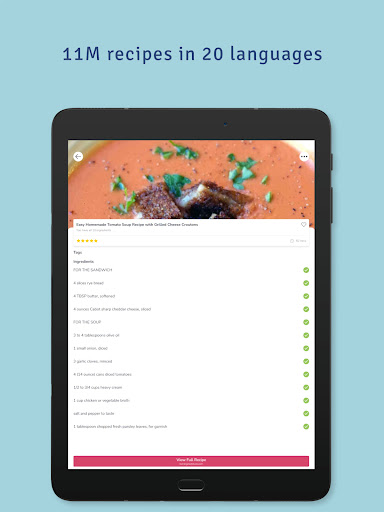
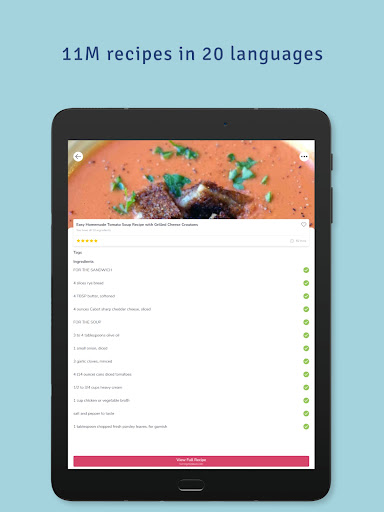
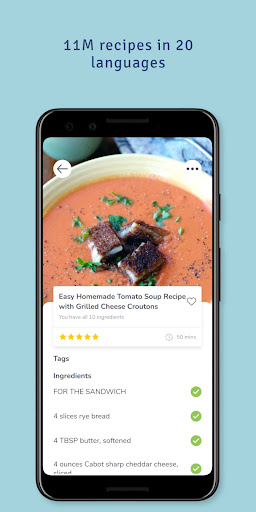
We’ve consolidated over 11 million recipes from 18,000 recipe websites, in 20 languages to create the largest recipe collection ever. This knowledge was fed into an AI system that learnt the intricacies of all ingredients and how they can be mixed together. All you have to do is build your pantry on the app – and you’re ready to make delicious meals without ever leaving your house! SuperCook will find you any recipe you need, whether it’s for breakfast, lunch, dinner, or even a midnight snack.
Easily Add Your Ingredients
Save time and money with an intelligent pantry. SuperCook’s voice dictation mode allows you to quickly add ingredients to your in-app pantry by simply saying them out loud. Just open your fridge, click the microphone button, and start listing everything inside. The app will automatically add the ingredients to your pantry for a quick and easy way to find recipes!
Automatic Recipe Recommendations
The app will automatically find you recipes to make with what’s in your fridge – so all those lost ingredients in the back of your cupboard now have a place on your table. It’s that simple! When you run out of an ingredient, simply open the SuperCook app and remove it from your pantry - and all the recipe ideas will adjust accordingly.
Get Creative in the Kitchen
SuperCook inspires new ideas and activities in the kitchen for new cooks, busy parents, foodies, and pro chefs alike. With over 11 million recipes available in 20 different languages, SuperCook promises that you’ll never cook the same thing twice (unless you want to, of course!).
What’s on the menu ?
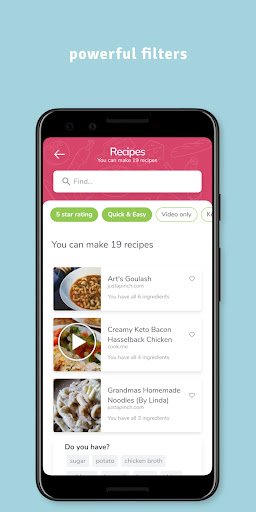
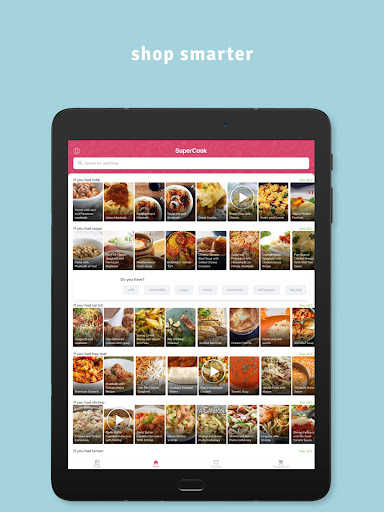
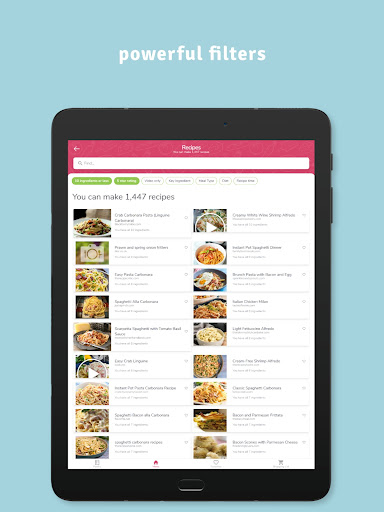
The menu page is where you'll find all your recipe ideas. Why is it called menu? Because just like the menu in a restaurant, everything on the menu page is available to you now. SuperCook instantly analyzes 11 million recipes and finds the ones that match your unique ingredients. Most likely your menu page will contain thousands of recipes, but don't worry, we've broken them down into helpful categories like soups and stews, appetizers and snacks, salads, entrees, desserts and more.
Reduce food waste
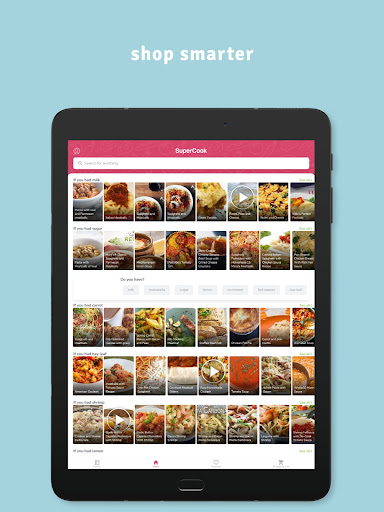
Most people don't realize how much food they throw away every day — from uneaten leftovers to spoiled produce. SuperCook is one of the best ways to reduce food waste in the home. It finds recipes that use as many of your ingredients as possible, so nothing goes to waste. SuperCook makes food waste prevention fun and easy, just open the menu page on the app and choose a recipe. We help you use what you have, so nothing goes to waste!
SuperCook - Recipe Generator: Personal Experience
Have you ever found yourself staring into your fridge, wondering what on earth you can whip up with the seemingly random assortment of ingredients you have? That’s where SuperCook - Recipe Generator steps in to save the day. This nifty app has become my go-to culinary assistant, transforming my kitchen adventures from chaotic to creative.
Unleashing Your Inner Chef
The first time I launched SuperCook, I was intrigued by its straightforward interface. It’s incredibly easy to use - just input the ingredients you have on hand, and voila! The app generates a plethora of recipes tailored to your pantry. No more last-minute grocery store dashes or dinner dilemmas. It’s like having a personal chef who knows exactly what you’ve got in your kitchen.
How It Works
One of the features I absolutely love is the ingredient-based search. You simply enter the ingredients you have, and SuperCook does the magic. It categorizes recipes based on what’s available, ensuring you make the most of what you’ve got. This not only helps in reducing food waste but also encourages you to try out new recipes you wouldn’t have thought of otherwise. The app also organizes recipes into various categories such as breakfast, lunch, dinner, and even snacks. This makes meal planning a breeze, especially on busy days when you don’t have the energy to think about what’s for dinner.
User-Friendly Features
The app is intuitive, guiding you step-by-step through each recipe. Plus, the detailed instructions and the option to adjust serving sizes are a godsend for those of us who hate doing math while cooking. What’s more, the app’s ability to sync across devices means you can start planning on your tablet and continue cooking in the kitchen with your phone. This seamless integration is ideal for tech-savvy cooks who like to keep things organized.
The Social Touch
SuperCook also has a social aspect. You can share your culinary creations with a community of fellow food enthusiasts. It’s a fantastic way to get feedback, share tips, and even discover new recipes that others have tried and tested. It’s like having a global potluck at your fingertips!
Conclusion
In conclusion, SuperCook - Recipe Generator is a must-have for anyone looking to make the most of their kitchen adventures. Whether you’re a seasoned chef or a kitchen newbie, this app brings a world of recipes to your fingertips, making cooking fun, easy, and incredibly satisfying. Trust me, once you start using it, you’ll wonder how you ever managed without it!
Feature Spotlight Blog Description
Imagine a recipe assistant that respects what you already have in your fridge and pantry. SuperCook is that smart pantry-first recipe generator that turns empty shelves into flavorful possibilities. With an expansive database drawn from thousands of recipe sites in 20 languages, this AI-powered tool analyzes your available ingredients and instantly suggests meals you can make today. No more extra shopping runs, no more wasted ingredients.
The app’s strength lies in its ingredient-based search. You simply input what you have, and SuperCook curates a tailored menu—from hearty breakfasts to midnight snacks—that leverages your existing inventory. It’s perfect for busy families and cooks who want to stay within budget while exploring new flavors. The pantry feature, including voice input, makes it fast to add items like spices, sauces, and pantry staples, ensuring your list stays accurate across devices.
One of the standout experiences is the way SuperCook blends practicality with inspiration. It reduces food waste by proposing recipes that use as many of your ingredients as possible, nudging you toward smarter shopping and smarter cooking. And with options across categories—soups, salads, entrees, desserts—you’ll never run out of ideas for every meal. The cross-language support and vast recipe pool mean you can discover global flavors from the comfort of home, making it ideal for culinary explorers and aspiring chefs alike.
Whether you’re cooking for a family, feeding hungry teens, or planning meals for a busy workweek, SuperCook’s intuitive interface, accurate search results, and seamless cross-device sync make it a reliable kitchen companion. It’s more than a cookbook replacement—it’s a creative partner that makes cooking approachable, fun, and satisfying every day. Give it a try and see how much your kitchen can do with what you already have.
Pros
- Intuitive, easy-to-navigate interface.
- Suggests recipes based on ingredients you already have.
- Offers a broad selection of cuisines.
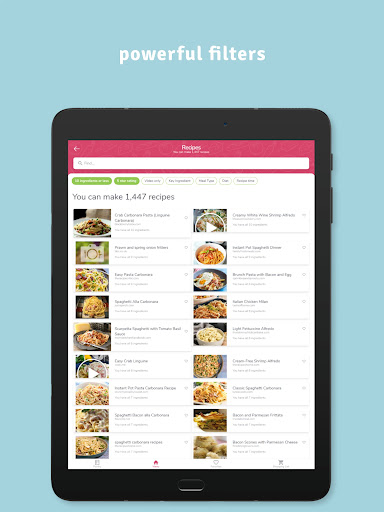
- Includes filters for dietary preferences.
- Allows saving favorites for quick access.
Cons
- Limited offline use.
- Free version includes ads.
- Account required to access full features.
- Occasional crashes reported.
- Some ingredients may not be available.