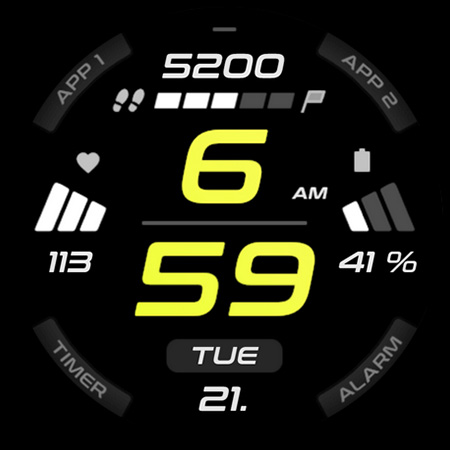
Introduction to SPORT xR: Watch face
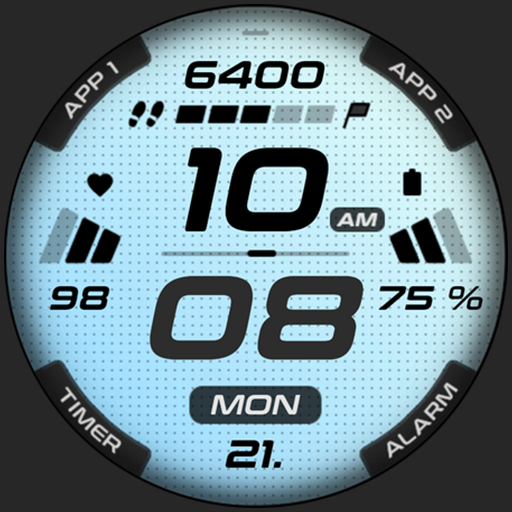
If you're passionate about customizing your smartwatch to reflect your personal style and enhance functionality, SPORT xR: Watch face might be the perfect app for you. Designed specifically for Wear OS devices, this dynamic watch face offers a host of features aimed at fitness enthusiasts and users who love vibrant, customizable displays. Whether you want a sleek minimalistic look or a sporty, energetic design, SPORT xR provides seamless personalization options that cater to every taste.
Device Compatibility and Requirements
This app is only for Wear OS API 28+ devices, ensuring compatibility with most recent smartwatches running Wear OS. Built with high-resolution displays in mind, SPORT xR supports amoledwatchfaces.com's polished watch face format, making it ideal for devices with AMOLED screens. The app's efficiency is enhanced through PNGQuant optimized layers, making it battery-friendly and perfect for everyday use without sacrificing performance.
Key Features of SPORT xR: Watch face
Design and Customization
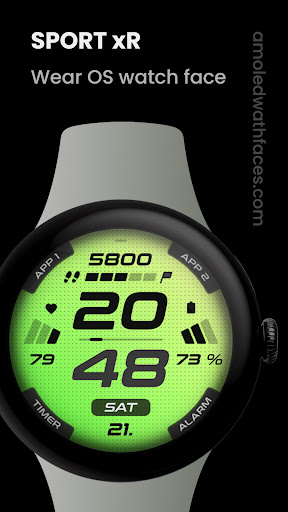
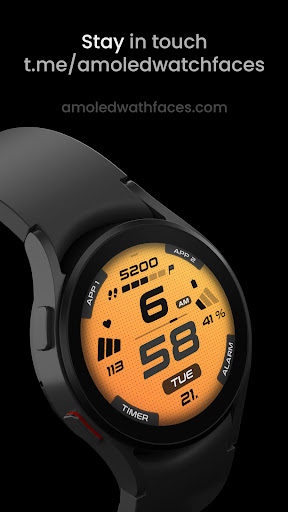
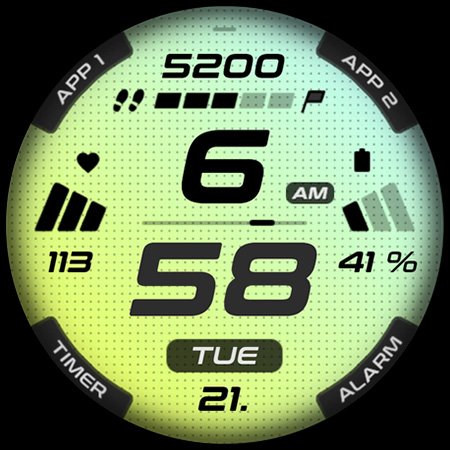
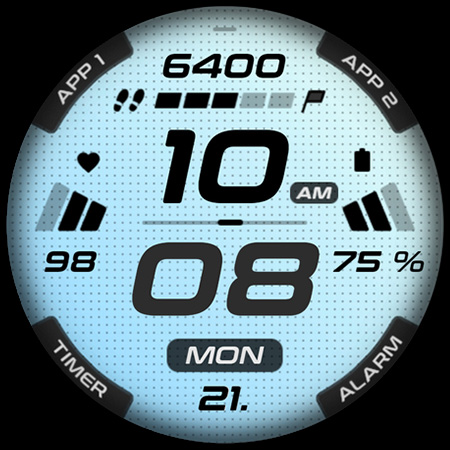
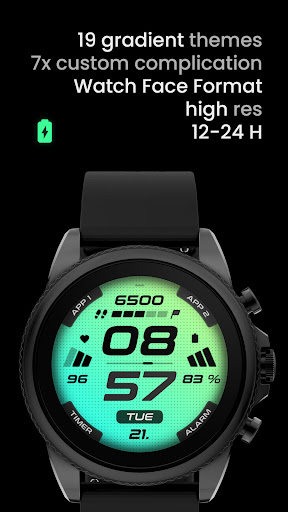
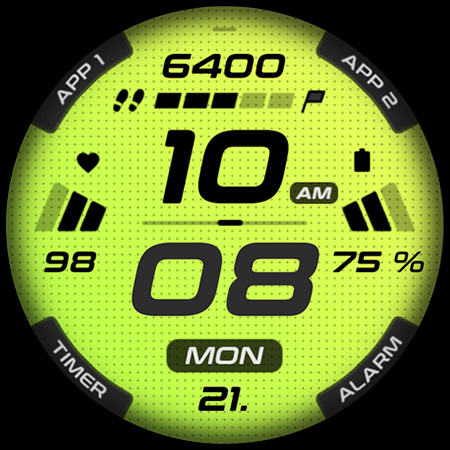
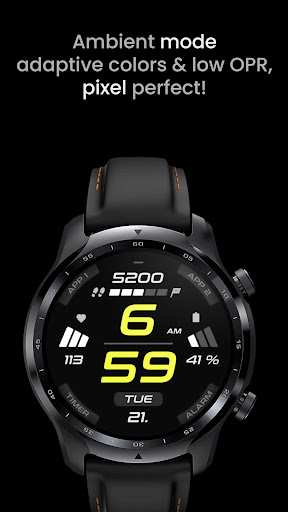
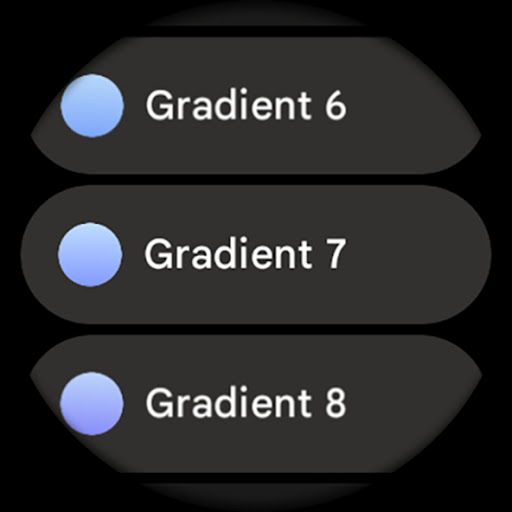
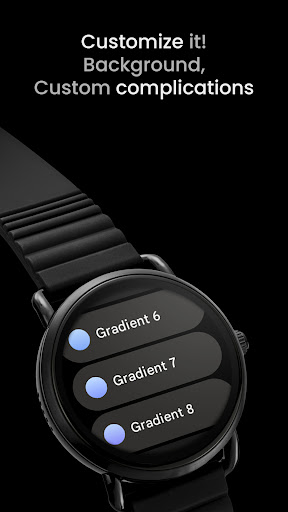
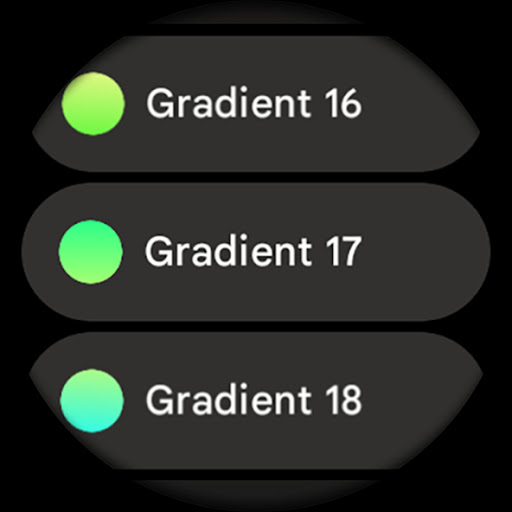
The app boasts a sporty design style, crafted for fitness addicted / active people. Users can enjoy a true black background and gradient background styles with 19 colors to match their mood or outfit. The high-resolution display ensures sharp visuals, and the watch face can be tailored with personalized backgrounds, AOD styles (Dimmed, Time Only), and multilanguage options for the day of the week.
Functional Widgets and Shortcuts
SPORT xR allows custom shortcuts to your favorite apps, such as health tracking, timers, or alarms. You can set 4x custom app shortcuts and also incorporate APP1 / APP2 shortcuts—like quick access to your heart rate monitor or calendar. Additionally, there are 12 / 24H time formats based on your phone's settings, with an am/pm indicator for easy reading.
Ambient and Power Efficiency
The app supports an ambient mode with low OPR & adaptive color. You can choose between two ambient styles for different lighting conditions, ensuring the display remains visible yet power-efficient. This focus on energy conservation extends your smartwatch's battery life while providing useful, always-on information.
Additional Customization
Users can personalize background gradients, app shortcuts (5x), and custom complications. It also features a user settings panel to configure background styles, AOD preferences, app shortcuts, and complications with ease, making every watch face unique to your needs.
How to Install and Troubleshoot
Installation and troubleshooting are straightforward. You can find a comprehensive installation guide on the official website. For support, reach out via support@amoledwatchfaces.com. Additionally, join the Telegram group for real-time help and discussion with other users.
Conclusion: Should You Try SPORT xR: Watch face?
If you are searching for a highly customizable, stylish, and battery-friendly watch face application for your Wear OS smartwatch, SPORT xR is an excellent choice. Its intuitive interface makes personalization effortless, whether you prefer vibrant designs or minimalist aesthetics. The app's robust features, including custom shortcuts, gradient backgrounds, and ambient mode, ensure that your smartwatch not only looks great but also functions efficiently. With ongoing support and a vibrant community, SPORT xR is a must-have for fitness lovers and tech enthusiasts eager to personalize their wearable experience. Visit the official page at amoledwatchfaces.com to explore more and take advantage of special offers like the BUY ONE GET ONE deal. Elevate your smartwatch experience today!
Pros
- Highly customizable watch faces
- Seamless integration with fitness apps
- Intuitive user interface
- Regular updates introducing new features
- Supports multiple languages
Cons
- Limited free watch face options
- Can consume a lot of battery
- Occasional synchronization issues
- Requires Wear OS 2.0 or higher
- Certain features require a premium upgrade