




Southwest Airlines: Travel App
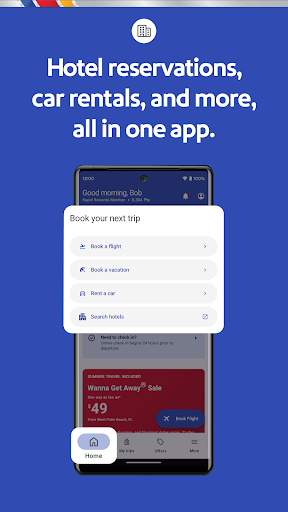
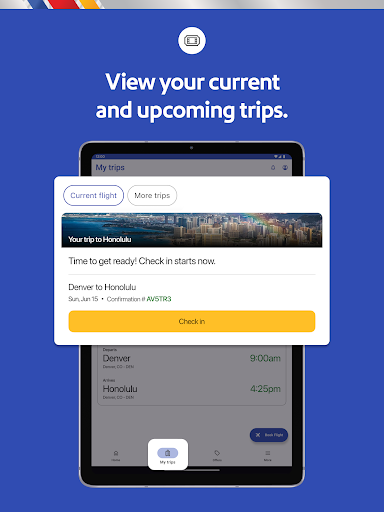
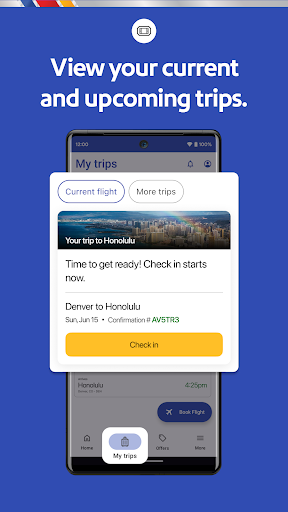
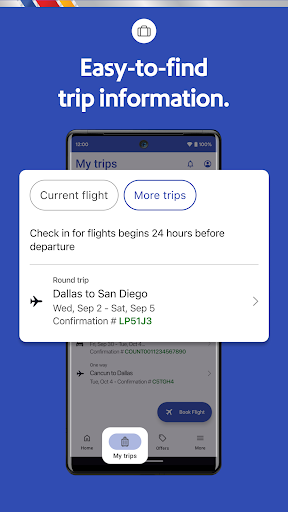
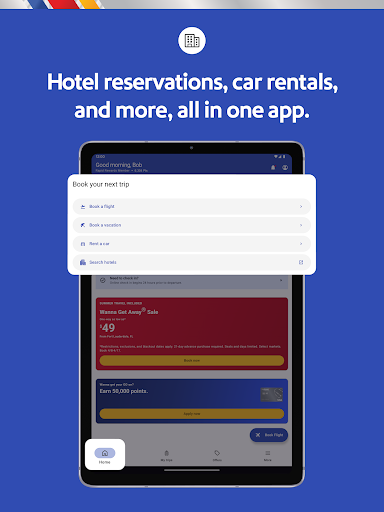
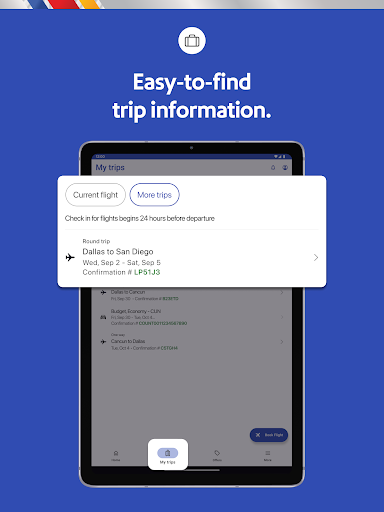
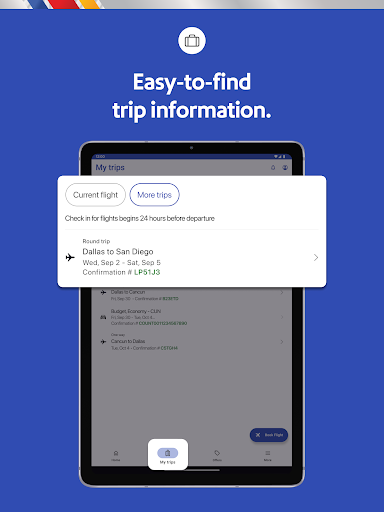
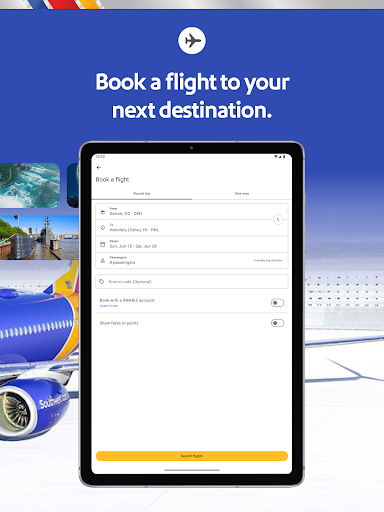
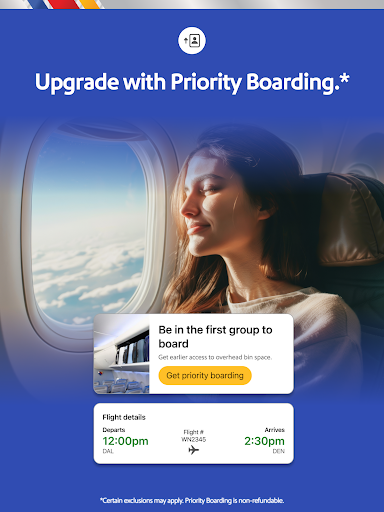
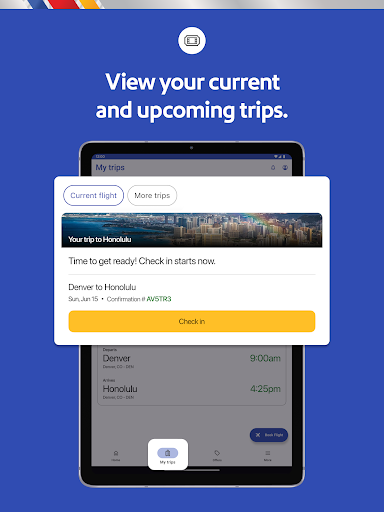
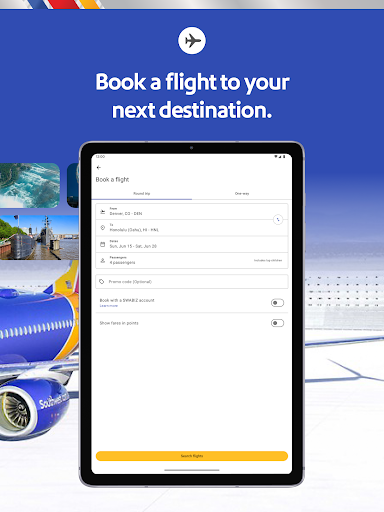
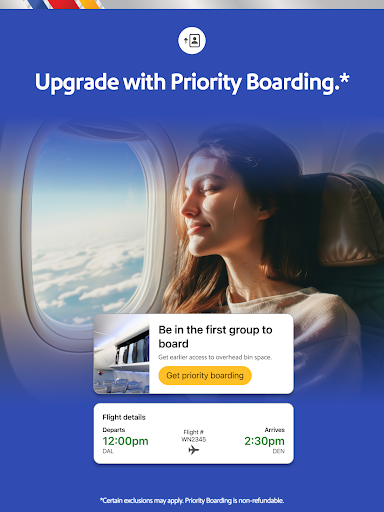
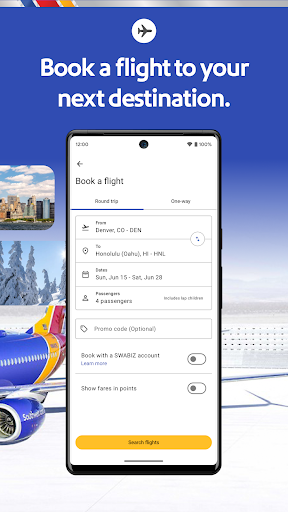
The Southwest® app is your ultimate digital travel companion, offering a seamless experience for booking flights, hotels, cars, cruises, and vacations. With this intuitive app, travelers can quickly secure their next trip, effortlessly check in, modify or cancel flights, and add valuable extras such as EarlyBird Check-In® or Upgraded Boarding. Beyond reservations, the Southwest app provides real-time updates on gate information, boarding positions, flight status, and more, all accessible from the convenient “My Trips” tab.
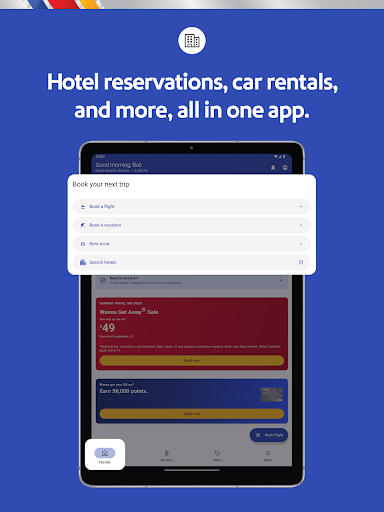
Whether you're planning a week-long vacation or a spontaneous last-minute getaway, the Southwest Airlines app makes travel management straightforward and enjoyable. From reserving a hotel to booking last-minute flights, the app integrates various services into one user-friendly platform, ensuring your travel experience is smooth from start to finish.
Features of the Southwest Airlines Travel App
Personal Travel Agent
The app functions like your personal travel agent. You can effortlessly search, book, and manage flights in one place. The “My Trips” tab displays essential information such as gate details, boarding position, flight status, and more. Additionally, you can redeem Rapid Rewards® points for hotel stays, making your travel planning more rewarding.
Boarding Pass on the Go
Access mobile boarding passes for all passengers at least 24 hours before departure. The app consolidates your flight number, confirmation number, boarding time, tier status, and TSA PreCheck® details. For added convenience, you can save your mobile boarding passes directly to Google Wallet or similar mobile wallets, streamlining the boarding process.
Flexible Payment Options
The app offers diverse payment methods including PayPal®, Flex Pay, credit/debit cards, and Southwest LUV Vouchers®. You can also check available flight credits in the “My Account” section under Travel Funds, making it easier to manage your travel budget.
Support and Assistance
Need help? The Live Chat feature connects you to Southwest Customer Support directly within the “Help Center”. This instant messaging service ensures you can address any questions or issues promptly, no matter where you are in your travel journey.
Airport Pickup and Drop-off
Thanks to our partnership with Lyft®, you can request a ride straight from the app. You'll receive key details like estimated arrival time and fare before confirming. For those preferring rental cars, the app also supports booking and managing rental vehicles effortlessly.
Rapid Rewards Program
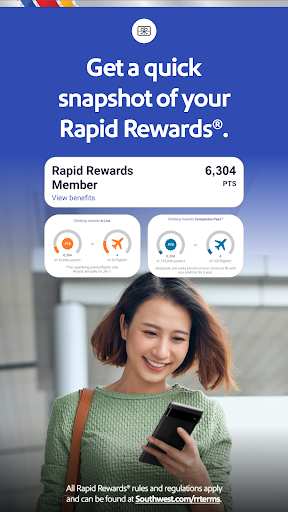
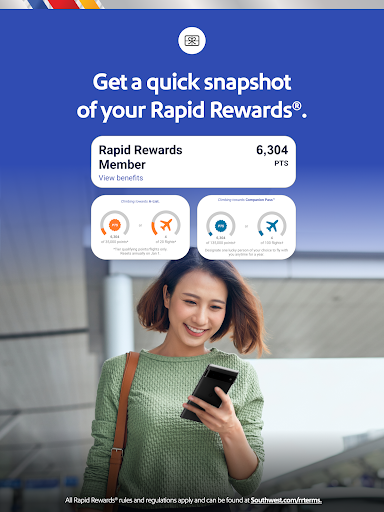
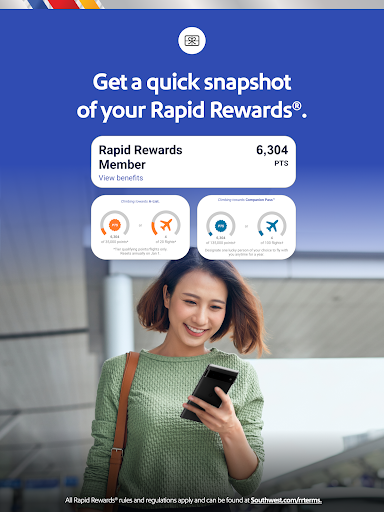
With the Rapid Rewards® program, earning points during your travels has never been easier. Sign up to accumulate points on flights and other eligible purchases. If you forget to add your Rapid Rewards number during booking, you can easily add it afterward to ensure you get all the points earned. Redeem points for free flights, hotels, and more, making your travel savings maximize.
In-Flight Information and Entertainment
The app offers access to the Inflight Entertainment Portal, where you can enjoy complimentary live TV, listen to music from iHeartRadio, view on-demand episodes, and watch movies—all over WiFi-enabled flights. Please note that availability might vary on international routes with licensing restrictions.
Why Travelers Love the Southwest Airlines App
If managing travel plans sometimes feels overwhelming, the Southwest Airlines app simplifies every step. From quick and easy flight bookings, hassle-free check-ins, to real-time updates, the app reduces travel stress and keeps you in control. Its minimalist, intuitive design makes navigation straightforward, whether you're a seasoned traveler or a first-time user.
Frequent flyers appreciate the integration with Rapid Rewards, allowing effortless tracking and redemption of points. Plus, features like mobile boarding passes and instant notifications keep you informed, so you never miss a beat. The app's partnership options, such as requesting Lyft® rides or booking rental cars, further enhance your travel convenience in one centralized platform.
In summary, if you’re a Southwest Airlines passenger, downloading and using the Southwest app is a smart move. It transforms your travel experience into a more organized, efficient, and enjoyable journey, making it an essential tool for modern travelers who want to spend less time stressed and more time enjoying their trip.
Pros
- User-friendly interface simplifies booking
- Provides real-time flight status updates
- Allows easy mobile check-in
- Offers a Rapid Rewards program that boosts loyalty
- Includes in-app customer support chat
Cons
- Limited options for international destinations
- Occasional app crashes occur
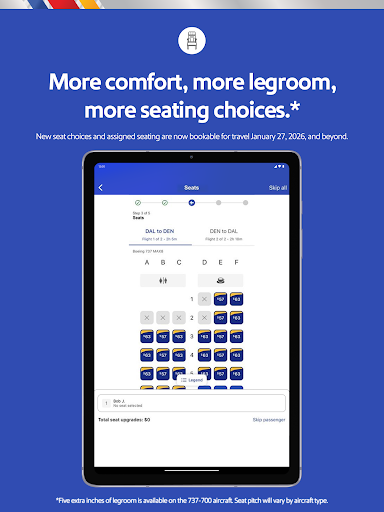
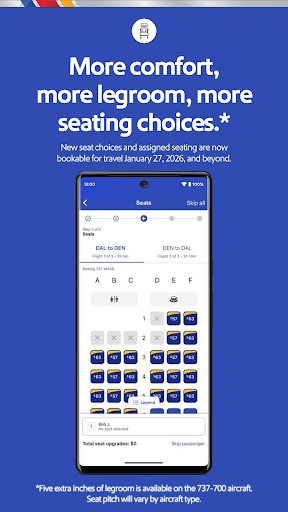
- Does not provide seat selection during booking
- Baggage policies are not clearly explained
- Needs a stable internet connection to function properly