
Introduction to the SimplePractice Client Portal
The SimplePractice Client Portal is an innovative app designed to streamline your healthcare and therapy experiences. Whether you're engaged in behavioral health, counseling, speech pathology, occupational therapy, physical therapy, or other wellness services, this app is a game-changer. It offers a secure, centralized platform for clients to manage their care effortlessly, bridging the gap between sessions and empowering users to stay connected with their practitioners from the convenience of their Android devices.
Main Features of the SimplePractice Client Portal
Passwordless Login
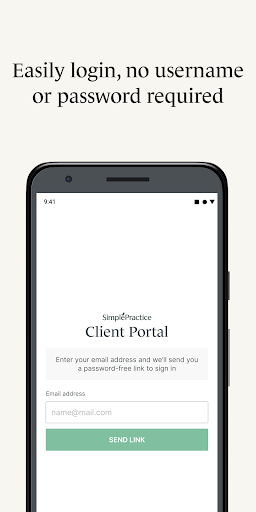
One of the most appreciated features is the passwordless login option. Instead of remembering complex passwords, users can securely access their portal by setting up a passcode or enabling biometrics such as fingerprint or face recognition, provided their device supports it. This feature not only saves time but also enhances security.
Personalized Notifications
Stay informed with push notifications about new messages, invoices, or documents that your practitioner sends. This real-time alert system ensures you never miss important updates related to your care.
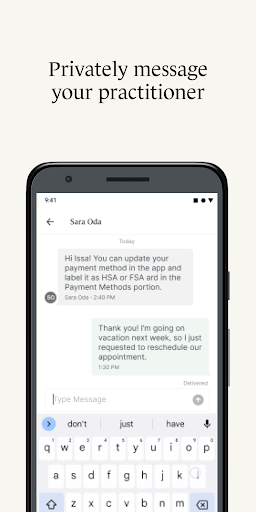
Secure Messaging
The app allows you to message your practitioner directly from your phone. Rest assured, all communication is protected with security protocols to keep your private health information confidential, fostering a safe and trustworthy environment for your conversations.
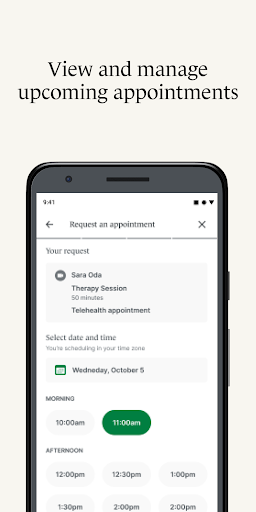
Appointment Management
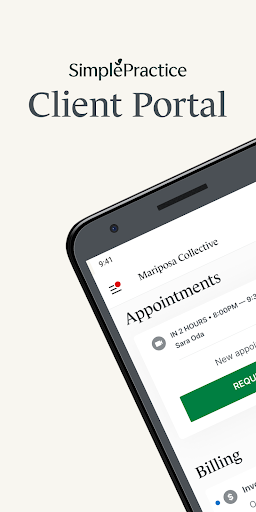
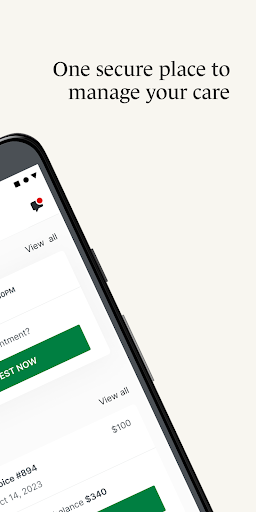
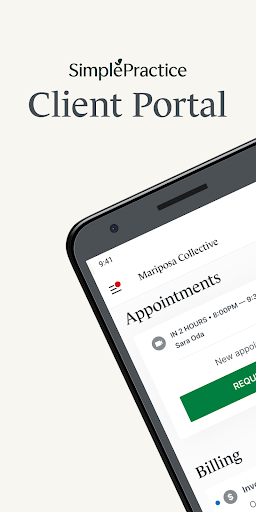
Effortlessly view upcoming appointments and even request new sessions directly within the app. This makes scheduling much more convenient compared to traditional phone calls or email exchanges.
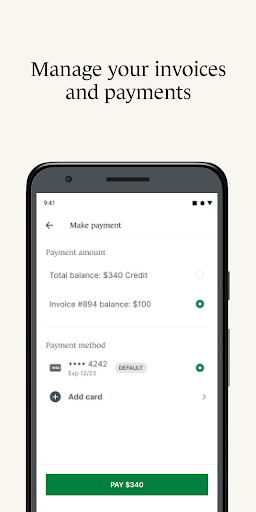
Digital Payments
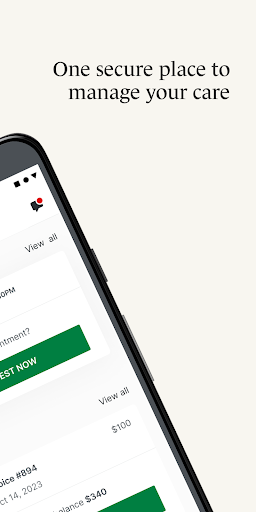
Manage your billing with ease by adding payment methods such as HSA and FSA cards and making payments straight from the app. This feature simplifies the financial aspect of your healthcare journey, allowing quick and hassle-free transactions.
Digital Paperwork and Signatures
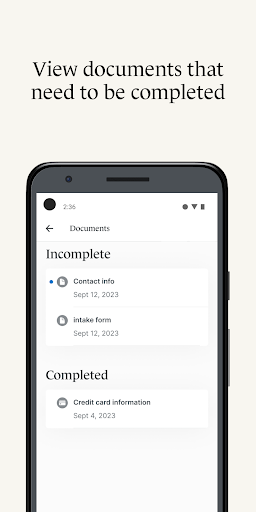
Complete necessary documents and questionnaires at your convenience, on your schedule. Electronic signatures eliminate the need for printing and signing physical forms, saving time and paper.
Telehealth Integration
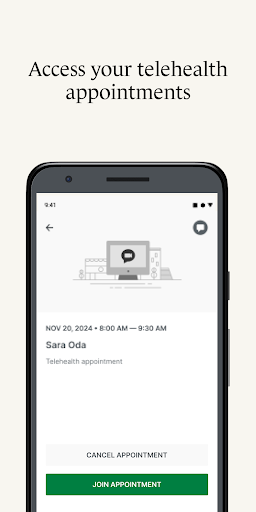
Join virtual appointments seamlessly within the app, removing the hassle of searching through emails for links. The integrated telehealth feature ensures you can participate in your sessions securely and conveniently from anywhere.
Profile Switching
If you are managing care for multiple individuals or see different providers using SimplePractice, the profile switching feature allows you to toggle between multiple client portals quickly and efficiently.
Getting Started with the SimplePractice Client Portal
To begin using the SimplePractice Client Portal Android app, you need to be invited by your healthcare practitioner. Once invited, you’ll use the email associated with your profile for authentication. After signing in for the first time, setting up a biometric login or a simple four-digit passcode makes future access effortless. Note that the features available may vary depending on what your practitioner has enabled for you, ensuring a personalized experience.
Why Choose the SimplePractice Client Portal?
If you value convenience and privacy, this app is a perfect companion for managing your healthcare. It simplifies appointment scheduling, enhances communication, and provides quick access to documents and payment options. Designed with a sleek, intuitive interface, the SimplePractice Client Portal focuses on user experience, making healthcare management easier and more efficient than ever before.
Whether you're seeking therapy services or other wellness treatments, this platform empowers you to take control of your care anytime, anywhere. With secure messaging, virtual visits, and centralized document access, the SimplePractice Client Portal is your all-in-one solution for a hassle-free healthcare experience.
Interested in finding a therapist or wellness provider that utilizes SimplePractice? Be sure to visit www.meetmonarch.com to discover local practitioners committed to your well-being.
Pros
- User-friendly interface for easy navigation
- Secure communication with therapists
- Convenient scheduling and appointment reminders
- Access to therapy notes and documents
- Mobile-friendly for on-the-go access
Cons
- Limited customization options
- Occasional syncing issues
- No offline access to documents
- Requires stable internet connection
- Limited support for non-tech-savvy users