









Recover Deleted Messages: Your Ultimate Data Recovery Solution
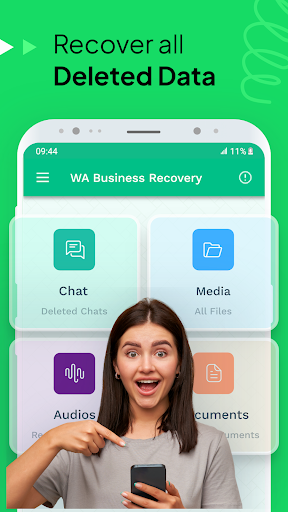
If you've ever lost important conversations or media files on your mobile device, Recover Deleted Messages is the app designed to bring those deleted data back. This powerful recovery tool helps you restore deleted text messages, images, videos, and other media files by scanning notifications, backups, and cache to retrieve lost data seamlessly.
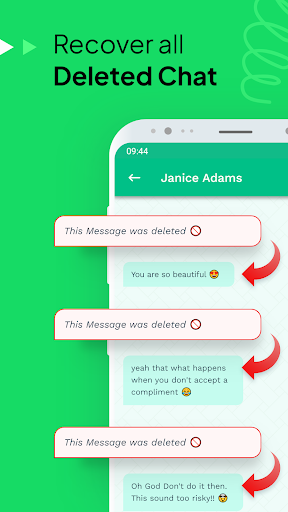
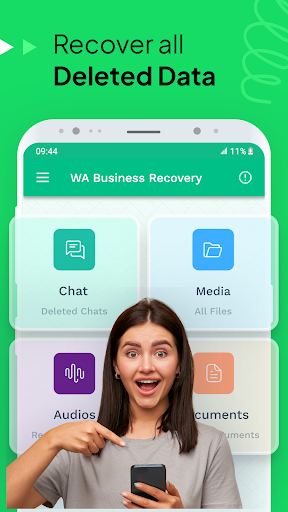
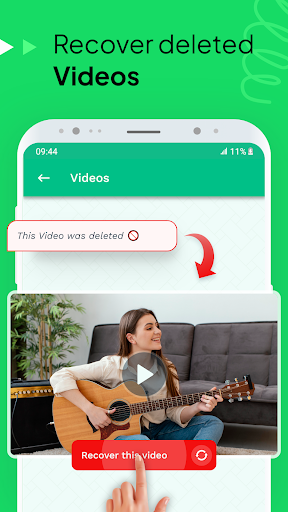
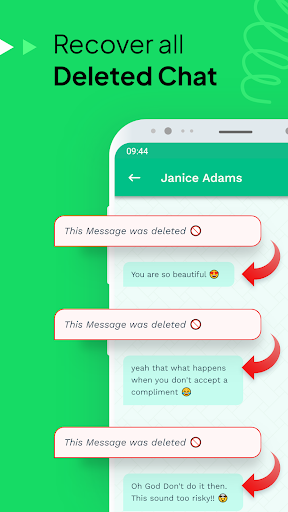
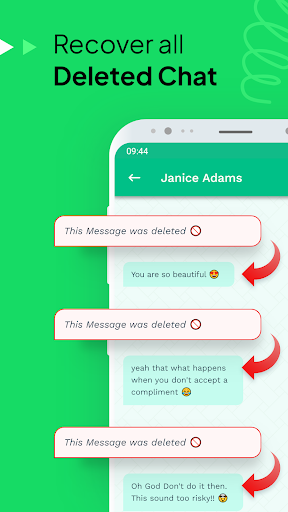
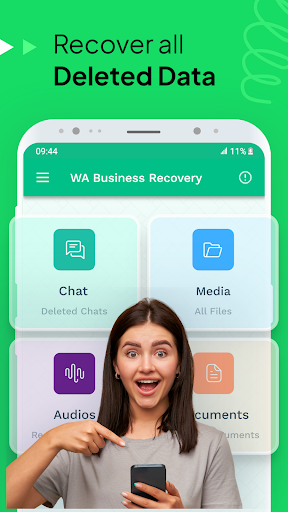
The app is especially effective for WhatsApp and WhatsApp Business users, enabling them to view and recover deleted chat messages, voice notes, images, and videos. Whether you've accidentally deleted a crucial message or want to recover media files, this application provides a reliable solution.
One of the standout features is its ability to recover data from notifications and backed-up content, ensuring you never miss essential information. The app also offers a straightforward approach to recover deleted files & restore messages for social media platforms like Facebook Messenger and different messaging apps, making it a versatile tool for digital data recovery.
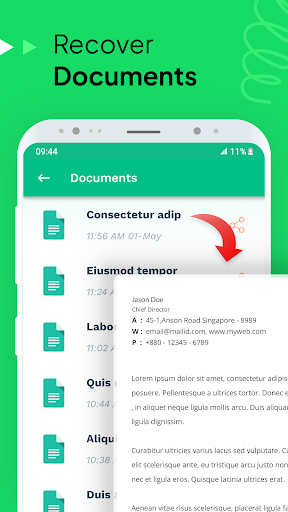
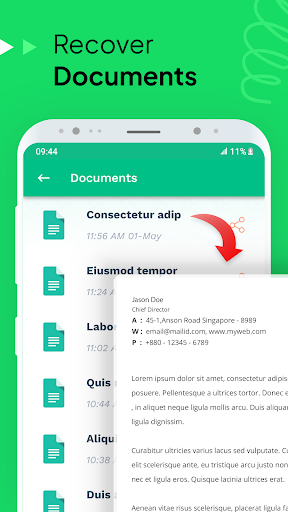
With functionalities such as instant recovery of media files, chat history, and deleted messages, the app simplifies the process of file retrieval. Its compatibility across devices and regular updates make it a dependable choice for users seeking easy-to-use data recovery solutions.
The tool's free backup and recovery options further enhance its utility, allowing users to undelete images, text messages, and media content from various platforms. It also supports SD card recovery, ensuring comprehensive coverage of all potential data storage locations.
Features of Recover Deleted Messages for WhatsApp and WhatsApp Business
Top Features
- Recover WhatsApp Business Messages to restore deleted chat histories and media
- Free media recovery for Facebook Messenger and other platforms
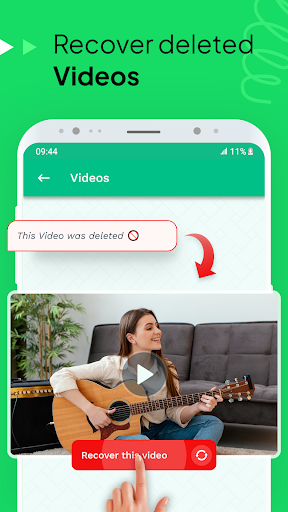
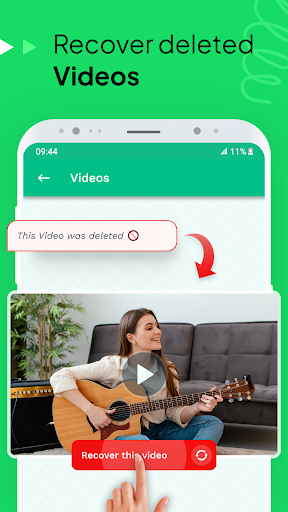
- Photo restoration app to view and recover deleted photos and videos
- Deleted photo recovery using SMS backup and restore tools
- Instant file recovery for chat images, voice notes, and videos
- Backup & recovery features to prevent future data loss
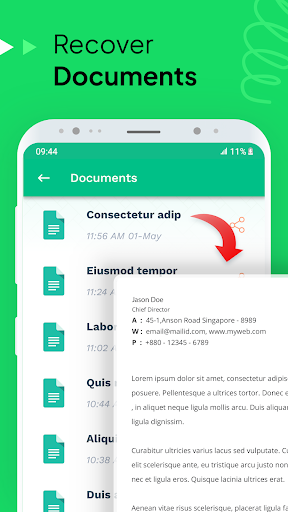
- File recovery software for quickly undeleting chat and media files
- SMS Backup to preserve messages and media content
- Inbox message recovery to retrieve lost files from notifications
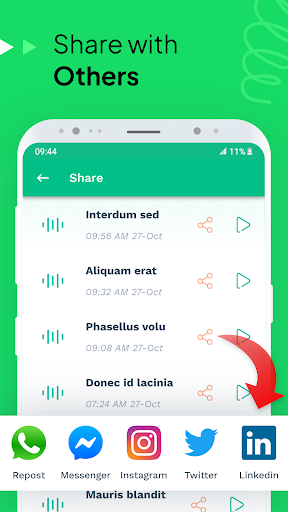
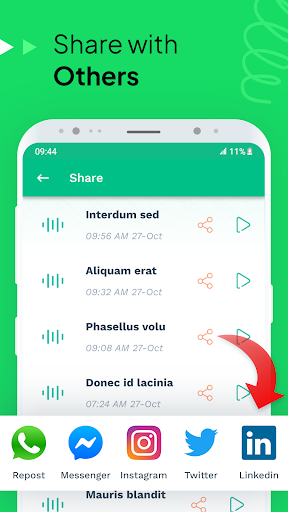
- Undelete chat history and share with friends or colleagues
Limitations of the Recover Deleted Messages Tool
While the app offers robust features, some limitations should be noted:
- Deleted messages recovery requires access to WhatsApp notifications. If notifications are disabled, recovery may not work.
- Muting chats can prevent message recovery from certain conversations.
- Active viewing of a chat during the recovery process may interfere with data retrieval.
- Notification settings must be enabled; otherwise, deleted media files like photos and videos might not be recoverable.
- Media files that are not fully downloaded cannot be restored.
To optimize your experience, ensure notifications are active and chats are not muted or actively viewed during recovery attempts.
Why You Should Try Recover Deleted Messages Today
Imagine mistakenly deleting a crucial message or losing sentimental photos and videos. It's frustrating, but thankfully, Recover Deleted Messages offers a quick, effective way to undelete and restore your valuable data. Its user-friendly interface makes navigation a breeze—even for those with limited technical skills, making it a perfect tool for every user.
Supported on both Android and iOS platforms, the app provides consistent performance without lag or crashes. Regular updates ensure compatibility with the latest OS versions, so you can rely on it whenever needed.
Beyond just message recovery, the app's ability to restore deleted photos, videos, voice notes, and other media makes it an essential tool for safeguarding your digital conversations and files. Whether it's a cherished memory or important work-related communication, this app helps you ease the stress of accidental deletions.
Additionally, the built-in backup and preview features allow you to carefully select what to restore, preventing unnecessary clutter and ensuring you recover only what's needed. For added peace of mind, the app supports SD card recovery and works efficiently across various messaging platforms.
If you're searching for a reliable, easy-to-use the solution for recovering deleted messages or media files, Recover Deleted Messages is highly recommended. It’s more than just a tool; it’s your digital safety net to keep your conversations alive, safe, and accessible.
Pros
- Easy to recover lost messages.
- Supports multiple messaging platforms.
- User-friendly interface.
- Fast recovery process.
- No technical skills required.
Cons
- Limited free version features.
- May not recover all message types.
- Requires app permissions.
- Occasional ads in free version.
- No support for old devices.