Discover the Power of Recipe Keeper
Are you tired of scribbling recipes on scraps of paper or searching through countless apps to find your favorite dishes? Look no further than Recipe Keeper, the ultimate digital cookbook designed to streamline your cooking experience. Whether you're a seasoned chef or a home cook looking to organize recipes effortlessly, this app is your perfect kitchen companion.
Seamless Recipe Collection & Organization
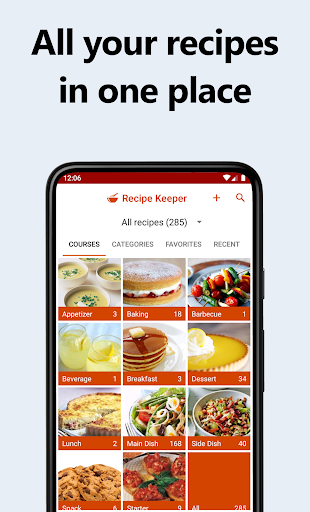
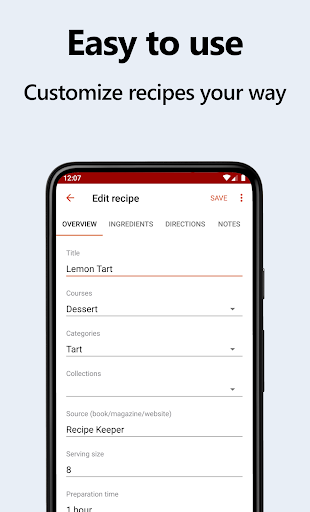
Recipe Keeper makes it quick and easy to collect, organize and share all your favorite recipes across your mobile device, tablet, or desktop. You can add recipes with just a few taps, entering minimal or extensive details based on your preference. Copy and paste recipes from your existing documents or apps, saving you precious time. Categorize recipes by course and category, and enhance your collection by including photos, ratings, and favorite flags. This flexible organization system ensures that your recipes are always at your fingertips, ready to inspire your next meal.
Import & Scan Recipes Effortlessly
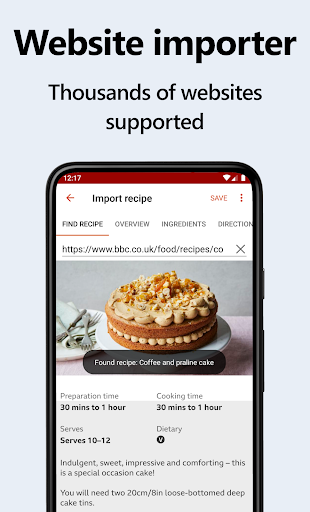
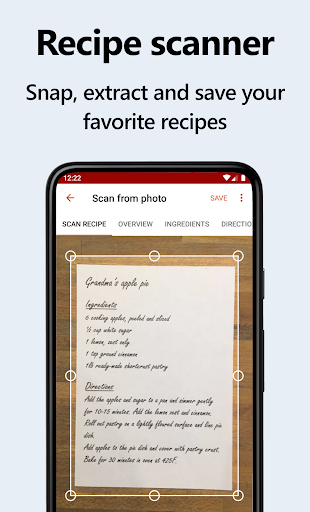
Love surfing the web for new recipes? Recipe Keeper supports importing recipes from over hundreds of popular recipe websites. Simply search, select, and add recipes directly into your collection. For handwritten or printed recipes, use your phone's camera to scan from cookbooks, magazines, or handwritten notes. Advanced OCR technology automatically converts images into editable text, preserving your cherished family recipes for years to come.
Fast & Convenient Recipe Search
Never waste time searching again. The app's powerful search functions allow you to find recipes instantly by name, ingredients, or cooking instructions. Simply browse your collection by course, category, or rating. Got leftover ingredients? Just search to see what recipes you can whip up, transforming your fridge clean-up into a delicious opportunity. This feature helps you rediscover forgotten recipes and make mealtimes more exciting.
Share & Create Beautiful Cookbooks
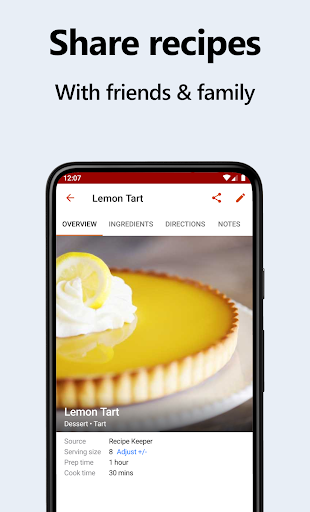
Sharing your culinary creations has never been easier. Send recipes via email, post on social media, or create personalized cookbooks. Customize layouts, add a cover page, and include a table of contents—perfect for printing or sharing as a PDF. You can also add links to online videos for step-by-step guidance or pin your favorite recipes to your home screen for quick access. Collaboration is simple too; add recipes from other Recipe Keeper users with a single tap, making it ideal for family sharing.
Meal Planning & Smart Shopping
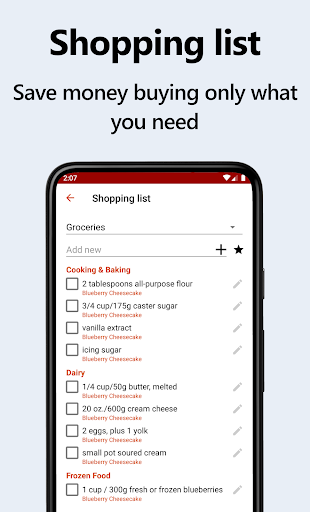
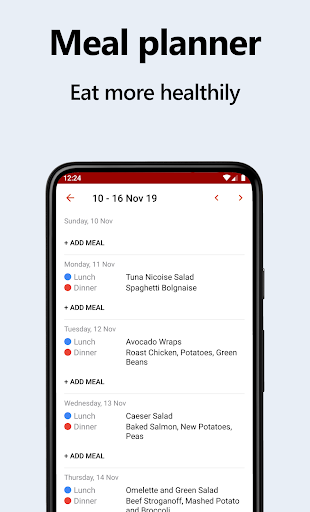
Say goodbye to last-minute meal decisions. The integrated weekly and monthly meal planner helps you organize your meals well in advance. Add meals easily and generate your shopping list automatically, which groups items by aisle for quick shopping trips. Adjust serving sizes effortlessly; Recipe Keeper recalculates each ingredient accurately—save time and avoid food waste. For an added convenience, the app can even generate random meal plans based on your preferences, taking the stress out of daily meal prep.
Streamlined Shopping & Devices Compatibility
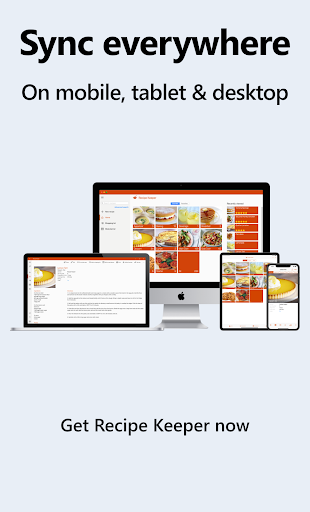
The app’s full-featured shopping list makes grocery shopping simple and economical. Easily check off items during cooking, and ensure you only buy what you need. Recipe Keeper works offline, so your recipes are available wherever you go. It allows you to share data across all your devices—Android, iPhone, iPad, Mac, and Windows—so your meal plans and shopping lists are always synchronized. Plus, you can use Amazon Alexa commands to search recipes or add items hands-free, making your kitchen experience seamless.
Transfer & Customize Your Recipe Collection
Already using other recipe apps? No problem. Transfer your recipes from popular apps such as Living Cookbook, MasterCook, BigOven, and many more with ease. Personalize your collections with color themes, light & dark modes, and customizable categories. Enhance recipes with nutrition information and linked related recipes. Adjust font sizes for comfortable reading and convert units between US/Imperial and Metric. The versatility of Recipe Keeper ensures that your cooking setup is tailored perfectly to you.
Multilingual Support & Quality Assistance
Available in 15 languages, Recipe Keeper caters to diverse users worldwide. The app also offers great support—if you need help or have suggestions for new features, simply contact support. The developers aim to continually improve your experience, making this app not just a tool but a reliable kitchen partner.
Transform Your Cooking Today
Embrace a smarter, more organized way to cook with Recipe Keeper. Whether you want to save favorite recipes, plan weekly meals, or share culinary ideas with loved ones, this app is your go-to solution. Download Recipe Keeper now and start cooking more, eating healthier, and shopping smarter. Your future self will thank you for making your kitchen experience easier and more enjoyable!
Pros
- User-friendly interface for simple navigation.
- Synchronizes recipes across multiple devices.
- Allows adding personal notes to recipes.
- Supports importing recipes from online sources.
- Includes meal planning and shopping list features.
Cons
- Limited features in the free version.
- No offline access to saved recipes.
- App crashes are occasionally reported.
- Requires creating an account to use the app.
- Cannot print recipes directly from the app.