Discover the Power of the Providence App
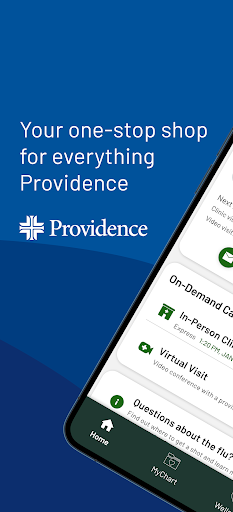
The Providence app serves as your all-in-one healthcare and productivity platform, designed to simplify your daily routines and provide seamless access to Providence health services and organizational tools. Whether you're seeking medical care, managing your health records, or enhancing your productivity, this modern application has everything you need, available 24/7, 365 days a year.
Comprehensive Healthcare Resources at Your Fingertips
Your Personal Healthcare Hub
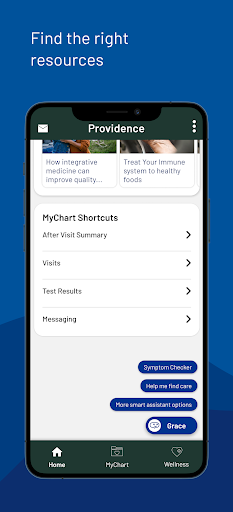
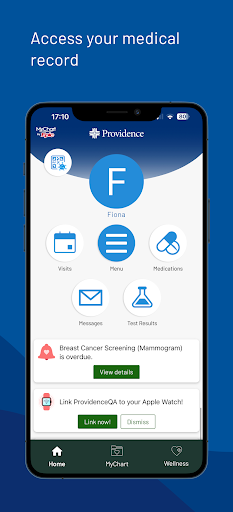
The Providence app is an ideal solution for anyone navigating the healthcare system within Providence or affiliated providers. It offers quick access to a broad range of services, including viewing medical records, managing appointments, and exploring new health programs tailored to your needs.
Connect and Communicate with Your Care Team
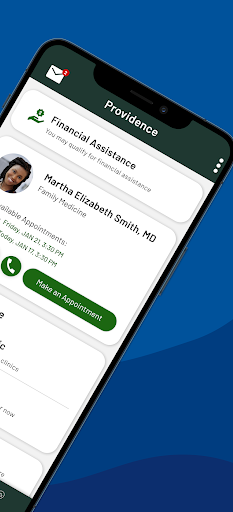
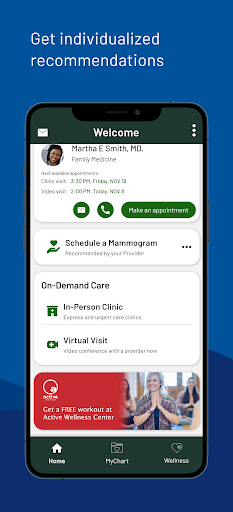
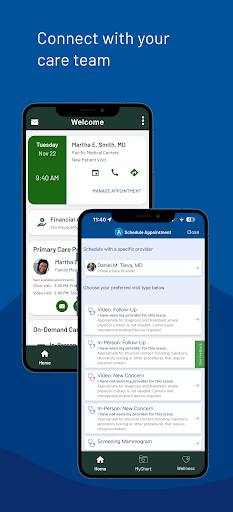
Stay connected with your care team by scheduling appointments, viewing instructions, or sending secure messages. The app facilitates smooth communication, ensuring you receive timely support and guidance.
Immediate Access to Care
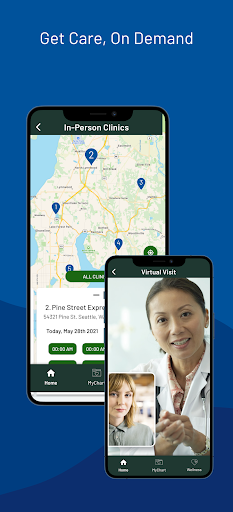
Need urgent care? Providence provides options like ExpressCare virtual visits and access to local urgent care clinics. You can even check wait times and join queues remotely, saving you time and effort before leaving home.
Bill Management and Financial Assistance
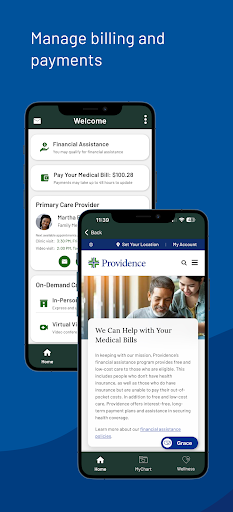
Manage and pay your healthcare bills effortlessly through the app. Additionally, check your eligibility for financial assistance programs designed to help you access affordable care.
Personalized Health Reminders and Recommendations
The app offers health reminders tailored specifically for you, along with customized suggestions for health programs and resources that support your well-being.
Health Content Created by Providence Experts
Access relevant health-related articles and content crafted by Providence specialists, empowering you to make informed decisions about your health and wellness.
Self-Service and Virtual Assistance
Navigate services easily with self-help options or get assistance from our virtual chatbot Grace. If you already have a Providence MyChart account, just log in using your existing credentials. New users can create an account seamlessly within the app.
The Providence App: A Productivity Ally for Daily Life
A User-Friendly Platform for Organizing Your Day
Beyond healthcare, Providence supports your daily productivity needs. Designed for both Android and iOS devices, it offers a smooth and intuitive experience for managing tasks and staying organized.
Powerful Task Management Features
Imagine having a digital personal assistant—that's what Providence provides with its task manager. Set priorities, deadlines, and reminders while categorizing tasks and attaching notes to keep all details in one place, boosting your efficiency.
Stay Connected and Keep Track
Effortlessly sync with calendars like Google Calendar or Apple Calendar for a consolidated overview of your schedule. Receive notifications to stay on top of upcoming appointments and deadlines. Progress tracking features allow you to visualize your achievements, encouraging continued productivity.
Customize Your Experience
The app offers extensive customization options, including theme adjustments and personalized notifications, making it truly your own. Additionally, integration with productivity tools and cloud services ensures your workflow remains uninterrupted and efficient.
Why Choose the Providence App?
Whether you're managing healthcare or organizing your daily tasks, the Providence app combines essential features into a single, easy-to-use platform. Its thoughtful design caters to users seeking convenience, efficiency, and personalized support. By bridging healthcare resources with productivity tools, Providence is a versatile solution that adapts to your evolving needs. Experience the convenience of having healthcare services and organizational tools in your pocket, and discover how this app can transform your approach to health management and daily planning.
Pros
- User-friendly interface that makes navigation simple.
- Extensive database covering various medical conditions.
- Offers tailored health insights for users.
- Regularly updated with the newest medical information.
- Allows offline access to essential information.
Cons
- Limited language options beyond English.
- Some functionalities require a paid subscription.
- Android version may experience occasional bugs.
- Extended use can drain device battery quickly.
- In-app advertisements may be disruptive at times.