
Nextcloud News
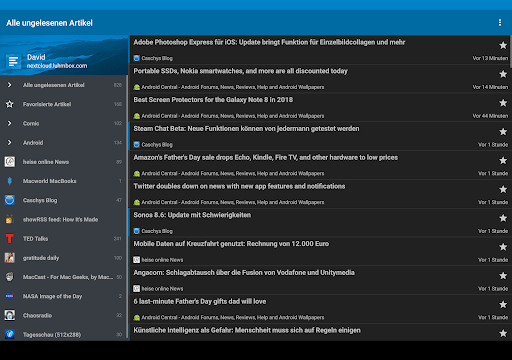
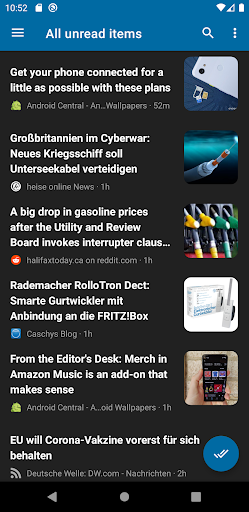
The Nextcloud News app is a powerful and versatile RSS news reader that seamlessly integrates with your Nextcloud instance. Designed to keep you up-to-date with your favorite news sources, blogs, and updates, this app offers a wide range of features to enhance your reading experience. Whether you prefer to read on your desktop or mobile device, Nextcloud News provides synchronization, offline reading, and customization options to suit your needs.
Key Features of Nextcloud News
Synchronization and Compatibility
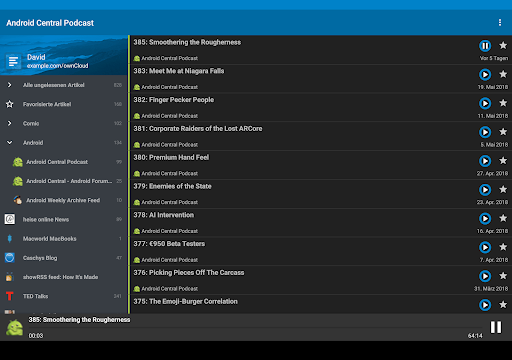
One of the standout features of Nextcloud News is its ability to synchronize feeds between Android devices and your Nextcloud News app. This means you can effortlessly keep all your news sources updated across multiple platforms. The app supports popular formats like RSS and Atom feeds, consolidating your news in one convenient location. To access the latest beta version, simply follow this link.
Customization and User Experience
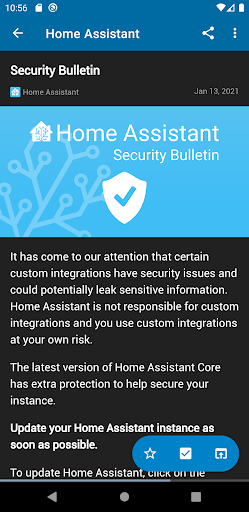
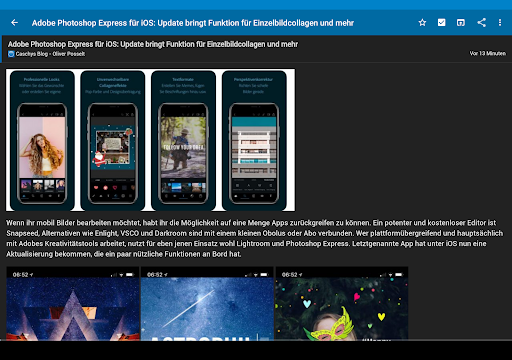
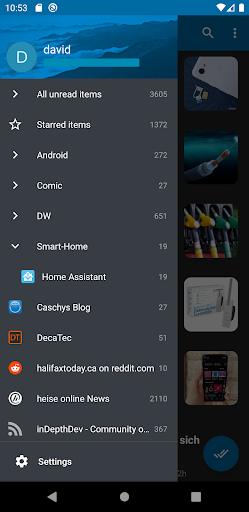
Nextcloud News prioritizes a personalized and user-friendly experience. You can customize the theme to match your mood or vision — whether you prefer dark or light modes. Additionally, the app allows you to select your preferred font size, mark articles as read while scrolling, and organize feeds into folders for easy categorization. The interface is clean, intuitive, and free from intrusive ads, ensuring a smooth reading journey from start to finish.
Offline Reading and Background Sync
For those who are always on the go, Nextcloud News shines with its offline reading capability. You can cache images and articles for later access, even when you are without internet connectivity. The background synchronization feature ensures that your feeds are updated automatically without you needing to manually refresh, providing a seamless news experience at all times.
Additional Features
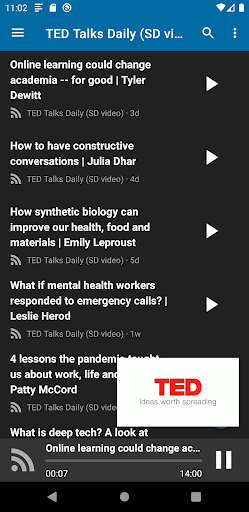
The app supports podcast playback and Android Auto, making it adaptable to various listening environments. You can also enjoy the widget for quick access to your feeds from your device's home screen. Sharing articles and marking content as favorite are also straightforward, allowing easy content curation. The app's full-text search feature helps you retrieve past articles effortlessly.
Open Source and Licensing
Nextcloud News is an open-source project licensed under AGPLv3. The source code is freely available, and ongoing developments are publicly accessible through GitHub. This transparency fosters community involvement and continuous improvement.
Getting Started with Nextcloud News
If you want to get started, ensure you have a Nextcloud instance set up with the news app installed. Once configured, installing Nextcloud News on your Android device allows you to effortlessly synchronize and manage your news feeds. The app’s intuitive interface means that even users new to RSS feed readers will find it easy to navigate and customize their feeds.
Why Choose Nextcloud News?
In today’s fast-paced digital world, staying informed without feeling overwhelmed is a challenge. Nextcloud News offers a reliable, privacy-focused solution for managing your news feeds effectively. Its synchronization capabilities, offline reading support, and deep customization options make it ideal for anyone looking to streamline their news consumption.
Whether you're a news junkie or a casual reader, this app provides a straightforward way to stay updated on your favorite topics while maintaining control over your data. Experience the convenience of a powerful RSS reader that respects your privacy and adapts to your lifestyle. Give Nextcloud News a try and enjoy a clutter-free, personalized news reading experience every day.
Pros
- Open-source and customizable.
- Seamlessly integrates with existing Nextcloud setup.
- Supports RSS feeds.
- Provides Atom feed support.
- Compatible across multiple platforms.
- Enables offline reading.
Cons
- Requires a Nextcloud server to operate.
- Setup process may be complicated for beginners.
- Offers limited advanced features.
- User interface appears outdated.
- Occasional synchronization problems.