Overview of the MyChart App
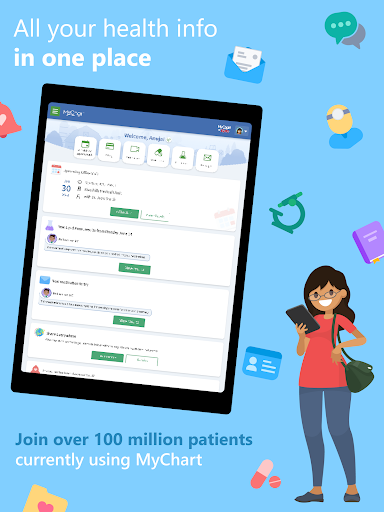
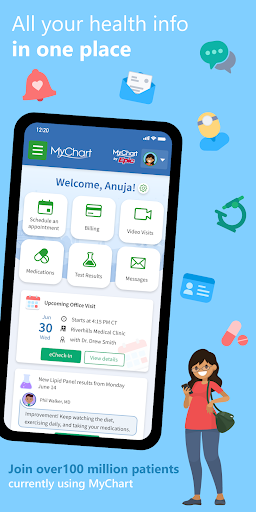
MyChart is a powerful digital health tool designed to put your health information right in the palm of your hand. Whether you're managing your own care or looking after a family member, MyChart offers a seamless and secure way to stay connected to your healthcare journey. With its user-friendly interface and comprehensive features, this app transforms the way you interact with your medical data, schedule appointments, and communicate with your care team.
Key Features of MyChart
Access and Manage Your Health Data
MyChart enables you to review test results, medications, immunization history, and other essential health information. Integration with Google Fit allows you to automatically pull health data from your personal devices directly into the app, ensuring your records are always up-to-date and comprehensive. Additionally, users can view their After Visit Summary® for past visits and hospital stays, along with any clinical notes shared by their healthcare providers.
Schedule and Manage Appointments
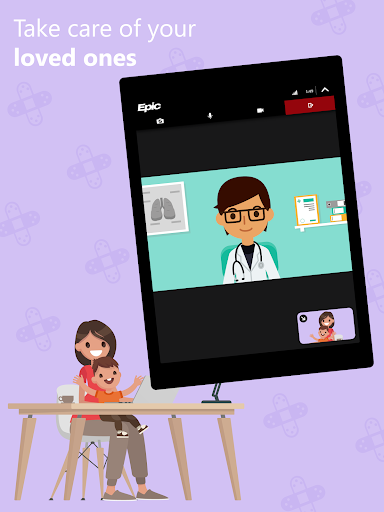
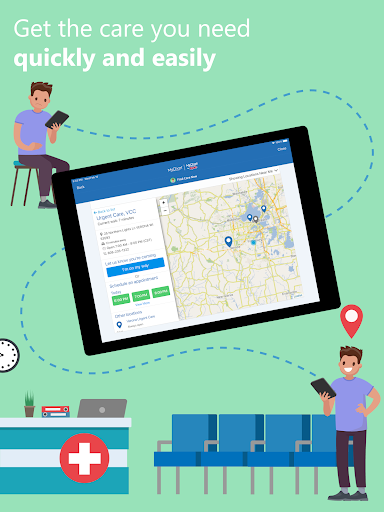
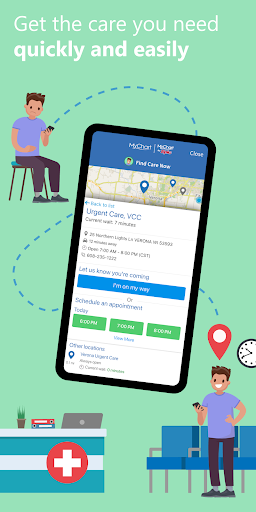
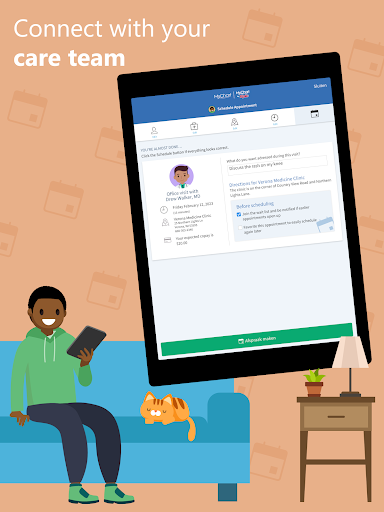
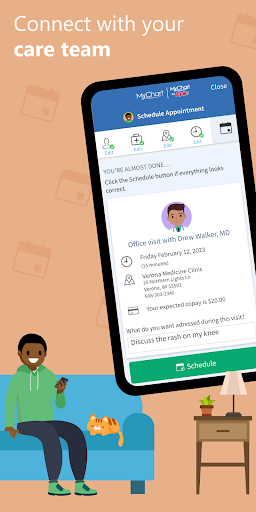
The app simplifies appointment management, allowing you to schedule and modify in-person and video appointments easily. Set reminders for upcoming visits, so you never miss an important check-up again—saving time and reducing stress.
Billing and Payments
MyChart also offers convenient features like viewing and paying medical bills online. You can get price estimates for medical care upfront, helping you understand potential costs and plan accordingly.
Secure Sharing and Multi-Organization Access
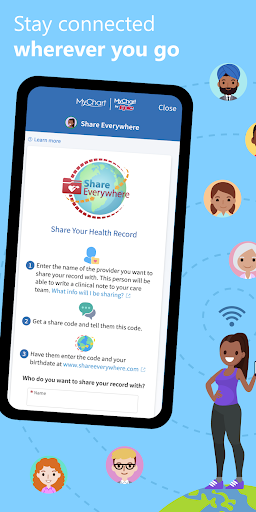
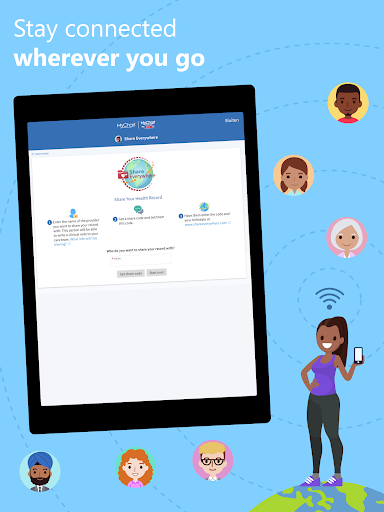
Share your medical records securely from anywhere with anyone who has internet access. Plus, if you’ve received care from multiple healthcare providers, connect your accounts to see a consolidated view of your health history.
Notifications and Updates
Stay informed with push notifications alerting you when new information is available. Customize your notification preferences within the Account Settings for a personalized experience.
Getting Started with MyChart
To get started, you need to create an account through your healthcare organization. This involves downloading the app, searching for your provider, or visiting their MyChart website. Once registered, enhance your login process by enabling fingerprint authentication or setting up a four-digit passcode for quick and secure access.
Availability of features may vary depending on your healthcare organization and their software updates. For any questions regarding the app's features, contact your healthcare provider for guidance.
Benefits of Using MyChart
MyChart is more than just an app; it’s a comprehensive health companion that empowers you to take control of your healthcare. Its intuitive design, combined with features like secure messaging and appointment management, makes managing health routines less of a chore. The ability to access medical records across multiple providers in one place saves time and offers a complete picture of your health status.
For those who value being well-informed about their health, the app offers educational resources and timely updates. This combination of functionality and convenience positions MyChart as a vital tool for proactive health management, ensuring you are always connected to what matters most—your well-being.
More Information
For additional details about MyChart’s features or to find a healthcare organization that offers the app, visit www.mychart.com. If you wish to provide feedback or seek support, contact us via email at mychartsupport@epic.com.
Pros
- Integrates smoothly with medical records.
- Intuitive interface that allows easy navigation.
- Secure login with multiple authentication methods.
- Provides real-time updates on lab results and appointments.
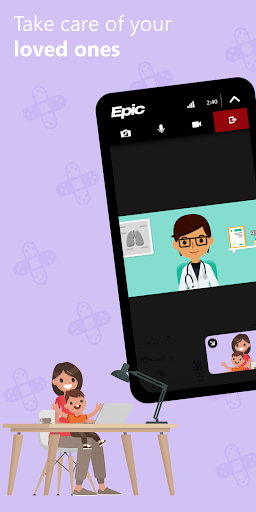
- Enables telemedicine consultations with doctors.
Cons
- Limited to healthcare providers who participate.
- Users have reported occasional app crashes.
- Some features depend on having an internet connection.
- Setup process can be complex for users with little technical experience.
- Notifications might become overwhelming if not properly managed.