Microphone Amplifier App: Enhance Your Sound Experience
Are you looking for an audio booster that can turn your device into a powerful megaphone voice amplifier? The Bluetooth Microphone: Megaphone Voice Amplifier app is here to revolutionize your sound experience. Designed for Android devices, this innovative application amplifies sound effectively, allowing you to capture, boost, and project audio with ease. Whether you're giving a presentation, participating in an assembly, or simply enjoying amplified sound from far away, this app transforms your smartphone into a sophisticated sound amplifier listening device.
Experience crystal-clear audio, enhanced volume controls, and improved sound clarity unlike ever before. With its array of features, the Bluetooth Microphone app makes environmental sounds more accessible by amplifying your surroundings, making it an essential tool for public speakers, educators, event organizers, or anyone needing reliable sound amplification on the go.
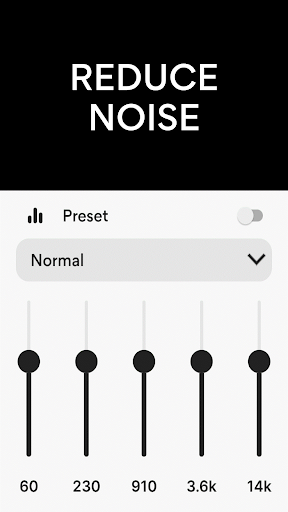
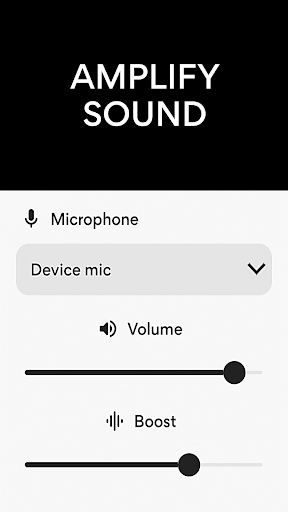
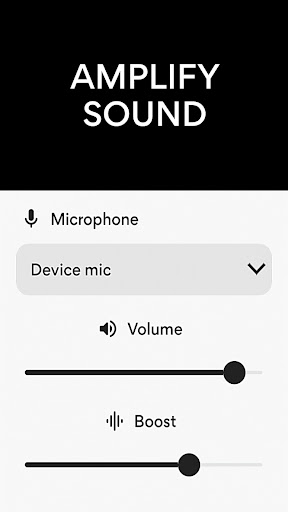
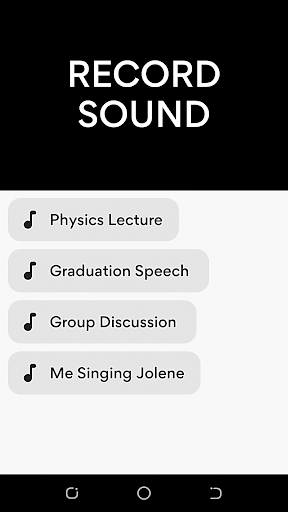
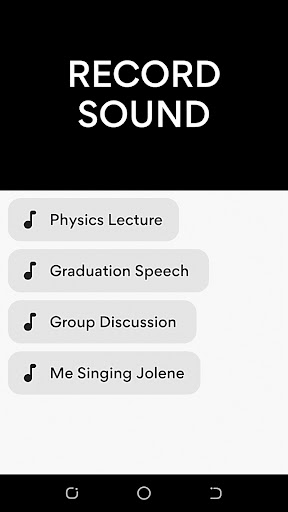
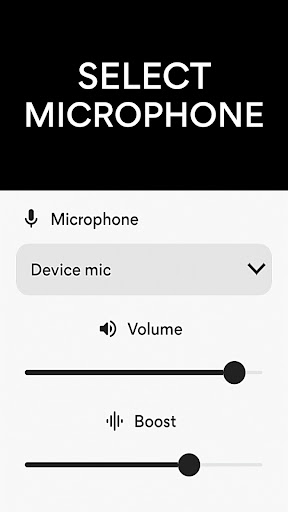
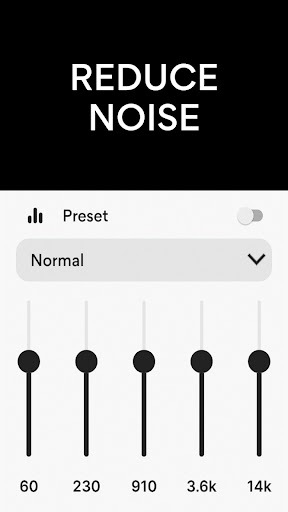
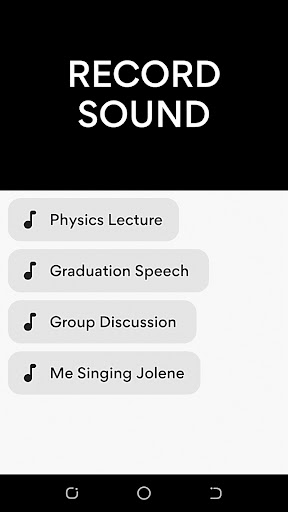
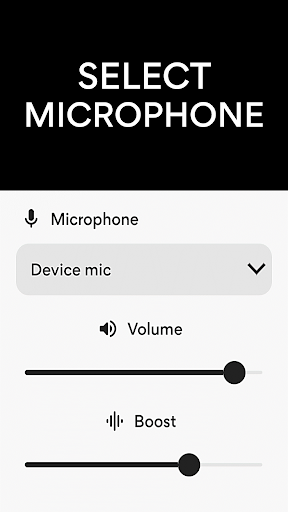
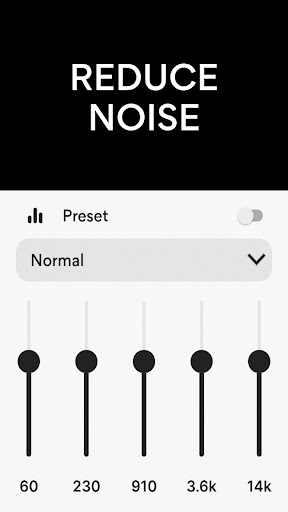
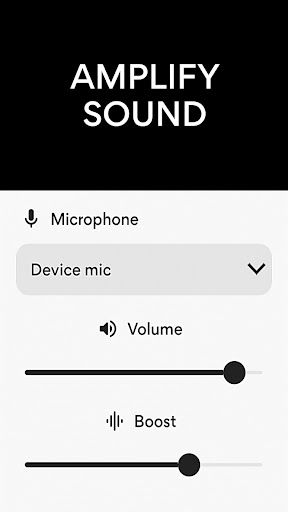
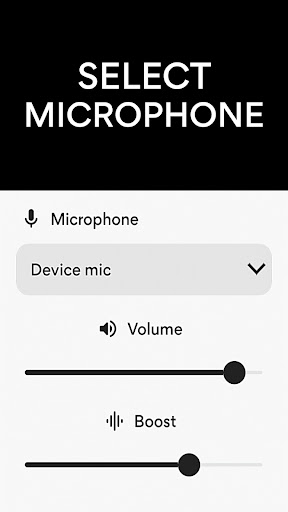
Looking for a versatile sound booster that doubles as a hearing aid application? The app allows you to select between a phone microphone, headset microphone, or Bluetooth microphone, giving you flexibility tailored to your situation. Its advanced noise reduction and echo cancellation capabilities ensure that you get clean, high-quality audio—whether you're in a noisy environment or a quiet setting. The user-friendly interface makes it simple for users to customize sound frequencies, record audio effortlessly with the integrated MP3 recorder, and wirelessly connect to external speakers or headphones for amplified sound delivery.
Live Microphone Audio Booster: Amplify Sound Anywhere You Go
This innovative live microphone audio booster and sound amplifier listening device app are perfect for situations where clear and loud audio is needed. Simply place the device near the audio source, connect your Bluetooth headphones, and enjoy high-quality, amplified sound directly through your ears. The app is specially designed for effortless sound enhancement, making it ideal for speech, music, or any audio source requiring a boost.
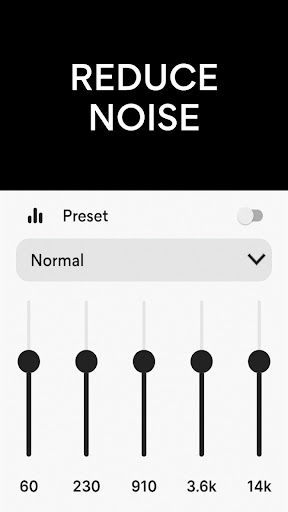
With the ability to fine-tune sound frequency settings, the sound amplifier ensures optimal audio clarity. Whether you're attending crowded events, listening to lectures, or recording important notes, this tool provides an efficient and portable solution for amplified listening. It turns your Android device into a powerful hearing aid app that can elevate your audio experience anytime, anywhere.
The said application excels in transforming your device into a volume amplifier for Android—a quick and effective way to boost audio output. No complex setup is necessary; just connect, amplify, and enjoy. Whether you are recording in noisy environments or trying to hear distant sounds more clearly, this app adapts to your needs seamlessly, offering enhanced listening and recording capabilities that are ideal for meeting, outdoor activities, or personal use.
Microphone Amplifier: Sharpen Your Recordings in Noisy Environments
Ever found yourself wishing your phone’s microphone could capture more crisp and clearer audio, especially in busy or noisy settings? The Microphone Amplifier app promises to amplify your microphone input, making recordings sharper, more defined, and easier to understand. Compatible with both Android and iOS, this app is user-friendly and suitable for a wide range of devices.
Getting started is straightforward—a simple download and installation grant access to an intuitive dashboard with all main controls at your fingertips. With adjustable gain, you can easily increase or decrease microphone sensitivity based on your environment, making it ideal for voice notes, recordings, or calls in loud surroundings.
In testing the app in a bustling café, I observed a significant improvement in voice clarity, even with a lot of background noise. The noise suppression feature reduces unwanted sounds, ensuring your recordings are as clean as possible. Additionally, the built-in equalizer lets you tweak audio frequencies to improve sound quality further, giving you precise control over the output.
The app operates smoothly without lag or battery drain, providing a hassle-free experience. Its simple design ensures even non-tech-savvy users can navigate easily. It’s perfect for making calls in noisy environments, capturing high-quality voice notes, or recording video audio with enhanced clarity. Whether for professional recording, personal notes, or content creation, the Microphone Amplifier app proves to be a valuable tool for better audio capture.
Pros
- Improves microphone volume effectively
- Easy-to-navigate user interface
- Customizable settings to suit various needs
- Consumes minimal battery power
- Supports a wide range of audio formats
Cons
- May produce distortion at high volumes
- Few features are available for free
- Advertisements can sometimes be disruptive
- Requires microphone access permission
- Not compatible with all device types