Introduction to MEDITECH MHealth
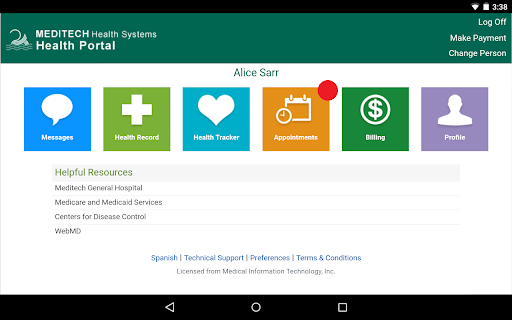
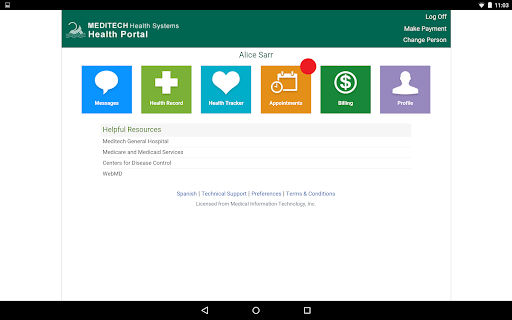
The MEDITECH MHealth app is a revolutionary healthcare management tool designed to bring your health records and medical information directly to your fingertips. As the mobile extension of the MEDITECH Patient and Consumer Health Portal, MHealth offers users an intuitive, secure, and convenient way to access a wide array of health features on their smartphones or tablets. Whether you're managing your own health or caring for your family, this app simplifies your healthcare experience by providing essential functionalities within a user-friendly interface.
Main Features of MEDITECH MHealth
Secure Access with Your Existing Portal Credentials
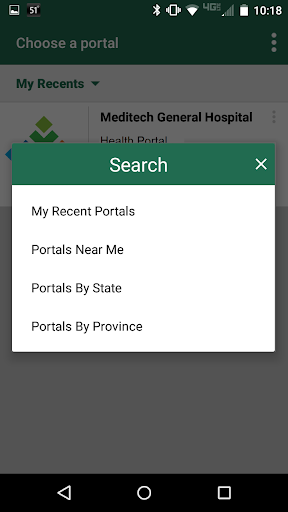
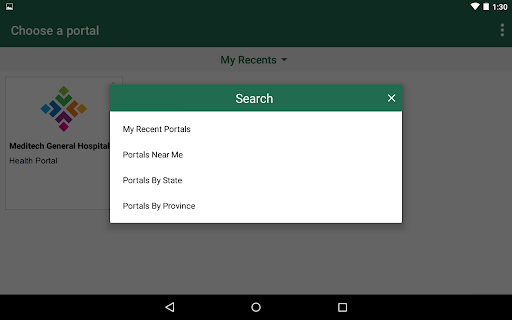
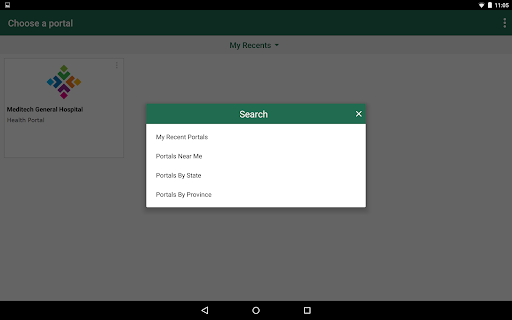
To get started with MEDITECH MHealth, simply use your current Patient Portal login ID and password. If you already have an account through your healthcare provider, and access has been enabled for MHealth, you're all set to begin exploring its features. For those without an existing account, visit your healthcare provider’s website to learn how to create one and link it to MHealth, opening the door to effortless health management.
Key Features and Benefits
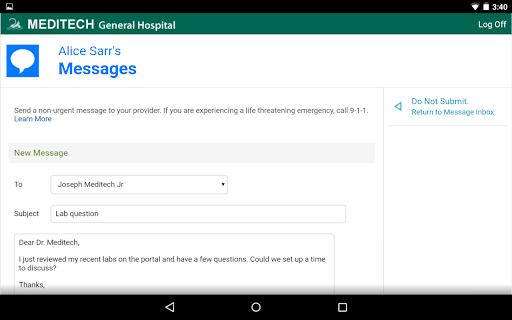
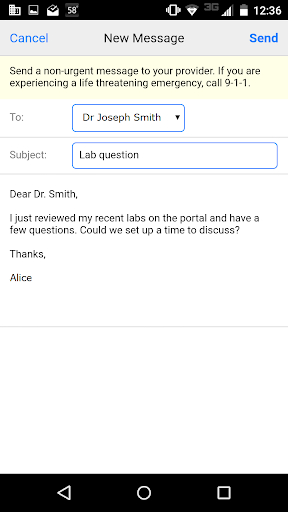
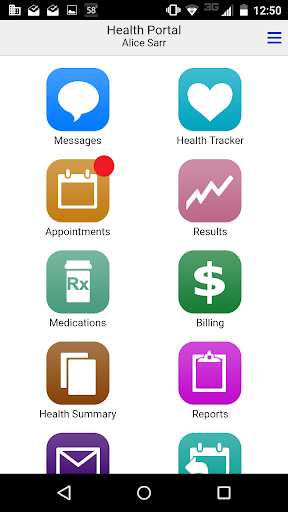
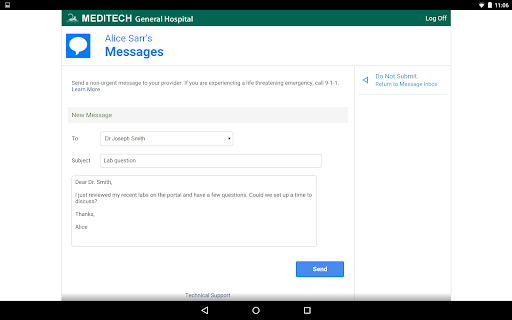
- Secure Communication with your care team, allowing you to ask questions and share updates safely.
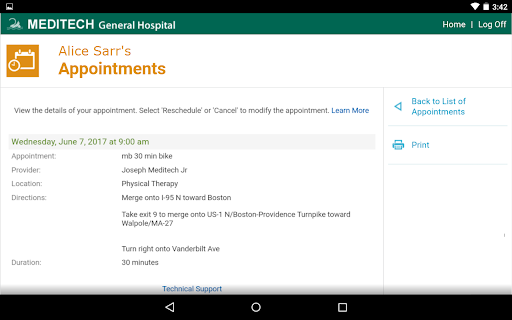
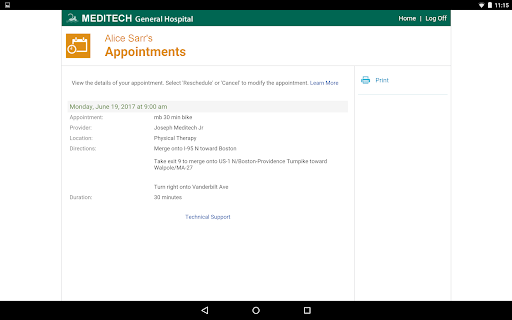
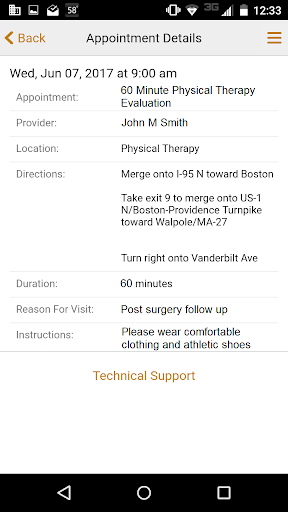
- Appointment Management: book new appointments, view upcoming visits, or cancel scheduled ones with just a few taps.
- Pre-registration for upcoming visits to save time during check-in.
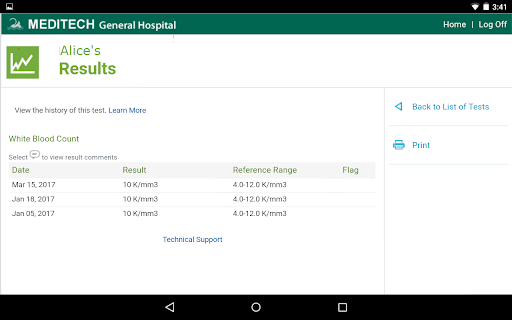
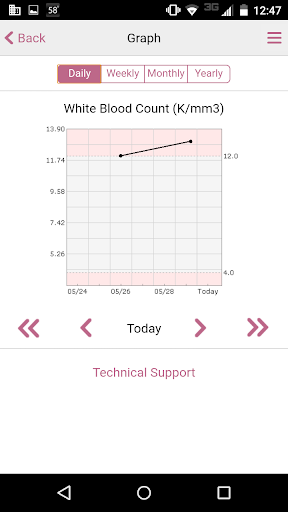
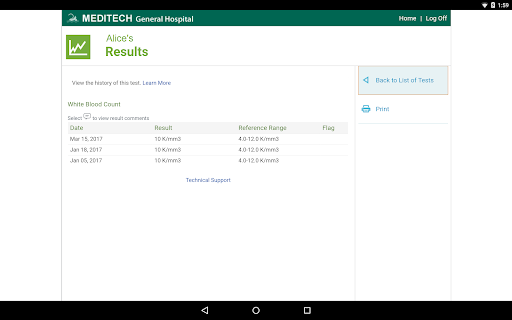
- Test Results Review: access your laboratory, radiology reports, and other test outcomes instantly.
- Immunization and Allergy Tracking: monitor your immunizations, allergies, and health conditions in one place.
- Medication Management: manage home prescriptions, request renewals, and keep track of your medication history.
- Visit History and Forms: review past visit information, discharge instructions, and medical forms hassle-free.
User Experience and Security
The MEDITECH MHealth app is designed for simplicity and efficiency. Its clean and intuitive interface makes navigation straightforward, even for those new to healthcare apps. Users can access important health data quickly and efficiently, reducing the reliance on paper records or lengthy phone calls. The app employs top-tier security measures to ensure that your personal health information remains protected at all times, giving you peace of mind as you manage sensitive data.
Real-time notifications keep you up-to-date with upcoming appointments, test results, or important health reminders. These alerts function like a personal health concierge, ensuring you stay informed and engaged with your healthcare routines, without the hassle of manual checks or missed updates.
Why Choose MEDITECH MHealth?
If you're tired of juggling multiple healthcare apps or navigating complex portals, MEDITECH MHealth offers a streamlined, one-stop solution. Its user-friendly design, combined with robust security features and comprehensive health management tools, makes it an indispensable companion for modern healthcare. From managing appointments and viewing test results to tracking allergies and medications, this app puts control and convenience firmly in your hands.
By integrating all vital health information into a single platform, MEDITECH MHealth empowers you to take charge of your health journey with confidence. Discover the simplicity of digital healthcare with MHealth and experience a new level of convenience and peace of mind.
Pros
- Intuitive user interface
- Comprehensive health tracking
- Secure data encryption
- Real-time updates
- Multi-platform support
Cons
- Limited offline functionality
- Subscription-based premium features
- Occasional sync issues
- Requires stable internet connection
- Lacks advanced fitness analytics