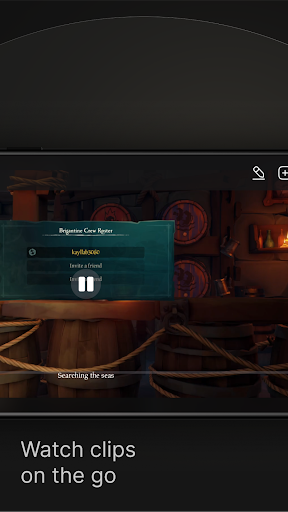
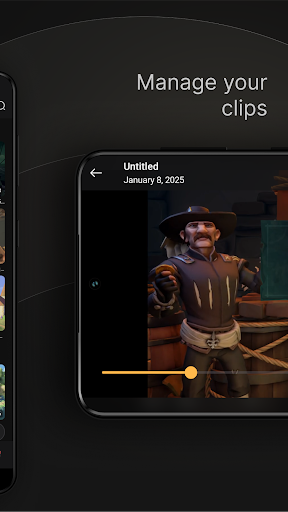
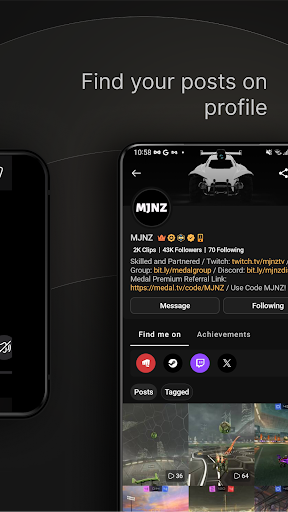
Introducing the Medal - Gaming Clips App
If you're passionate about gaming and love sharing your best moments, the Medal - Gaming Clips app is your perfect companion. Designed to be user-friendly and feature-rich, Medal makes it effortless to capture, edit, and share your gaming highlights across various platforms. Whether you're pulling off incredible stunts in Fortnite, showcasing hilarious fails in Roblox, or just want to save your top gameplay moments, Medal ensures those memories are never missed.
What is Medal - Gaming Clips?
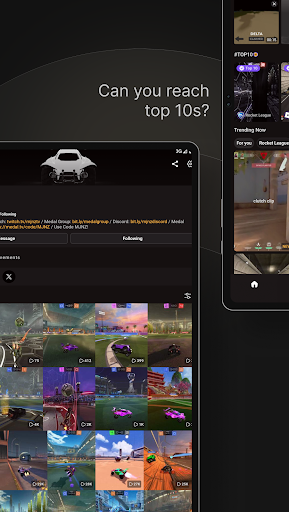
Medal - Gaming Clips is your personal hub for gaming highlights. Imagine it as a treasure chest filled with your most epic and funny gaming moments. This app allows gamers of all levels to record, edit, and instantly share their favorite clips with friends and the larger gaming community. Whether you're new to gaming or a seasoned pro, Medal provides a seamless experience to showcase your skills and have fun connecting with others who share your passion.
Key Features of Medal - Gaming Clips
Simple & Fast Recording
One of the standout qualities of Medal is its easy-to-use interface. There's no need for complex setups—just tap a button, and your gaming moment is automatically recorded. The app runs smoothly in the background, so gameplay isn’t interrupted or slowed down, allowing you to focus on what truly matters—the game itself.
Powerful Editing Tools
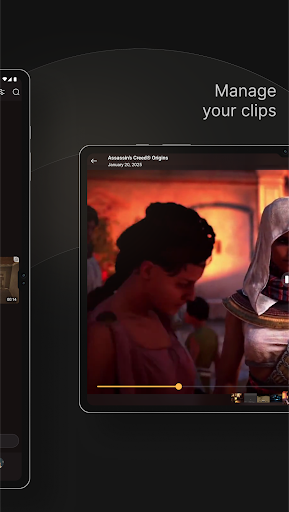
Post-recording, medal offers simple editing features that let you trim clips, add captions, and incorporate special effects. No need for advanced editing skills—all this functionality is accessible right on your device. Create polished, share-worthy highlights with just a few taps, making your gameplay stand out even more.
Effortless Sharing & Community Engagement
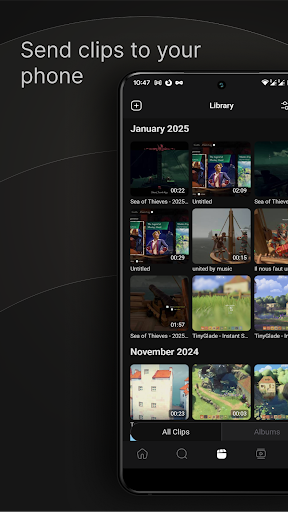
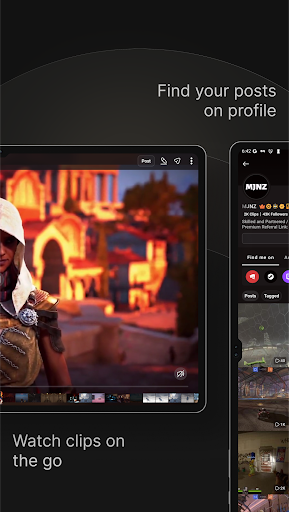
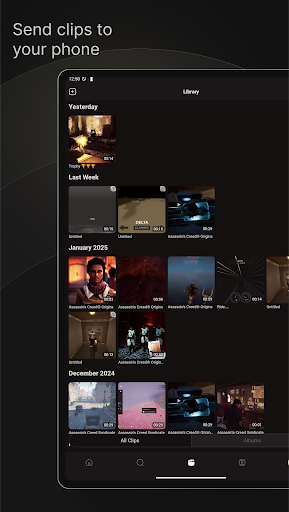
Sharing your clips is quick and straightforward. Medal allows you to post directly to popular social media platforms like Instagram, Twitter, TikTok, and Discord. You can generate quick sharing links and upload your highlights in stunning 1080p 60fps quality. Plus, you can access your clip library anytime, like, comment, and interact with other gamers, creating a vibrant community of gaming enthusiasts eager to celebrate each other's achievements.
Versatile Compatibility
Medal isn’t just limited to mobile devices. The app also supports PC game clips. Download the desktop version, press F8 during gameplay to record, and your clips are automatically synced. Share your epic moments with friends effortlessly, all while keeping your system optimized and GPU usage minimal.
How to Get Started with Medal
Download the Medal mobile recorder from the Google Play Store (here) and follow simple instructions to start capturing your gameplay. For desktop users, visit medal.tv/desktop to download the app. When gaming, press F8 to instantly record your gameplay. The app is designed to be GPU-friendly, ensuring your system remains responsive while capturing epic moments.
Join the Medal Community
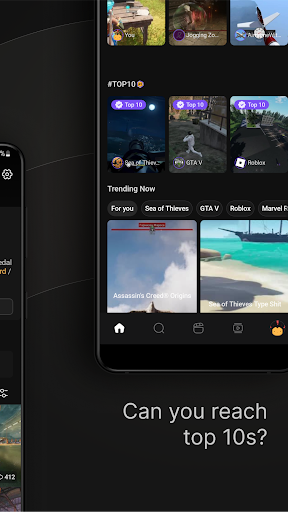
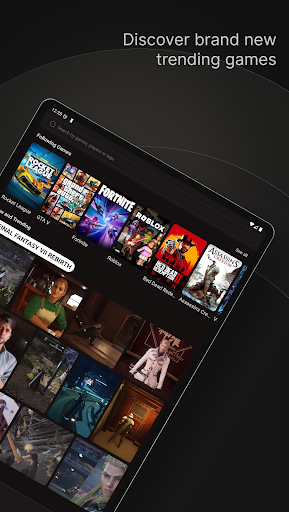
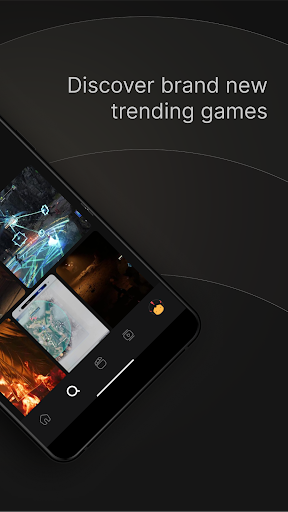
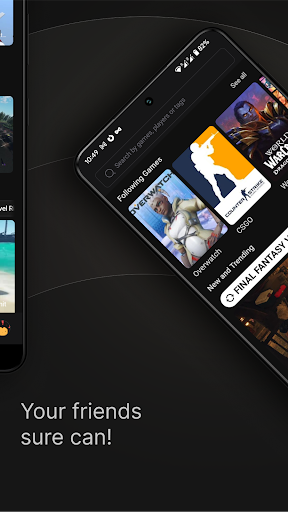
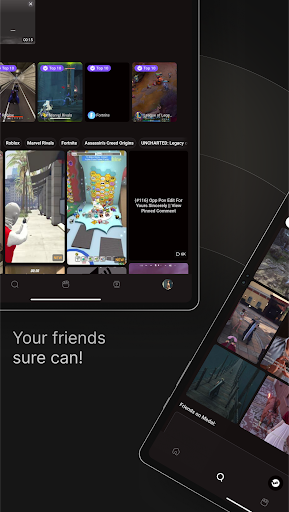
Medal encourages interaction and community building among gamers. Share your clips effortlessly with friends and fans, and explore trending highlights from titles like Fortnite, Roblox, Minecraft, and more. The app not only helps you showcase your skills but also find inspiration and learn new strategies from other gamers. The vibrant Medal community spans social media channels such as Instagram, X, and Facebook.
Final Thoughts
In summary, Medal - Gaming Clips is more than just a clip recorder—it's a comprehensive platform that brings gamers together, helping them capture, edit, and share their gaming highlights effortlessly. Its intuitive design, coupled with powerful features like instant recording, easy editing, and seamless sharing, makes it a must-have app for anyone looking to elevate their gaming experience. Whether you're trying to become a content creator or simply want to preserve your gaming achievements, Medal provides all the tools you need to make your moments shine. Dive into the exciting world of gaming clips today and see where your gameplay can take you—perhaps even to viral stardom!
Pros
- User-friendly interface
- Easy navigation
- High-quality video uploads and downloads
- Supports multiple gaming platforms
- Real-time sharing with friends
- Customizable clip editing features
Cons
- Occasional app crashes observed
- Limited storage for free users
- Advertisements can be disruptive at times
- Certain features require a premium subscription
- Slow performance on older devices