
Introduction to the Lowe's App
When it comes to home improvement, having the right tools and materials at your fingertips can make all the difference. The Lowe's app is designed to be your digital companion, catering to DIY enthusiasts and professional contractors alike. With its sleek interface and a host of features, this app simplifies your shopping and project planning process, whether you're updating a single room or tackling a big renovation. But is it worth downloading? Let's explore the key features and benefits that make the Lowe's app a must-have for every home improvement project.
Getting Started with the Lowe’s App
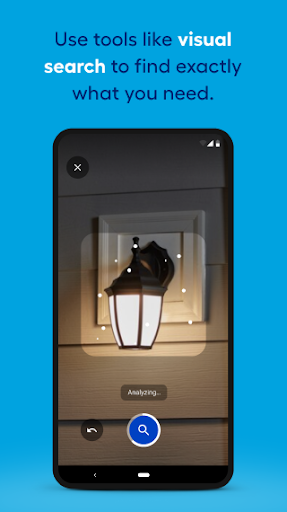
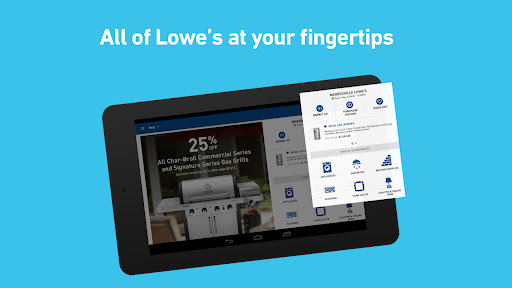
Downloading and setting up the Lowe's app is straightforward. Available on both Android and iOS devices, it offers a user-friendly and intuitive navigation experience. Once installed, you can easily browse through thousands of products, from lumber and paint to tools, outdoor furniture, and more. Whether you're searching for specific items or just exploring options for your next project, the app provides quick access and seamless browsing, making home improvement planning more convenient than ever.
Feature-Rich Experience for Efficient Shopping
The Lowe's app is loaded with features aimed at enhancing your shopping journey:
Product Browsing and Details
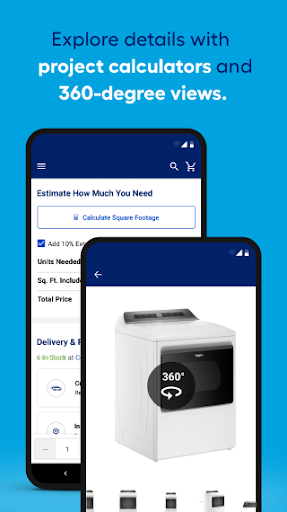
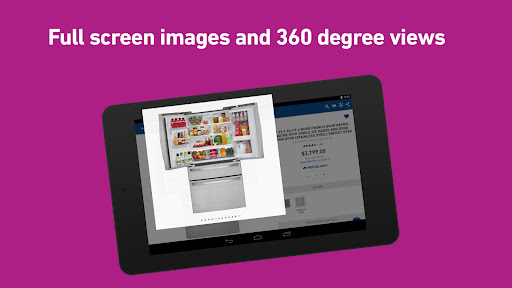
Find detailed descriptions, helpful reviews, and clear pricing for thousands of products. Large, zoomable images and 360° spins are available so you can see every detail – essential for making informed decisions.
Project Calculators
Planning your DIY projects? Use the built-in calculators to determine how much paint, mulch, or flooring you'll need, saving time and reducing waste.
Shopping Lists and Favorites
Create and manage your favorite lists effortlessly. Save items to your list by tapping the heart icon, scanning barcodes in-store, or adding notes. No sign-in required, making it quick to organize your shopping.
Store Locator and Inventory Checks
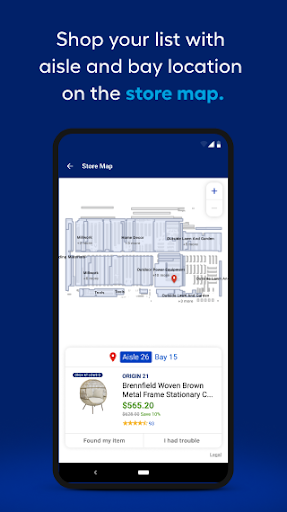
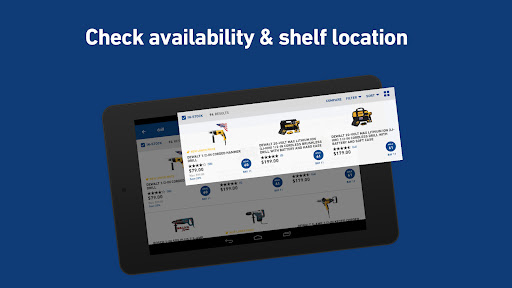
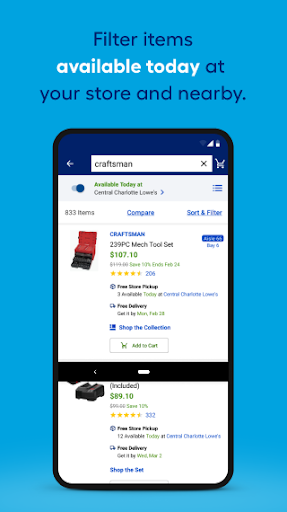
Locate your nearest Lowe's store with live directions, phone numbers, and drive time estimates. Check in-stock items in real-time, and easily see product locations and prices at your preferred store—just ensure location services are enabled for the best experience.
Weekly Deals and Offers
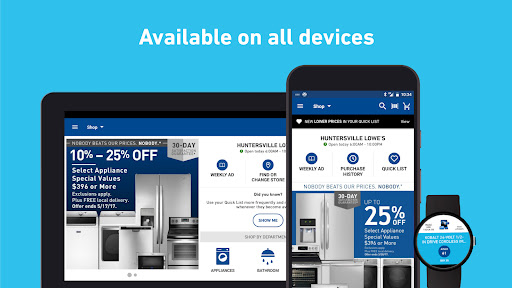
Stay updated with the latest weekly deals. Browse flyers by page or by department to maximize savings on your home improvement essentials.
Community Engagement
Want to verify if a product suits your needs? Engage with the community Q & A where you can ask questions, read answers, and see reviews from other customers and manufacturers.
Order Management and Convenience Tools
The Lowe's app streamlines the purchasing process:
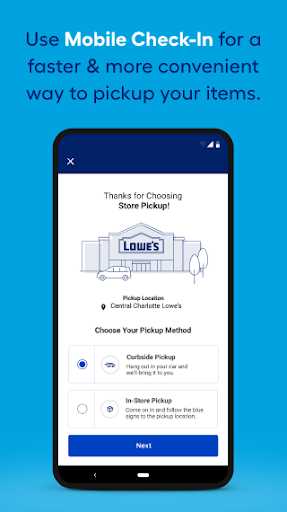
- Order Placement: Choose between home delivery or in-store pickup with real-time updates.
- Order History: Review past purchases and access digital receipts, eliminating paper clutter.
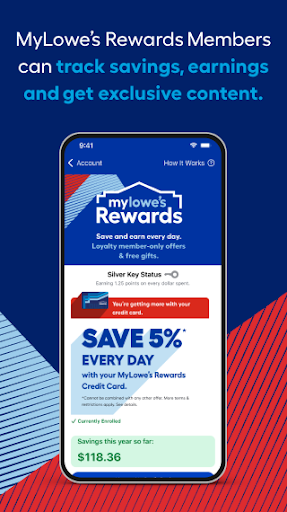
- Custom Widgets: Quickly access your Saved Lists or myLowe's card directly from your home screen and start shopping or checkout in a flash.
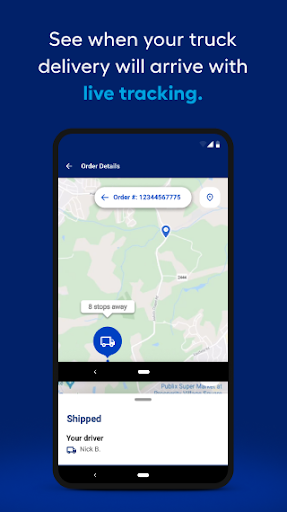
- Order Tracking: Follow your orders from purchase to delivery, ensuring you're always in the loop.
Enhanced Features for On-the-Go Use
For added convenience, the Lowe's app is optimized for Android Wear. Add your virtual myLowe's card to your digital wallet, find nearby stores with voice commands like "Hey Google, start a Saved List," and stay organized while on the move. This integration allows for a seamless, voice-activated home improvement experience.
Final Thoughts
In summary, the Lowe's app is an essential tool for anyone passionate about home improvement. It combines easy navigation, comprehensive product details, powerful planning tools, and efficient order management—all in a compact, user-friendly package. Whether you're tackling a small repair or orchestrating a major renovation, the Lowe's app helps you work smarter, not harder. Download it today and turn your home improvement dreams into reality with just a few taps!
Pros
- User-friendly interface.
- Wide range of products available.
- Easy order tracking.
- Multiple payment options.
- Helpful customer service.
Cons
- Occasional app crashes.
- Slow loading times.
- Limited delivery areas.
- Frequent login issues.
- Outdated product information.