Introduction to the Locket Widget
Are you looking for a simple yet effective way to stay connected with your favorite people throughout the day? The Locket Widget is a revolutionary app that brings your close friends and family right to your home screen via live photo updates. Unlike traditional social media platforms that often require likes, comments, and endless scrolling, Locket focuses on genuine moments and authentic sharing. Imagine having a tiny, personalized photo frame on your device that updates automatically with snapshots from those who matter most — that's exactly what the Locket Widget offers. It turns your phone into a window to your loved ones, making every moment feel more personal and real.
How the Locket Widget Works
Getting started with Locket is straightforward and easy. Here's a quick overview of how this innovative app helps you stay closer to your friends:
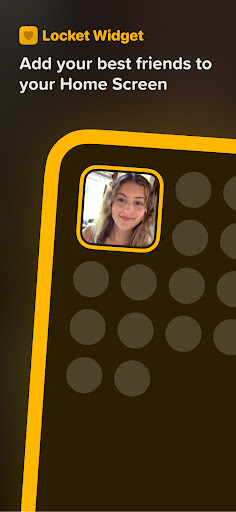
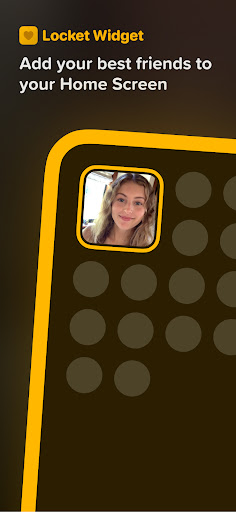
1. Add the Locket widget to your Home Screen
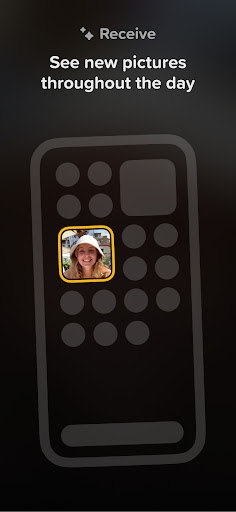
Once installed, simply place the widget on your device's home screen for instant access.
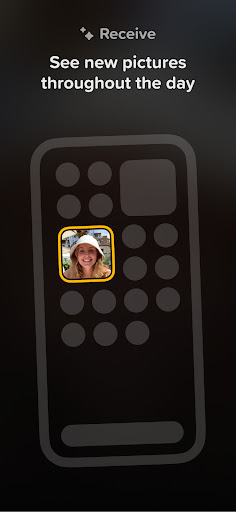
2. Receive photos from friends
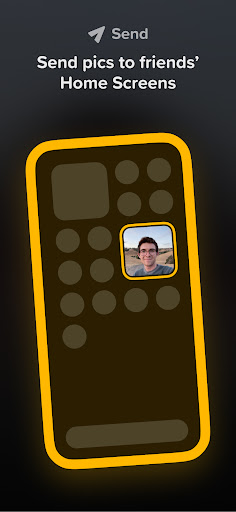
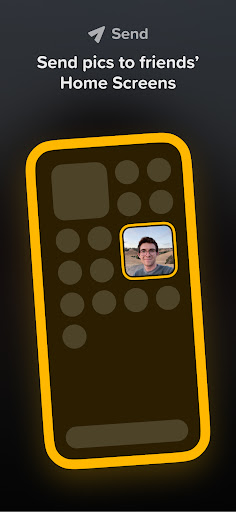
Whenever a friend sends you a photo, it instantly appears on your Locket widget. Likewise, your photos are shared back to them seamlessly.
3. Share your moments
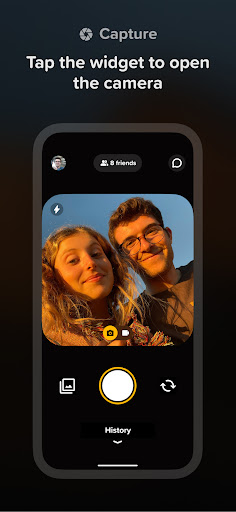
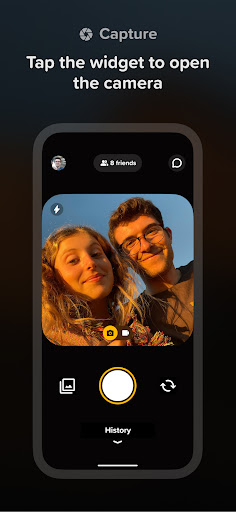
To send a photo, tap into the widget, take a picture with your camera, and hit send. Your chosen friends will see it appear on their home screens too, creating a continuous, real-time exchange of moments.
Designed for Your Close Friends and Family
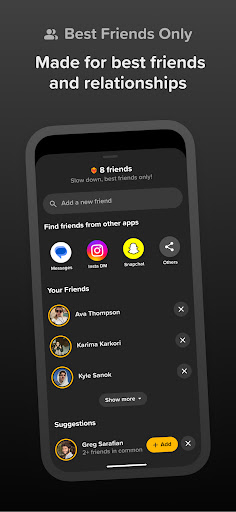
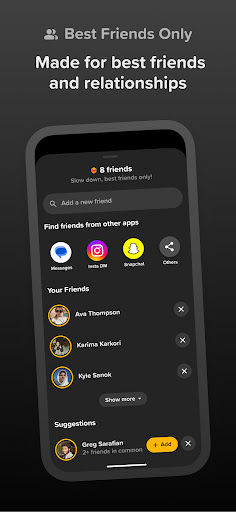
The Locket app thoughtfully limits the number of connections for a more meaningful experience. You can add up to •20• contacts, which ensures you're only sharing with the people who truly matter. Unlike follower counts or popularity metrics, Locket emphasizes genuine relationships and real-time sharing with your •best friends• and •family•. This approach encourages authentic interactions without the pressure of likes or filters, making your photo sharing experience sincere and heartfelt.
Interactive Features to Engage and Connect
Beyond just sharing photos, Locket offers playful ways to react and engage with your friends’ updates:
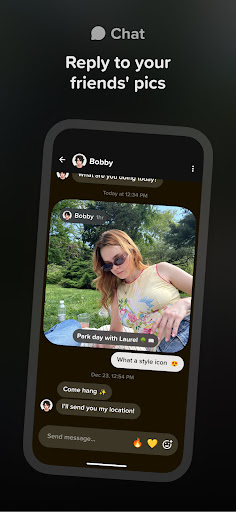
React to Photos
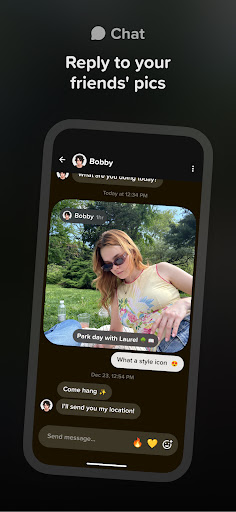
Send a reaction—like emojis—to let your friends know you saw and appreciated their photo. These reactions trigger notifications and create joyful moments as emojis rain down on the images.
Privacy and Authenticity
No public tracking of reactions or followers means you can be yourself. The focus remains on authentic connection, free from external validation concerns.
Build a Photo History
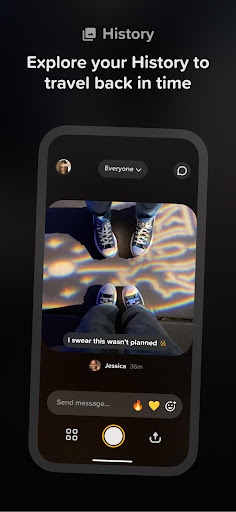
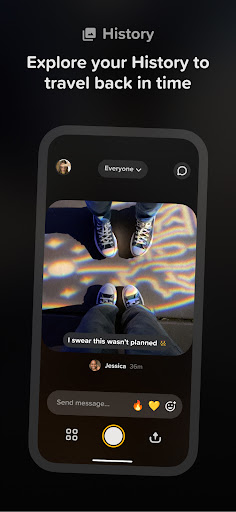
As you and your friends exchange Lockets, a history of all shared images is accumulated. This creates a nostalgic archive of your special moments together, accessible anytime.
Why Locket Is a Game-Changer
In a digital age flooded with notifications and social media updates, the Locket Widget offers a minimalist yet powerful alternative. It’s designed to foster •genuine• connections, allowing you to stay close to your loved ones without the clutter of ads or unnecessary alerts. Whether you're at work, traveling, or relaxing at home, those little photo updates can brighten your day and reinforce your sense of closeness. Plus, it’s hassle-free — no constant interactions required, just real moments captured and shared. The Locket experience is about •being present• and appreciating life’s simple joys with the people who matter most.
Final Thoughts
If maintaining authentic connection and cherishing life’s moments are important to you, the Locket Widget could become your new favorite app. It transforms your phone into a personal gallery of heartfelt memories, making distant loved ones feel closer than ever. With its ease of use, privacy-conscious features, and emphasis on real relationships, Locket stands out as a meaningful way to share your life and stay connected with •close friends• and •family•. Give it a try and let your home screen turn into a canvas of love, laughter, and genuine connection.
Pros
- Intuitive and easy-to-use interface.
- Smooth integration with social media platforms.
- Options to customize widget settings.
- Provides real-time updates and notifications.
- Consumes minimal battery power.
Cons
- Restricted number of free features.
- Lacks offline access functionality.
- Sometimes experiences synchronization problems.
- Necessitates a continuous internet connection.
- Limited options for customization.