







Inoreader: News & RSS Reader — A mindful, feature-rich way to stay informed
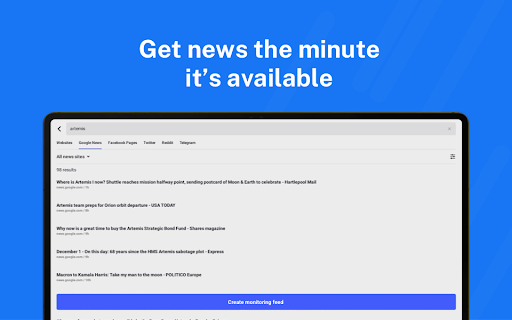
Take back control of your news feed with Inoreader. This powerful RSS reader brings information straight to you the moment it’s available, cutting through the noise and algorithms that often overwhelm readers. Follow your favorite websites, creators, newsletters, and social feeds all in one place, and discover articles from across the web to save for later. Read or listen on the go, mark the essential bits, and customize your view for the best experience. With advanced automation, Inoreader can do the heavy lifting, letting you focus on what matters most—your personal news agenda.
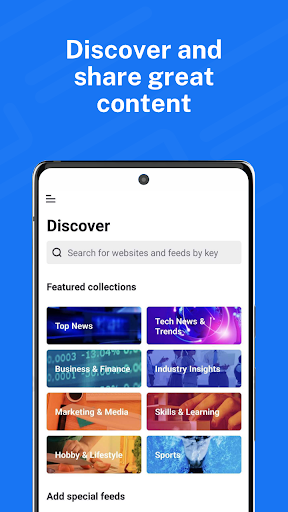
Discover and share great content
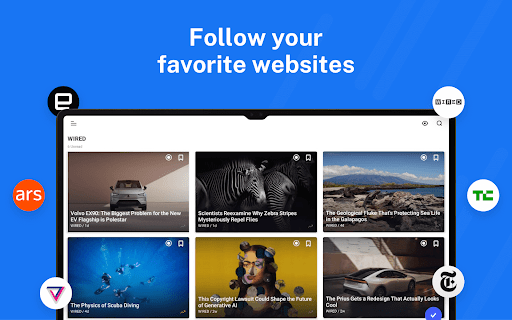
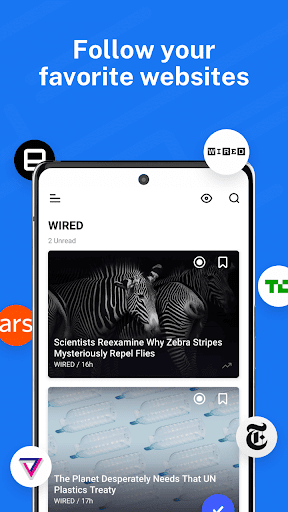
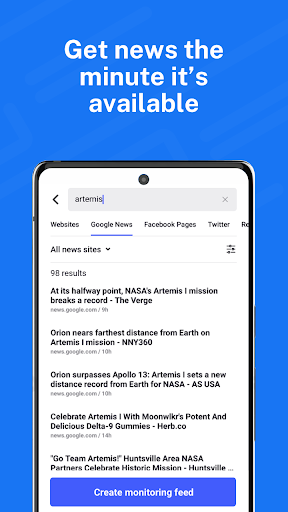
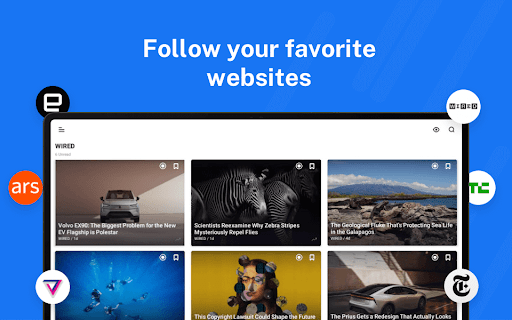
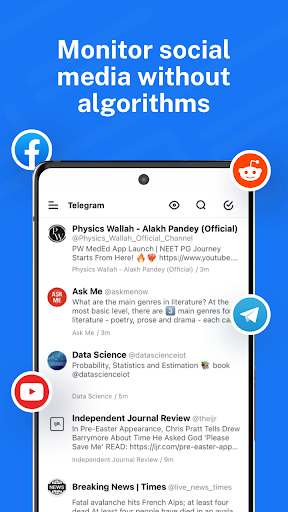
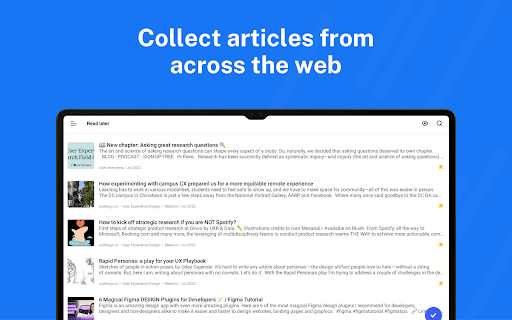
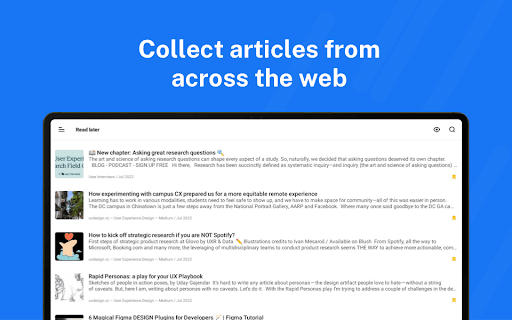
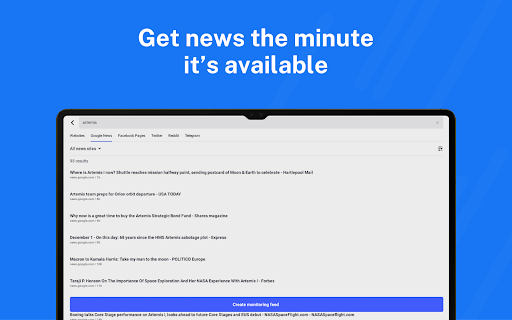
Follow your favorite websites, blogs, and creators, and collect articles from across the web to save for future reading. Subscribe to newsletters with custom emails to declutter your inbox, and explore collections curated by a team that features the best sources. Monitor Facebook pages, Reddit feeds, and Telegram channels, and even subscribe to YouTube channels and podcasts. Easily distribute content across social media and messaging apps, and stay up to date with breaking news by creating targeted monitoring feeds.
Become a mindful reader
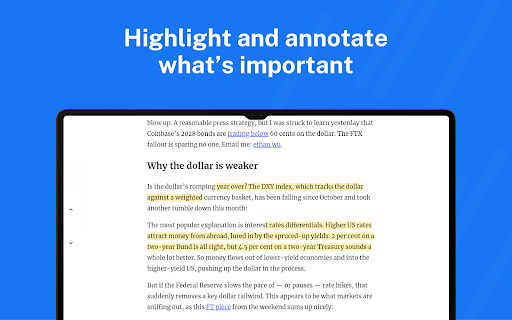
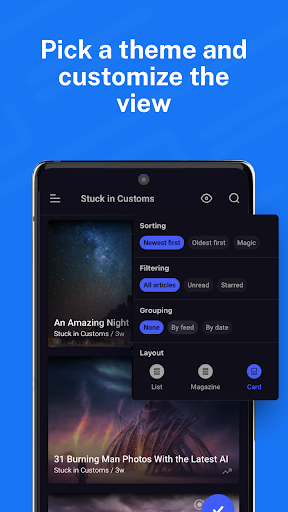
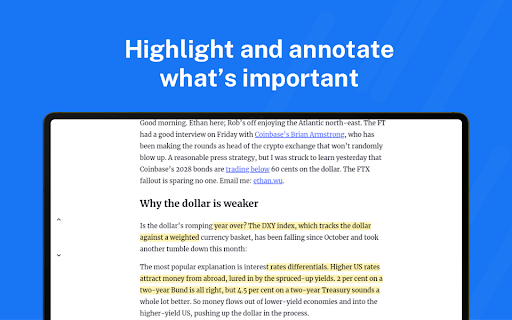
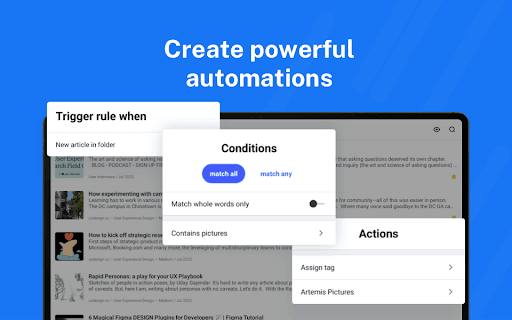
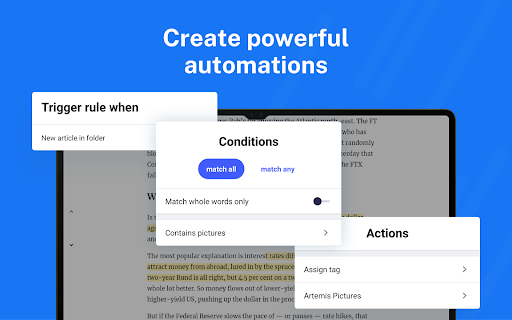
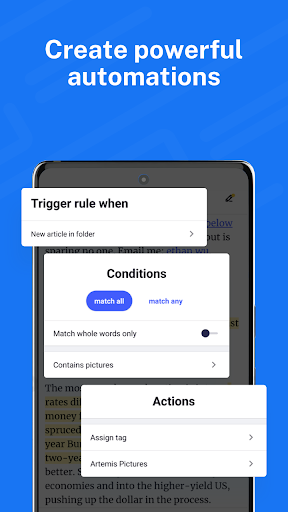
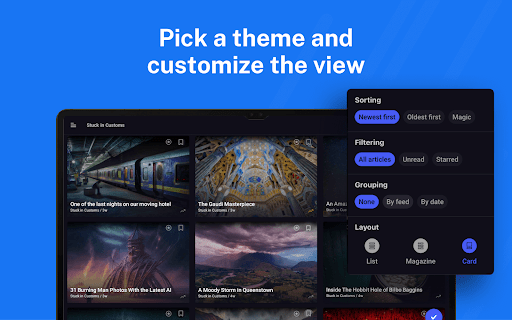
Use automation tools to create rules and filter content so your feed surfaces what you care about. Enhance your reading experience with customizable layouts and themes, and organize your interests with folders and tags. Annotate the essential bits and keep them forever, highlight keywords to speed up reading, and translate articles in your language without additional extensions. Load and keep the full content of articles without leaving the app, and listen to the news on the go with a built-in text-to-speech feature. For offline moments, download articles for later reading and save to Pocket, Evernote, OneNote, Google Drive, or Dropbox for easy access across devices.
Inoreader Pro and how it fits your workflow
Inoreader Pro is available with an annual subscription designed for power users who want even deeper control over their information streams. Subscriptions can be managed with ease, and automatic renewal helps you maintain a continuous briefing without interruption. The platform supports a transparent approach to licensing and privacy, while its flexible integration with services like Pocket and Evernote makes sharing or archiving articles a breeze. These capabilities position Inoreader as a scalable hub for research, learning, and daily briefing needs.
Final take
If you’re on the lookout for a reliable, feature-rich RSS reader that doubles as a personal information assistant, Inoreader: News & RSS Reader is worth trying. It blends powerful search, discovery, and mindful reading into a single, easy-to-use app. With automation, offline access, and broad integration options, Inoreader helps you stay informed without feeling overwhelmed—delivering a smoother, more organized approach to your daily news diet.
Key links
Terms of Use (EULA): https://www.apple.com/legal/internet-services/itunes/dev/stdeula/
Privacy Policy: https://www.inoreader.com/privacy_policy
Pros
- Highly customizable user interface.
- Supports a wide variety of feeds.
- Offers offline reading mode.
- Integrates with other apps effortlessly.
- Fast and responsive performance.
Cons
- Premium features require subscription.
- Initial setup can be confusing.
- Limited free version functionality.
- Occasional sync issues reported.
- Ads present in free version.