

Discover Seamless Navigation with GPS Map Driving Directions
Are you tired of getting lost on unfamiliar roads or struggling with confusing signages? GPS Map Driving Directions is your ultimate navigation tool designed to simplify your travel experience. Whether you're driving, walking, or exploring new locations, this comprehensive maps and directions app ensures you reach your destination effortlessly. With advanced features like live maps, voice navigation, and real-time traffic alerts, it transforms your journey into a smooth, stress-free adventure.
Key Features That Elevate Your Travel Experience
This app packs a wide array of features tailored to meet all your navigation needs:
- GPS Navigation: Accurate and reliable route guidance for any location worldwide.
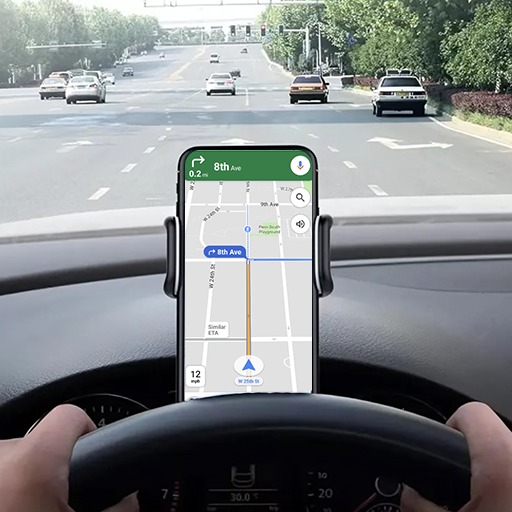
- Voice Navigation: Hands-free directions to keep your focus on the road.
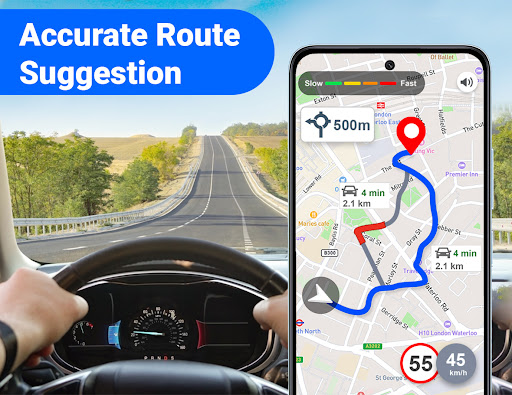
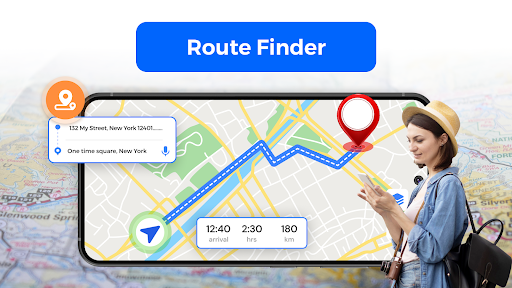
- Route Planner: Find the shortest or fastest route to save time.
- Comprehensive Driving Directions: Step-by-step guidance for a hassle-free trip.
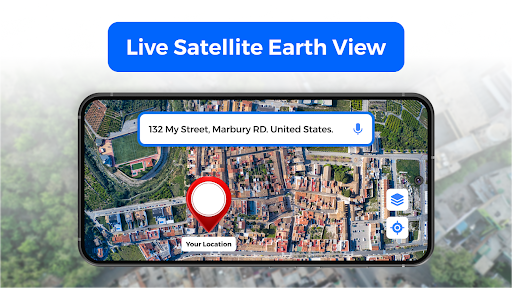
- Live Maps & Street View: Get a real-world perspective of your surroundings.
- 3D Maps: Experience detailed, immersive map views.
- Digital Compass: Orientation aid to help you navigate confidently.
- Traffic Alerts: Stay informed of current traffic conditions and avoid delays.
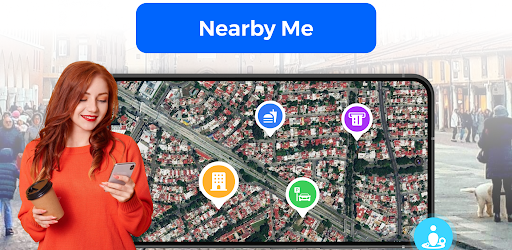
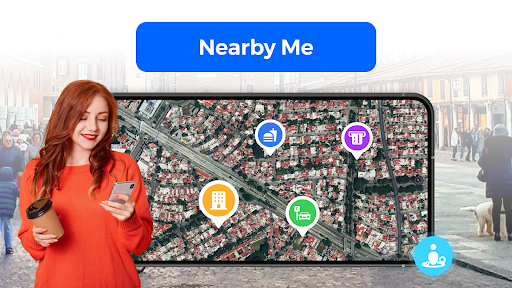
- Nearby Places Discovery: Find hotels, restaurants, hospitals, and other places of interest easily.
- Turn-by-Turn Navigation: Clear, sequential directions ensuring you stay on course.
- Weather Updates: Stay prepared for changing conditions during your journey.
Why Choose GPS Map Driving Directions?
Whether you are behind the wheel or walking through unfamiliar city streets, GPS Map Driving Directions caters to all your navigation needs. The app’s intuitive voice commands let you access routes without distraction, making it safer and more convenient. Its real-time traffic alerts feature keeps you ahead of congestion, allowing you to choose the quickest path to your destination. Additionally, discover nearby amenities effortlessly, making your trips more enjoyable and efficient.
Offline and Online Navigation
One standout feature is the ability to download maps for offline use, ensuring uninterrupted navigation even in areas with poor internet connectivity. This makes it a reliable companion for road trips or remote adventures, where connectivity might be limited. With its powerful route planning and live maps capabilities, you can navigate confidently no matter where you are.
Personal Experiences and Practical Benefits
Many users report that GPS Map Driving Directions feels like having a seasoned navigator in their pocket. Its user-friendly interface makes setting up routes quick and easy—just input your destination, and the app takes care of the rest. During a recent road trip, I appreciated how the app provided accurate directions through bustling city centers and scenic countryside alike. The ability to find local restaurants or gas stations along the way helped me discover hidden gems that enhanced my travel experience. The offline maps were particularly helpful in remote areas, ensuring I stayed on course without internet worries.
Make Your Travel Smarter with GPS Map Driving Directions
In summary, GPS Map Driving Directions is an indispensable app for anyone who wants to travel smarter, safer, and more efficiently. Its combination of real-time updates, detailed maps, voice guidance, and user-centric features makes it the top choice for navigation on all types of journeys. Leave behind cumbersome paper maps and embrace the future of navigation with this all-in-one map and directions app. Download now and explore the world with confidence and ease.
Pros
- Intuitive interface for easy navigation
- Real-time traffic updates to help avoid delays
- Voice-guided turn-by-turn directions
- Offline maps available for data-free usage
- Multiple route options for greater convenience
Cons
- Drains battery quickly
- Ads can be disruptive during navigation
- Route predictions may sometimes be inaccurate
- Requires frequent updates for new maps
- Limited features in the free version