Overview of the Geo Tracker - GPS tracker App
If you’re an outdoor enthusiast, a traveler, or someone who frequently explores unfamiliar areas, Geo Tracker - GPS tracker is a must-have application for your smartphone. Designed to work seamlessly with OpenStreetMap and Google Maps, this innovative GPS tracking app transforms your device into a powerful navigation tool. Whether you're hiking, biking, or just discovering new cities, Geo Tracker helps you record your journeys, analyze detailed statistics, and share your adventures with friends effortlessly.
Main Features of Geo Tracker - GPS tracker
Versatile Map Support and Offline Functionality
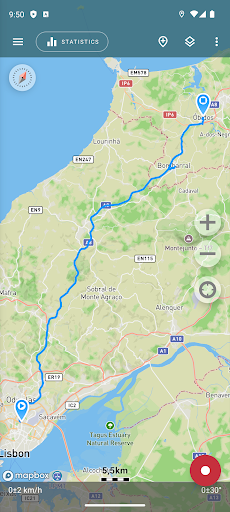
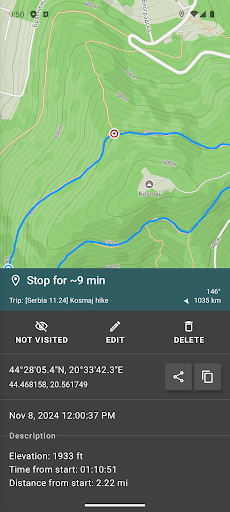
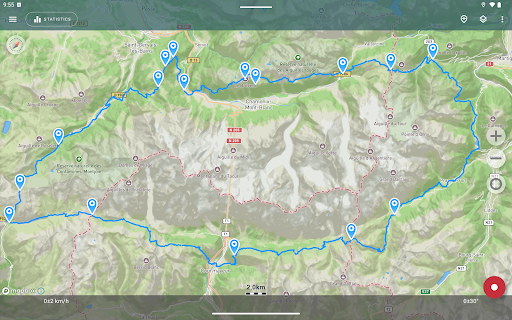
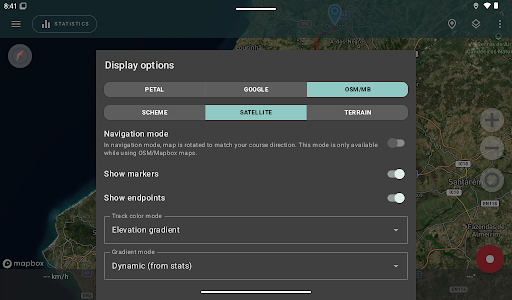
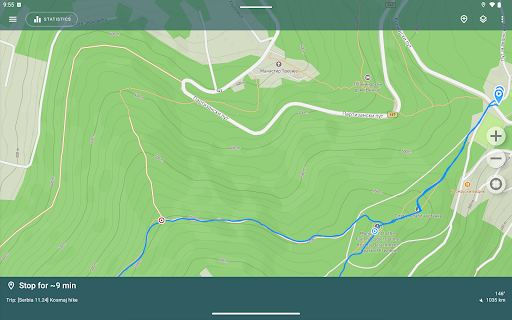
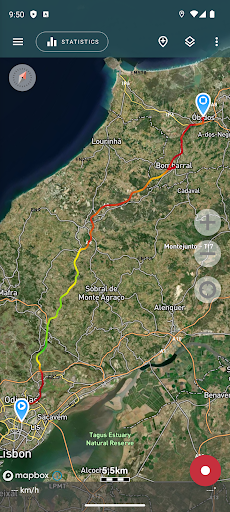
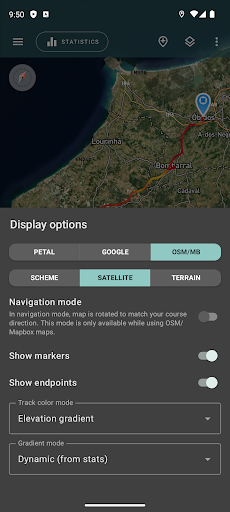
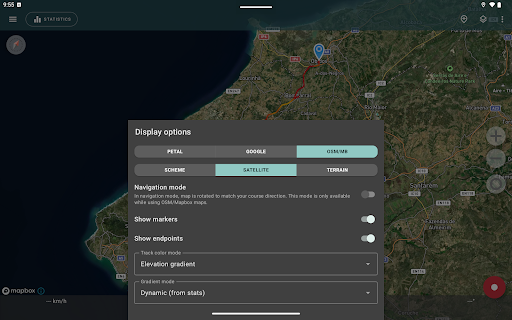
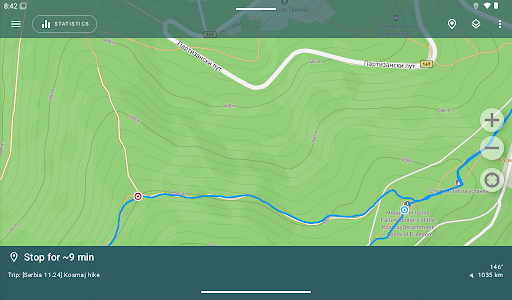
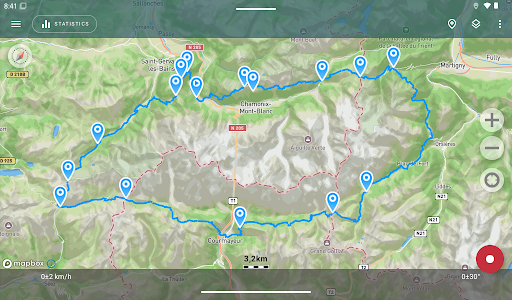
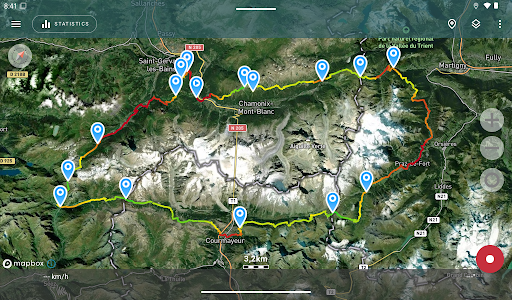
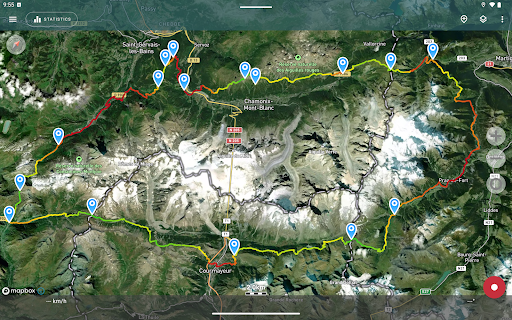
One of the standout aspects of this application is its support for multiple map sources, including Open Street Maps (OSM), Google Maps, and satellite imagery from Google or Mapbox. You can view detailed maps and satellite images, which are stored locally on your device for offline use, especially useful in remote areas without internet access. This ensures you always have access to the necessary navigation information, regardless of network conditions.
Precise Route Recording and Statistics
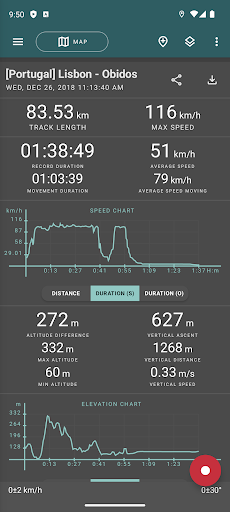
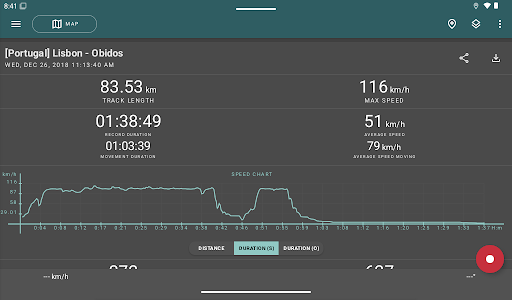
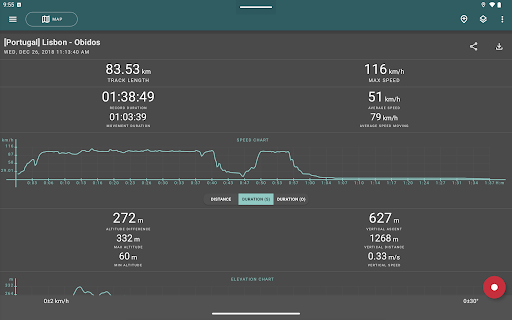
With minimal requirements—just a GPS signal—the app records your path and provides comprehensive statistics such as distance traveled, max and average speed, altitude variations, vertical ascent, and slope analysis. Visual charts of speed and elevation data give you a clearer understanding of your activity, making it perfect for fitness tracking, outdoor adventures, or trip documentation.
Route Sharing and Importing
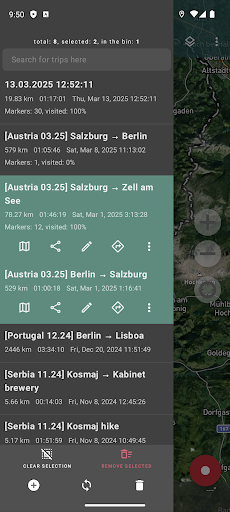
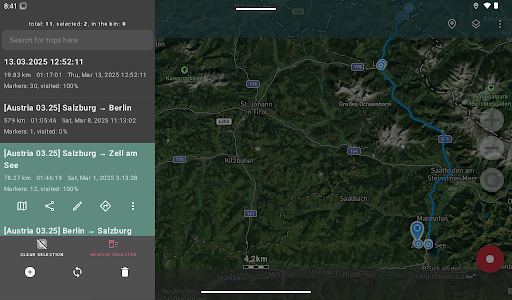
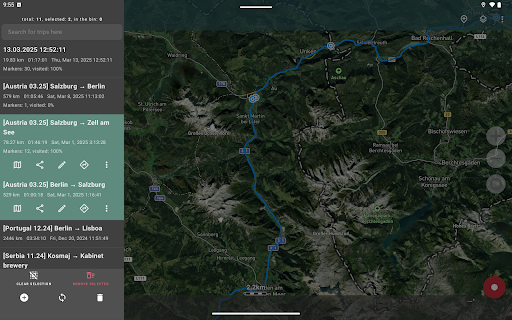
Sharing your routes with friends is easy, whether for safety or bragging rights. You can export your recorded tracks as GPX, KML, or KMZ files, making them compatible with platforms like Google Earth or Ozi Explorer. Additionally, the app allows importing routes from others via GPX, KML, or KMZ files, enabling you to follow pre-mapped paths or share favorite trails.
Navigation and Waypoint Marking
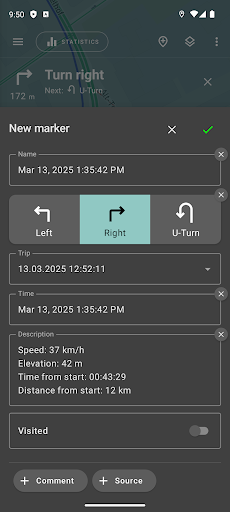
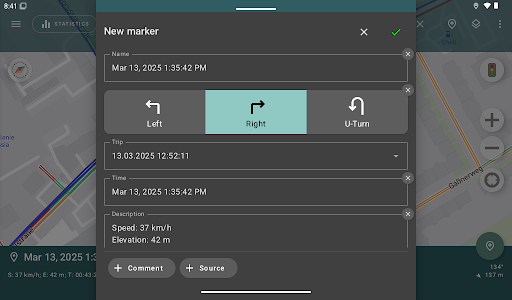
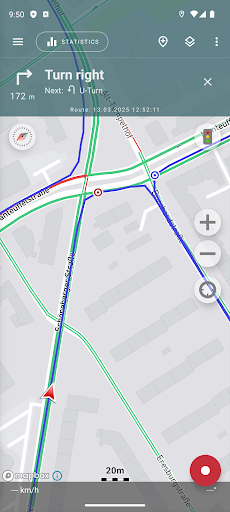
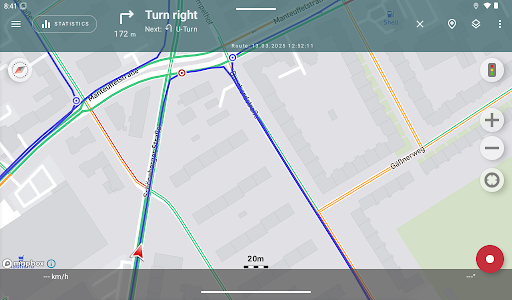
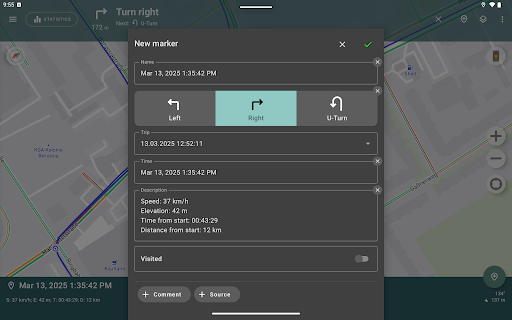
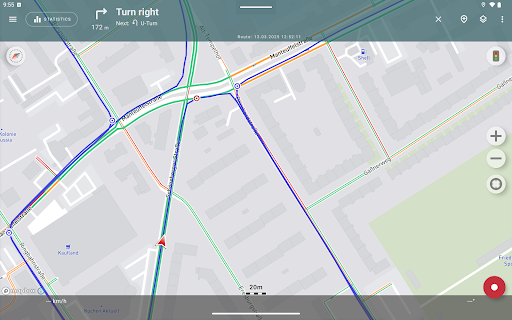
The app offers a navigation mode where the map automatically orients in the direction of travel, facilitating easier navigation. You can set and mark important waypoints or points of interest along your route, which can be useful for planning trips or highlighting scenic spots.
Efficiency and Power Management
Designed for prolonged outdoor use, Geo Tracker features an economy mode that helps conserve device battery during extended recordings. Background tracking is supported on many devices with proper configuration, ensuring your trip isn't interrupted. The app is optimized for low power consumption, capable of recording GPS data for an entire day on a single charge.
User Experience & Safety Features
Intuitive Interface and Customization
Even if you’re not tech-savvy, you'll find the interface straightforward and accessible. You can customize tracking intervals and select map styles, tailoring the app to your preferences and activities. The simple design ensures you spend less time fiddling with settings and more time exploring.
Helpful Tips for Optimal GPS Usage
To maximize accuracy, it’s recommended to ensure a clear view of the sky, avoid obstructions like tall buildings or dense forests, and have correct date and time settings. Restarting your device or reinstalling the app can resolve persistent GPS issues. The app also provides tips and troubleshooting advice to improve signal reception and overall performance.
Safety and Privacy
All your tracked data remains stored locally on your device, emphasizing privacy and security as the app does not transfer your routes to any servers or display ads. Should you wish to support ongoing development, voluntary donations are appreciated.
Conclusion: Why Choose Geo Tracker - GPS tracker
Whether you're an avid hiker, cyclist, or outdoor explorer, Geo Tracker offers a reliable, feature-rich, and user-friendly GPS tracking solution. Its robust offline map support, detailed statistical analysis, and route sharing capabilities make it a versatile companion for all your adventures. With consistent updates and a focus on privacy, this app stands out as a top choice for navigation enthusiasts and travelers alike. Install Geo Tracker - GPS tracker today and elevate your outdoor exploration experience to the next level!
Pros
- Accurate real-time GPS tracking
- Intuitive interface for straightforward navigation
- Offline maps for remote locations
- Comprehensive trip data and history
- Adjustable tracking configurations
Cons
- High battery consumption
- Limited options for social sharing
- Intrusive advertisements in the free version
- Necessitates continuous internet connection for live updates
- Intermittent GPS signal loss in densely built areas