
Fluent Reader Lite - RSS Clien icon

Fluent Reader Lite - RSS Clien

45.00
3.3
Installs
1.00K
Version
Varies with device
Advertisement
Fluent Reader Lite - RSS Clien screenshot
Advertisement

Discover the Features of Fluent Reader Lite - RSS Clien

In today’s fast-paced digital world, staying updated with the latest news and articles can become overwhelming. The Fluent Reader Lite - RSS Client offers a sleek and efficient solution to organize and manage your news consumption seamlessly. As a cross-platform, open-source RSS reader, it supports various self-hosted and commercial RSS services, making it a versatile choice for users looking to streamline their information intake.

Key Compatibility and Service Support

Fluent Reader Lite integrates smoothly with popular RSS services, ensuring flexibility and broad compatibility. It supports:
  • Fever API (including TT-RSS Fever plugin), FreshRSS, Miniflux
  • Google Reader API (compatible with Bazqux Reader, The Old Reader)
  • Inoreader
  • Feedbin (supported in both official and self-hosted versions)

Notable Features Enhancing Your Reading Experience

Customizable Reading Interface

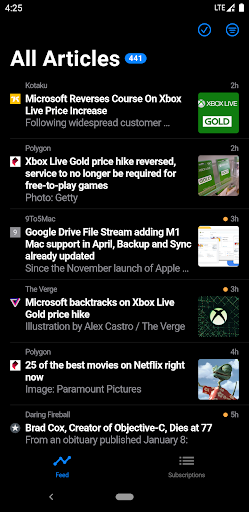
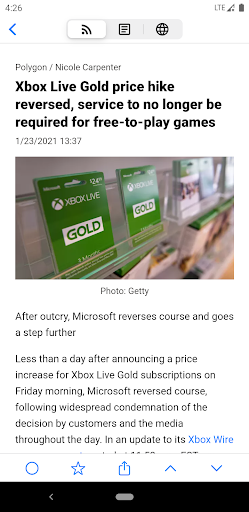
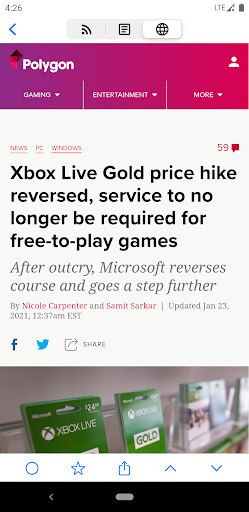
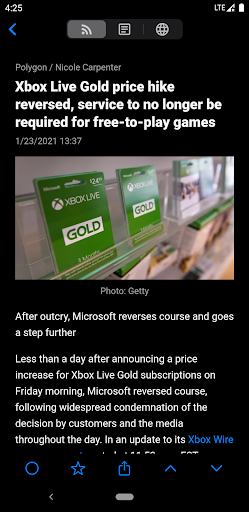
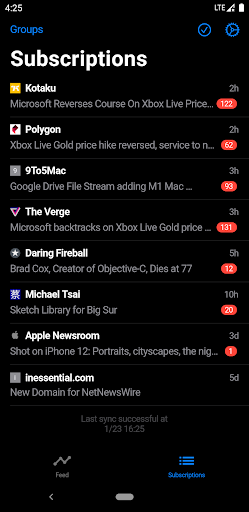
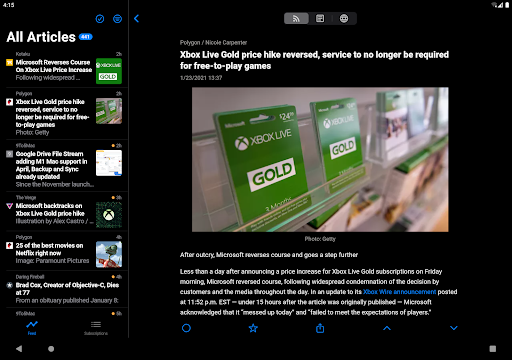
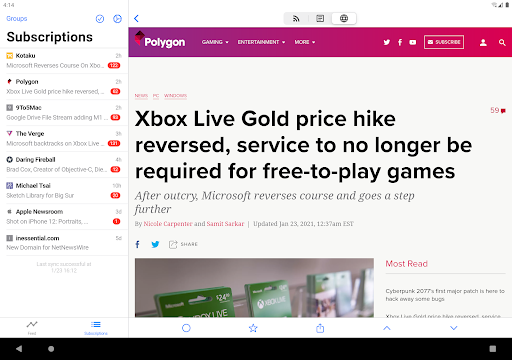
The app includes a dark mode option for both the user interface and reading mode, reducing eye strain during late-night sessions. You can also configure each source to load either full content or webpage previews by default, tailoring your reading experience.

Organized and Efficient Navigation

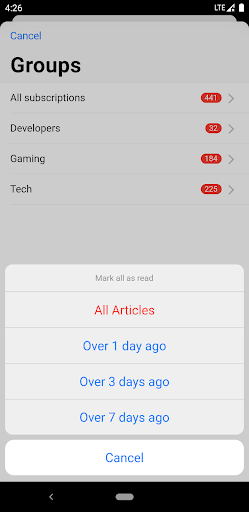
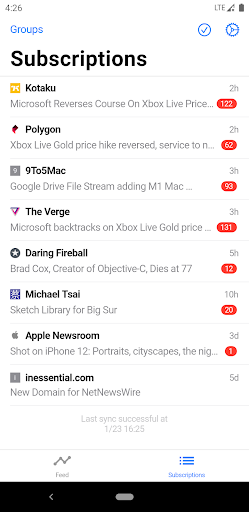
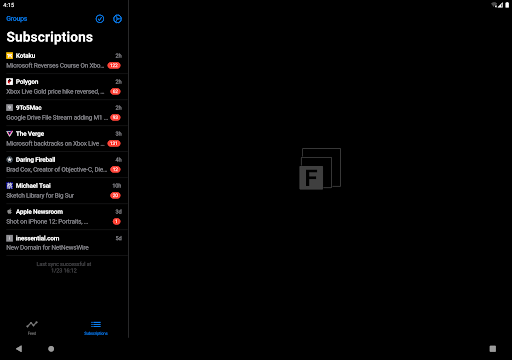
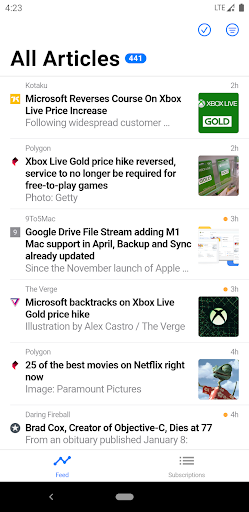
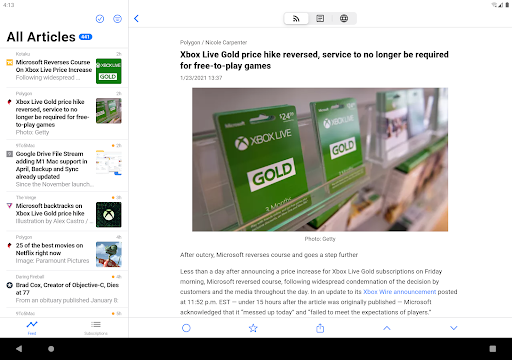
The organized subscriptions tab displays articles arranged by latest updates, with easy access to article titles. Users can search for local articles or filter by read status, ensuring that you never miss important updates or spend time on already-read content. Additionally, subscriptions can be grouped into categories for better organization.

Offline Reading and Content Management

For users on the move, offline reading support allows articles to be downloaded and read without an internet connection. This feature is perfect for commuters or those with limited connectivity, ensuring you stay informed anytime, anywhere.

Advanced Customization and Filtering

Fluent Reader Lite offers extensive customization options, including adjusting font size, organizing feeds into groups, and creating keyword filters to focus on topics of interest. This level of control makes the reading experience personalized and efficient.

Limitations Compared to Desktop Version

While the mobile version of Fluent Reader Lite provides many useful features, it does not support some desktop functionalities, such as local RSS support and source/group management. The app also lacks capabilities like importing/exporting OPML files, full data backup, background fetching, push notifications, and keyboard shortcuts. These limitations are important to consider for users needing comprehensive RSS management tools.

Why Choose Fluent Reader Lite?

If you're feeling overwhelmed by the volume of news and articles, Fluent Reader Lite is a breath of fresh air. Its minimalist design makes navigation intuitive and pleasant, whether you're a seasoned tech enthusiast or a beginner. Seamless syncing with your existing RSS services ensures that your subscriptions are always up-to-date across devices.The app's ability to support offline reading, combined with extensive customization options like filtering, categorization, and theme selection, empowers users to tailor their newsfeed to fit their preferences. This not only saves time but also helps you focus on the content that truly matters.Designed to be user-friendly, the Fluent Reader Lite - RSS Client is an ideal choice for anyone aiming to streamline their information consumption. Embrace a more organized and efficient way to stay informed, making your daily news updates more manageable and enjoyable.

Pros

  • User-friendly interface
  • Easy to navigate
  • Supports multiple RSS feeds seamlessly
  • Provides offline reading capability for convenience
  • Offers customizable themes to suit user preferences
  • Fast synchronization with minimal data consumption

Cons

  • Limited advanced features in the free version
  • Occasional synchronization issues with certain feeds
  • No built-in social media sharing options
  • Does not support podcasts natively
  • Requires manual updates for feeds sometimes

Download From Google Play
Advertisement

Frequently Asked Questions

What is Fluent Reader Lite and how does it work?

Fluent Reader Lite is an RSS client designed for efficient news reading. It enables users to subscribe to various news feeds and blogs, providing a centralized platform to read and manage content. The app synchronizes smoothly across devices, allowing access to the latest news anytime and anywhere. It is ideal for users who want to stay updated without the clutter of traditional news apps.

Is Fluent Reader Lite free to use?

Yes, Fluent Reader Lite is free to download and use. While it offers a comprehensive set of features at no cost, there may be optional in-app purchases or premium versions with additional functionalities. Users can enjoy the core experience without any financial obligation.

What platforms is Fluent Reader Lite available on?

Fluent Reader Lite is available on both Android and iOS platforms, providing a consistent experience across different devices. It allows users to seamlessly continue reading their news and feeds regardless of the device they are using.

How can I customize my news feed in Fluent Reader Lite?

The app offers extensive customization options. Users can subscribe to favorite blogs and news sources, organize them into categories, and adjust appearance settings to match their preferences. Its intuitive interface enables a tailored reading experience, ensuring relevant and personalized content.

Does Fluent Reader Lite support offline reading?

Yes, the app supports offline reading by allowing users to download articles for access without an internet connection. This feature is especially useful for travelers or users with limited data access, ensuring they can stay updated with their preferred news sources at any time.

You May Like