Feedly - Smarter News Reader
In today's fast-paced digital world, staying updated with the latest news, trends, and insights is essential for professionals and enthusiasts alike. Feedly is a powerful news aggregation app designed to help users filter through the vast ocean of information and focus on what truly matters. With a sleek, user-friendly interface and advanced customization options, Feedly has become the preferred choice for over 15 million users worldwide who seek a smarter way to consume content.
Key Features of Feedly
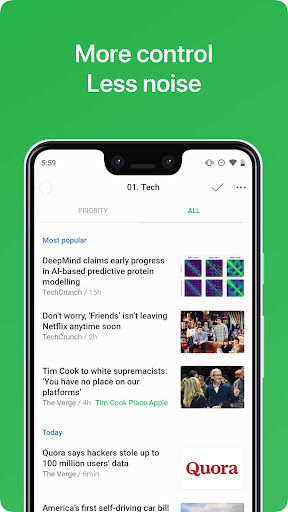
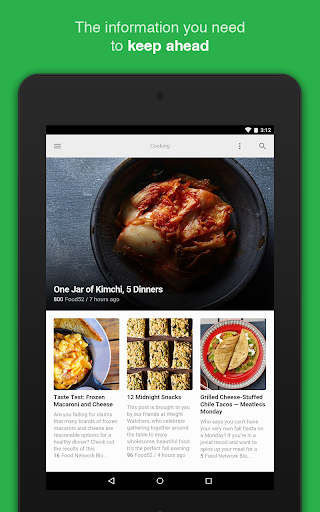
Stay Ahead Without Overwhelm
Feedly helps you keep up with trending topics and industry updates without feeling overwhelmed by unnecessary information. You need a Feedly account to access its features. You can quickly sign up or log in using your existing credentials, enabling a seamless onboarding process.
For Individuals: A Smarter Way to Follow the Web
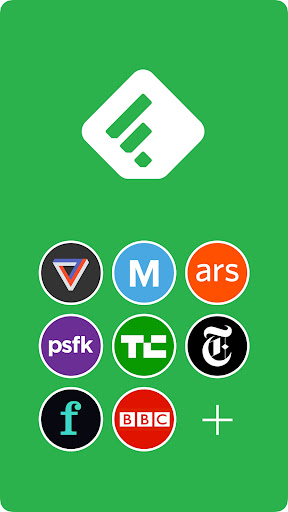
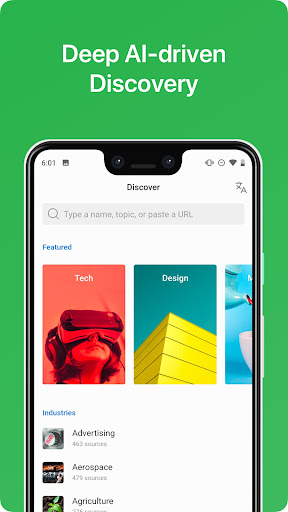
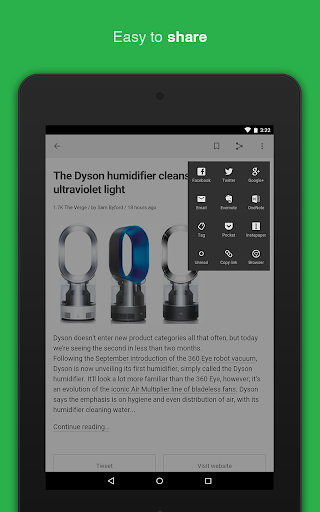
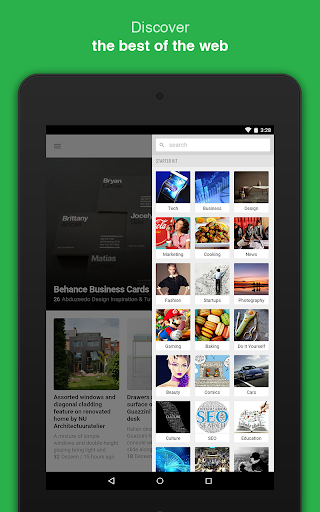
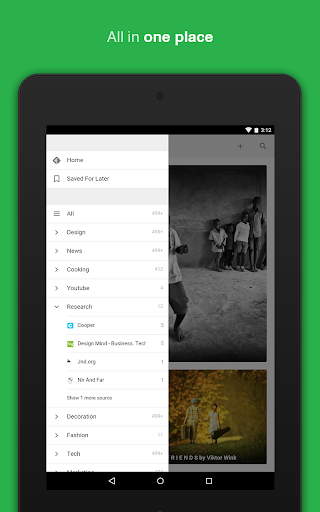
Feedly's core strength lies in its ability to organize all your favorite sources into a single, intuitive platform. Whether it's newspapers, trade publications, expert blogs, or research journals, Feedly consolidates your content streams effortlessly. Users can also follow YouTube channels, podcasts, Reddit feeds, and set up Google News alerts to stay current. The app’s Premium Feedly Pro subscription unlocks additional functionalities like keyword, brand, and company tracking, comprehensive search within feeds, and integrations with tools such as LinkedIn, Buffer, Zapier, and IFTTT, making content sharing and workflow automation easier than ever.
For Teams: Collaborate and Share Insights
Organizations benefit from Feedly Threat Intelligence and Market Intelligence solutions that enable teams to collect, analyze, and disseminate critical insights. With access to over 40 million sources across 2,000 topics, teams can monitor industry trends, anticipate cyber threats, and keep tabs on competitors in real-time. Sharing discoveries via automated newsletters and platform integrations enhances collaboration and keeps everyone informed.
Designed for Privacy and Speed
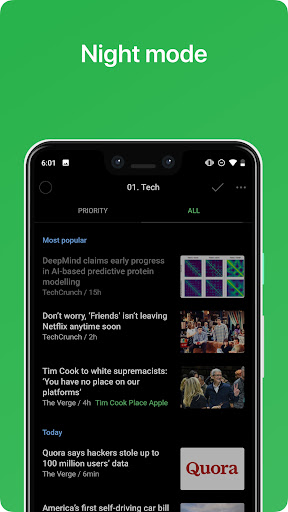
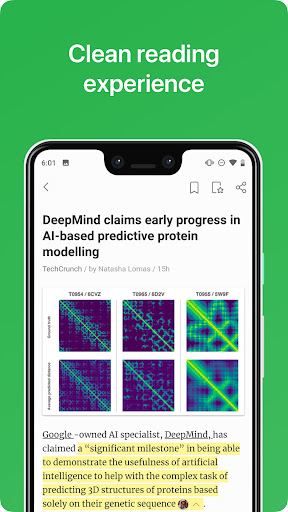
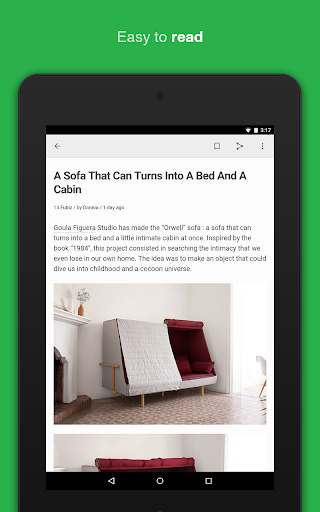
Privacy is a fundamental aspect of Feedly’s design philosophy. The app offers privacy by default, meaning you own and control your data. Users enjoy a fast, clean reading experience across devices, whether on phones or tablets. The interface is optimized for quick navigation, and features like dark mode improve readability during late-night sessions.
Why Choose Feedly?
Feedly is more than just a news aggregator; it’s a comprehensive content management solution tailored for professionals, consumers, and teams seeking efficiency and insights. By allowing users to customize feeds from countless sources, set up personalized alerts, and integrate with productivity tools, Feedly streamlines the way you stay informed. It’s trusted by thousands of organizations and millions of individual users who rely on it to make smarter decisions and keep ahead in their respective fields.
So, whether you're a tech enthusiast, business executive, researcher, or casual reader, Feedly - Smarter News Reader offers a smarter, more efficient approach to news consumption. Download the app today and take control of your information flow—because staying informed should be straightforward, organized, and tailored to your interests.
Learn more about Terms of use and Privacy policy to understand how your data is handled, and feel free to reach out through support channels if needed.
Pros
- User-friendly interface enhances reading experience.
- Seamless integration with various news sources.
- Customizable feeds and categories.
- Offers offline reading mode.
- Syncs across multiple devices.
Cons
- Occasional sync issues reported.
- Limited features in the free version.
- Ads in the free version may be intrusive.
- Requires internet connection for initial setup.
- Navigation may be unintuitive for some users.