Introducing Facebook Lite: The Fast and Efficient Social Networking App
Keeping up with friends and staying connected has never been easier with Facebook Lite. Designed as a lightweight version of the classic Facebook app, this application offers a swift and resource-friendly way to maintain your social network, especially in areas with limited internet connectivity or on devices with constrained storage capacity.
Facebook Lite is an ideal solution for users who want essential social media features without the bulk and demands of the full Facebook app. Its small size not only saves valuable space on your device but also ensures that you can access your social circle even under slow or unstable network conditions, such as 2G networks.
Key Features of Facebook Lite
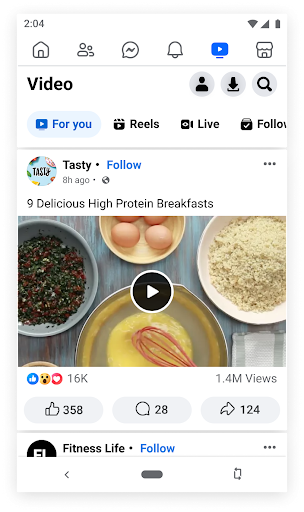
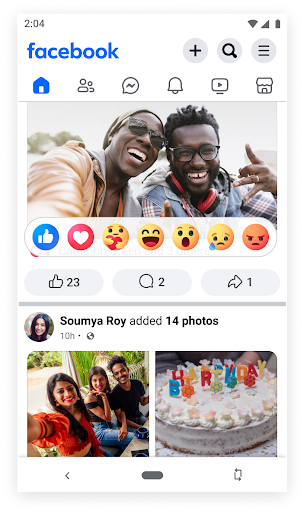
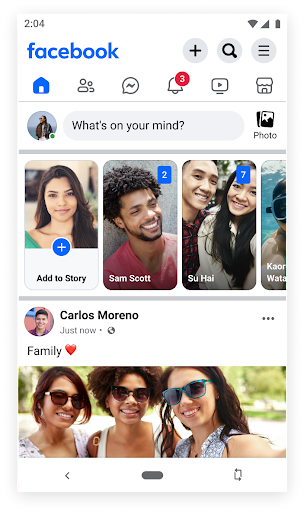
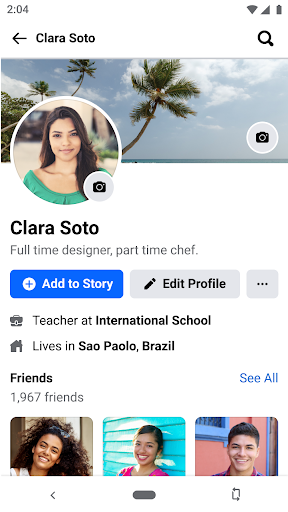
This app encompasses most of the core functionalities that users expect from Facebook. You can find friends and family, share status updates with embedded emojis to express yourself vividly, and share photos and memes effortlessly. Notifications keep you informed when your friends like or comment on your posts, fostering real-time engagement. Additionally, Facebook Lite enables you to explore local social events, RSVP, and plan meetups with friends directly within the app.
Interacting with your social circle is straightforward; you can add comments or reactions to posts, save photos to albums, and follow people or pages to stay updated with their latest news. The app also allows users to browse local businesses, view reviews, operational hours, and pictures, as well as participate in buying and selling activity via Facebook Marketplace.
Photo Management and Privacy
Beyond social interactions, Facebook Lite serves as a personal photo organizer. It's easy to share photos directly from your Android camera, with comprehensive control over privacy settings. You can decide when to keep individual photos private or create secret photo albums to restrict access—a feature perfect for maintaining your privacy and managing your shared content securely.
Stay Informed with News and Updates
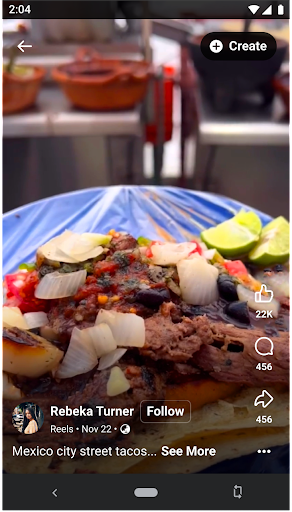
Another significant advantage is staying current with news and current events worldwide. The app allows you to follow your favorite celebrities, brands, artists, or sports teams, giving you effortless access to their latest updates and news feeds from a single platform. This makes Facebook Lite more than just a social connection tool—it's your personal news aggregator as well.
Additional Resources and Support
If you encounter issues with downloading or installing Facebook Lite, helpful resources can be found on the official support pages. Remember, Facebook services are intended for users aged 13 and over, with comprehensive Terms of Service to ensure a positive experience for all users.
Why Choose Facebook Lite: The Perfect Balance of Functionality and Efficiency
For those who find the standard Facebook app too demanding on their device's resources or data plans, Facebook Lite offers a practical alternative. Its lightweight design makes it particularly suited for users in regions with limited internet connectivity or on older, less powerful smartphones. Despite its modest size, the app delivers essential social media features—such as posting updates, commenting, sharing photos, exploring local events, and following pages—making it a versatile yet simple digital companion.
Performance-wise, Facebook Lite shines with swift load times and minimal data consumption. Its streamlined interface is intuitive, eliminating unnecessary clutter and allowing users to focus on what matters: connecting with friends, sharing moments, and staying informed. The app’s data compression capabilities ensure you save precious bandwidth, especially if you're on a limited data plan.
While some flashy features like Stories may be absent, this trade-off results in a smoother, faster user experience—perfect for those who prioritize performance and efficiency over additional bells and whistles. Think of Facebook Lite as the tasty snack that satisfies your social media cravings without the heaviness of the full-featured app.
Overall, Facebook Lite is an excellent choice for users seeking a quick, reliable, and resource-efficient way to stay socially connected. Whether you're in a remote area or simply want to conserve battery and data, this app proves that less can be more. Give it a try and see how it fits your lifestyle—sometimes, simplicity really is the ultimate sophistication.
Pros
- Fast performance on low-end devices
- Uses less data compared to the full application
- Easy and quick installation and update process
- Supports older Android versions
- Simple and user-friendly interface
Cons
- Fewer features than the full application
- Reduced image and video quality
- Does not include advanced security features
- May experience occasional bugs and crashes
- Certain features require downloading the full application