













Discover the Power of Easy Rout Map: Navigation Path
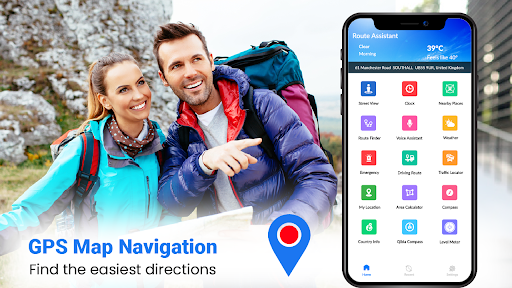
Are you tired of getting lost in unfamiliar cities or navigating complicated routes? Look no further than Easy Rout Map: Navigation Path, the ultimate GPS navigation app designed to make your travels faster, easier, and more enjoyable. Whether you're exploring new cities, planning a road trip, or just navigating your daily commute, this app transforms your smartphone into a reliable travel companion equipped with advanced features like real-time traffic updates, voice navigation, and interactive maps.
Key Features of Easy Rout Map: Navigation Path
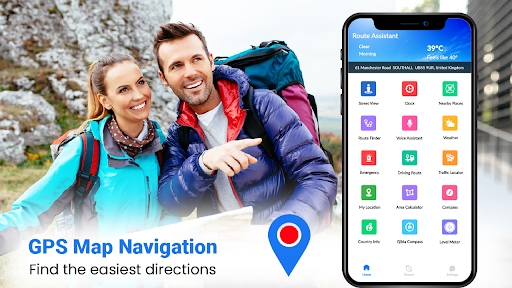
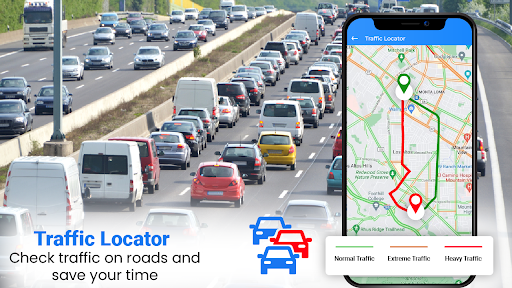
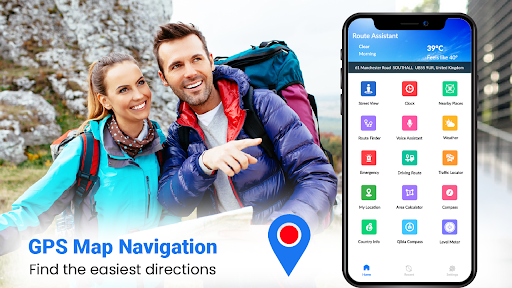
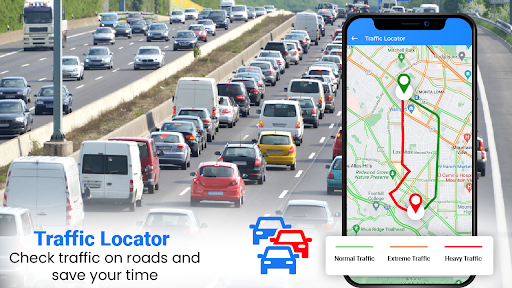
This app offers a comprehensive suite of features that cater to all types of travelers. Its primary function is to provide accurate and quick driving directions, but it doesn't stop there. The app supports transit, cycling, walking, and hiking modes, ensuring versatility for various transportation preferences. With real-time traffic data integrated into the navigation system, users can avoid congestion and save valuable time during their commutes or trips.
Interactive Maps and Street View
One of the standout capabilities of Easy Rout Map is its immersive street view feature, allowing you to explore destinations remotely before visiting them physically. This functionality offers a detailed, 360-degree view of surroundings, making it easier to recognize landmarks, plan routes, and find exact locations. The world map feature also enables viewing historical places and other points of interest, enhancing your exploration experience from anywhere in the world.
Location Tracking and Nearby Places
With just a few taps, you can effortlessly determine your current location and discover nearby attractions, restaurants, gas stations, and more. The app's “Where I am” feature ensures that you always know your position, whether you're in your hometown or roaming abroad. Need to find the nearest public places? The satellite map makes it simple to locate and navigate to your desired spot swiftly.
Route Planning and Navigation
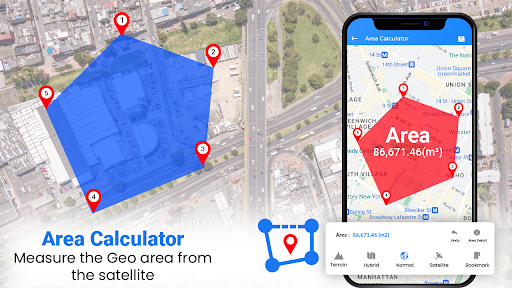
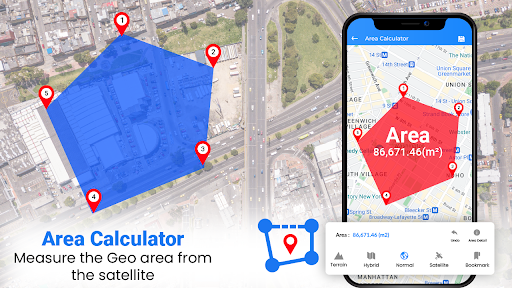
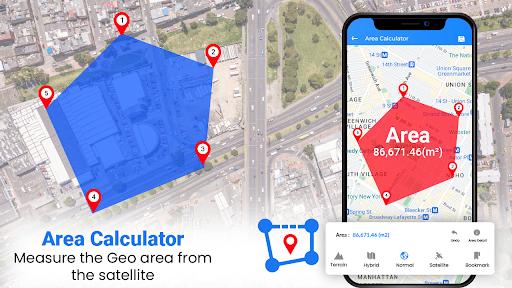
Planning trips is simplified with the app's advanced route finder. Whether you're driving, cycling, or using public transportation, Easy Rout Map provides the most accurate and shortest routes tailored to your preferences. It supports bus route maps, helping commuters integrate public transit seamlessly into their plans. The app also features a convenient area calculator to measure distances and a digital compass to orient your journey accurately.
Additional Handy Features
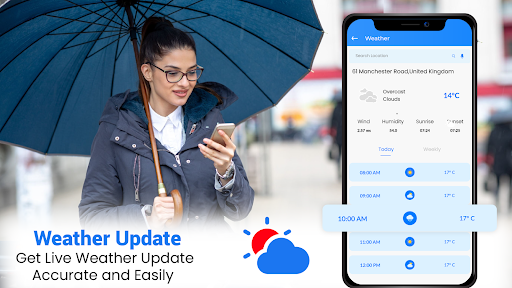
Beyond navigation, the app offers live weather details with storm radar, ensuring you're prepared for any weather conditions during your trip. The Qibla compass feature helps users locate the Kaaba from anywhere worldwide, serving the needs of religious travelers. The country info and world clock features provide essential data on population, languages, currency, and current times across countries, making it a versatile tool for global navigation and planning.
User Interface and Language Support
Designed to be user-friendly, Easy Rout Map supports over 100 languages and offers several colorful themes, making it accessible and visually appealing. Easy to navigate, the app allows users to bookmark favorite destinations and view history of previous routes, enhancing user experience and quick access to often visited locations.
Why Choose Easy Rout Map: Navigation Path?
This free GPS navigation app stands out because of its minimal size, quick installation, and low data consumption, making it suitable for users with limited storage or bandwidth. Its lightweight design ensures smooth performance without burdening your device. With features like share location and route results, it promotes convenience and safety during travels.
Embark on Your Next Adventure with Confidence
Whether you're a tourist discovering new places, a commuter heading to work, or a nature lover exploring trails, Easy Rout Map: Navigation Path is your reliable guide. Its combination of real-time navigation, detailed maps, and a suite of supporting features makes it an essential travel app for everyone. Experience stress-free travels, explore new destinations, and navigate with ease—download Easy Rout Map today and start your journey with confidence!
Pros
- User-friendly interface
- Accurate real-time navigation
- Offline maps available
- Customizable route options
- Frequent updates
Cons
- Consumes battery quickly
- Ads can be intrusive
- Limited free features
- Occasional map glitches
- Requires constant GPS