
Overview of the Costco Wholesale Mobile App
The Costco Wholesale mobile app is designed to make shopping and managing memberships more convenient and efficient for members on the go. By reimagining the mobile experience, Costco has created a user-friendly platform that offers quick access to exclusive savings, product selections, and essential services, all from the comfort of your mobile device. This app is a valuable tool for anyone looking to maximize their savings and streamline their shopping process at Costco.
Key Features of the Costco Mobile App
Digital Membership Card
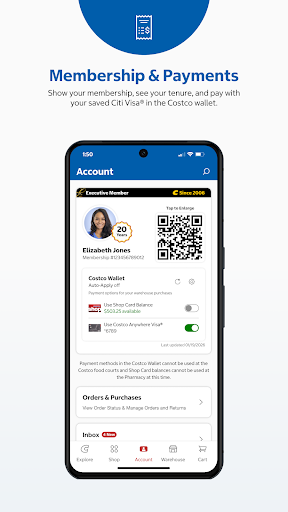
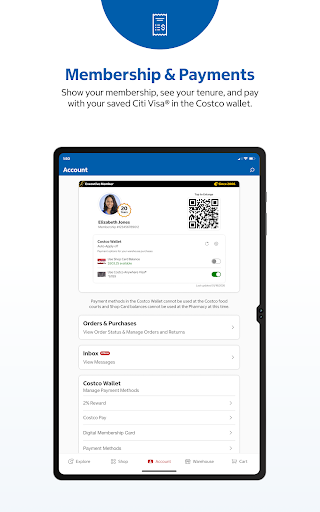
One of the most notable updates is the availability of your membership card directly within the app. Now, members can simply access their Digital Membership Card and use it to enter the warehouse and begin checkout at the register. This feature eliminates the need to carry a physical card and allows for a seamless shopping experience.
Exclusive Savings and Deals
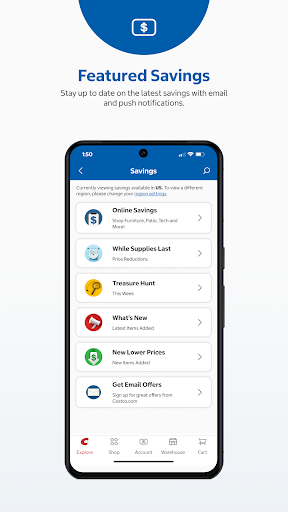
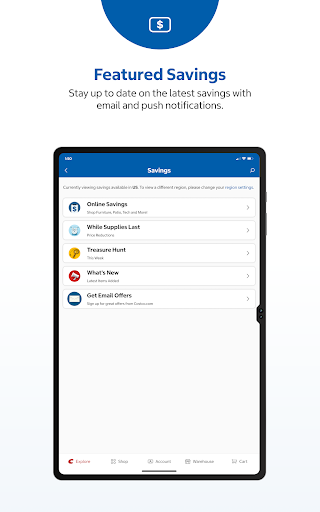
Stay informed about the latest warehouse savings right on your device. The app provides up-to-date information on discounts, special offers, and promotions exclusive to Costco members, helping you save both time and money during your shopping trips.
Shopping Convenience
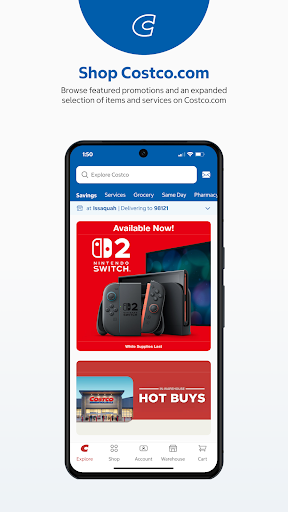
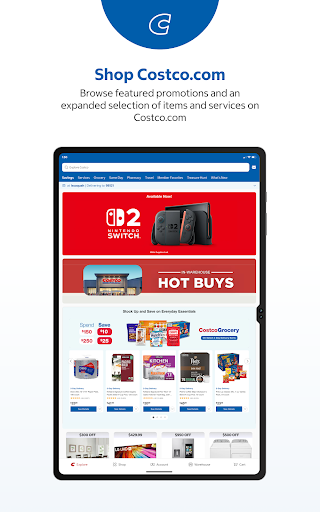
Members can browse an expanded selection of products on Costco.com, accessing thousands of items not available in physical stores. These products can be ordered online and delivered straight to your door, making it easier than ever to shop for bulk items, electronics, and unique products from wherever you are.
Warehouse Information and Navigation
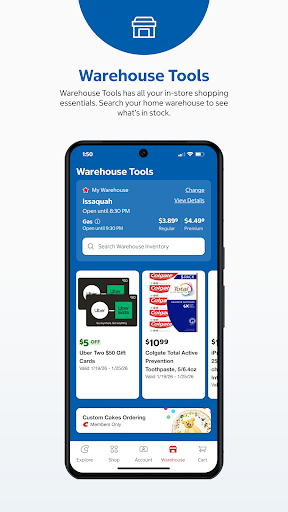
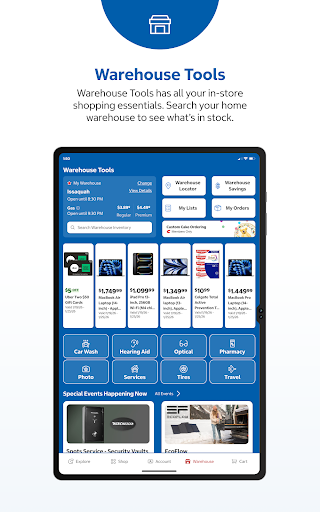
Find detailed information about your nearest Costco warehouse, including operating hours, holiday schedules, and directions. The app makes it easy to plan your visit and navigate directly to the store, saving time and reducing hassle.
Shopping List Management
Keep track of your desired purchases by creating and managing a shopping list. This feature helps you organize items you want to buy on your next trip, ensuring you don’t forget anything important.
Photo Printing Services
Order print photos, wall décor, or personalized photo gifts with ease, anytime and anywhere. The app allows quick and convenient access to photo printing services, perfect for creating memorable keepsakes.
Pharmacy Services
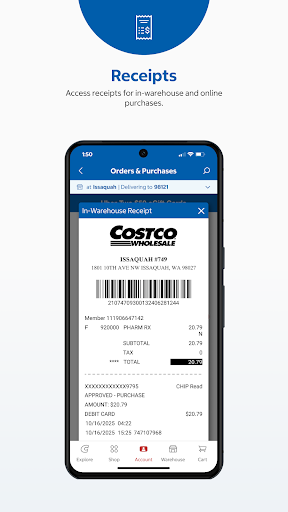
Manage your prescriptions effortlessly through the app. You can order refill prescriptions, check their status, receive refill reminders, and track medications. The app also supports managing family accounts, transferring prescriptions, and finding a nearby Costco pharmacy.
Feedback and Continuous Improvement
Costco values member feedback to enhance the app, website, and in-store experience. Users can easily tap the Feedback option within the app to share their thoughts and suggestions, helping Costco continually improve its services.
Conclusion
The Costco Wholesale mobile app is a comprehensive tool that combines savings, shopping, and convenience into one platform. By offering features such as digital membership cards, exclusive deals, extensive product selection, and helpful shopping and pharmacy services, the app ensures members can enjoy a seamless Costco experience no matter where they are. Whether you're looking to save money, explore new products, or manage your health needs, the Costco app is an essential resource for modern shoppers seeking efficiency and value.
Pros
- Offers multiple functionalities for diverse needs.
- Provides an intuitive and user-friendly interface.
- Ensures fast performance and smooth operation.
- Includes regular updates with new features and improvements.
- Supports seamless integration with various devices and platforms.
Cons
- Has a steep learning curve for new users.
- Occasional bugs or glitches may occur.
- Requires significant storage space or resources.
- Limited customization options compared to other solutions.
- Some features may require additional purchases or subscriptions.