
Cold Stone App Overview
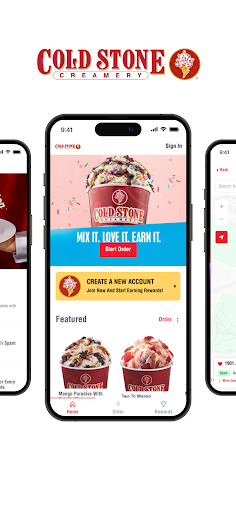
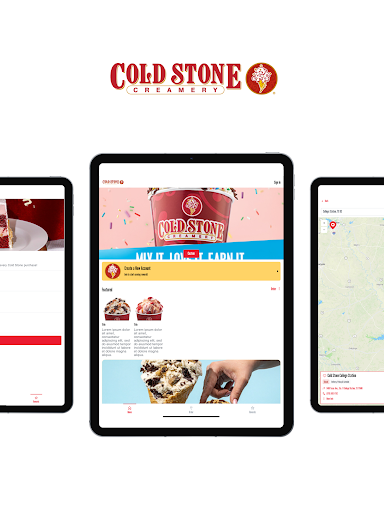
The Cold Stone Creamery app makes your ice cream cravings delightfully simple. You can order our made-fresh ice cream in a Creation™, Shake, or Cake and have it ready for pickup at your favorite store or delivered right to your door. Sign in to your My Cold Stone Rewards account and you can save favorite orders, earn points, and redeem rewards.
Rewards at a Glance
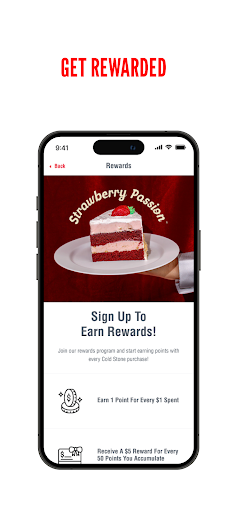
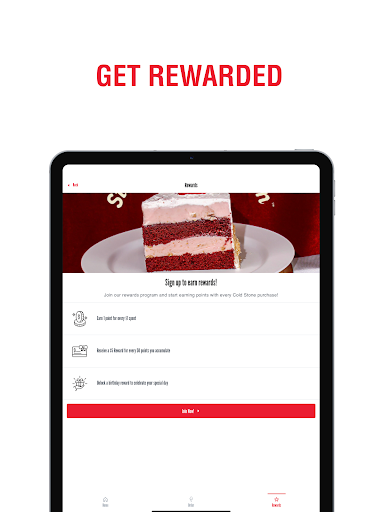
About My Cold Stone Club Rewards: Earn 1 point for every $1 spent. With every 50 points you unlock, you receive a $5 reward. And on your birthday, you can enjoy a Buy One, Get One FREE item.
Key Features
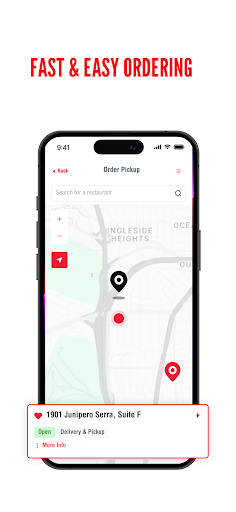
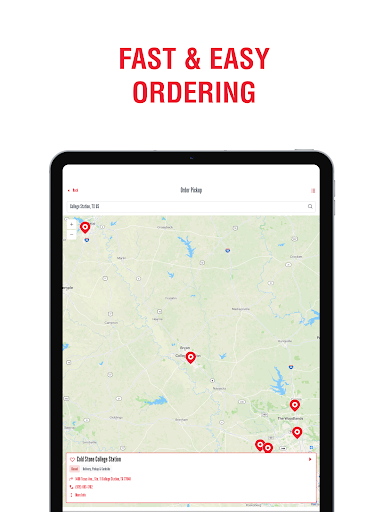
Order ahead and pick up at the store.
Or, get your order delivered right to your door.
Easily re-order with favorites and recent orders.
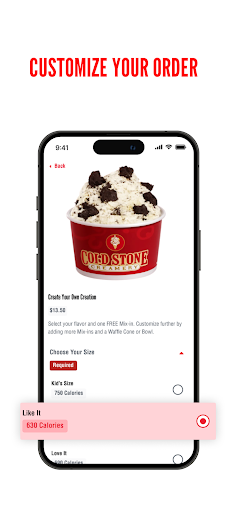
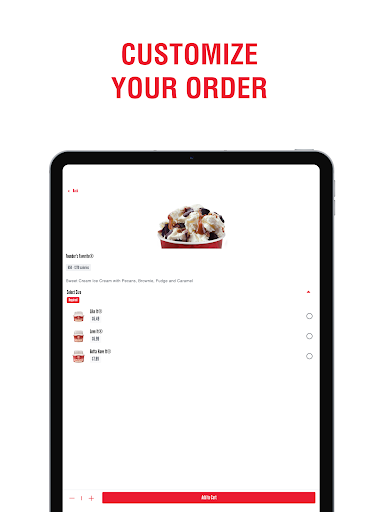
Enjoy The Ultimate Ice Cream Experience in app with unlimited customizations.
Explore the Cold Stone App: Convenience, Rewards, and Flavor at Your Fingertips
If you’re a fan of ice cream, you’ve probably heard of Cold Stone®. The Cold Stone app takes that love to the next level by putting the full experience in your pocket.
Design and Experience
The app is all about convenience. Imagine ordering your favorite ice cream creation with just a few taps on your phone. It’s available on Android and iOS, making it easy for nearly any smartphone user to join the fun.
Stand-Out Features
Customization options let you mix and match flavors and toppings just like you would in-store. The rewards system helps you earn free ice cream, and a built-in location finder helps you locate the nearest Cold Stone outlet on road trips or at new stops.
Ordering Made Easy
Ordering is straightforward: select flavors, add them to your cart, and checkout securely. You can save payment details for faster checkouts in the future, and the app supports multiple payment options for flexibility.
All in all, the Cold Stone app is a must-have for ice cream lovers. It blends convenience, personalization, and rewards into a delightful experience that’s perfect for cravings, celebrations, and everyday treats.
Pros
- User-friendly interface
- Wide range of ice cream flavors
- Customizable orders
- Loyalty rewards program
- Frequent updates
Cons
- Limited delivery areas
- Requires account to order
- Occasional app crashes
- Some features require internet
- In-app ads