Discover the Power of the CCTV Camera Video Recorder App
Are you looking to transform your smartphone into a seamless surveillance device? The CCTV Camera Video Recorder App is designed to do just that—offering a comprehensive solution for discreet recording, security monitoring, and versatile video capture. This app, also known as the BVR App, provides users with advanced features to record videos effortlessly, even when the screen is off or the device is locked. Whether for personal security, business monitoring, or capturing important lectures or meetings, this app is your go-to tool for reliable and unobtrusive video recording.
Key Features that Make CCTV Camera Video Recorder Stand Out
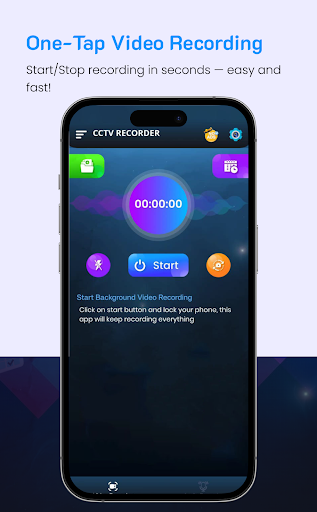
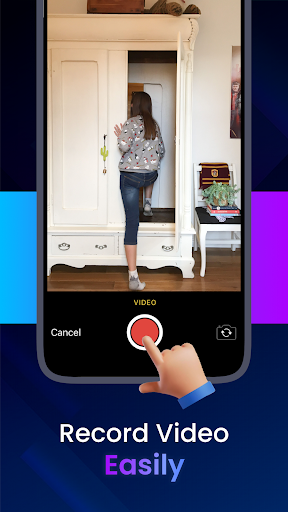
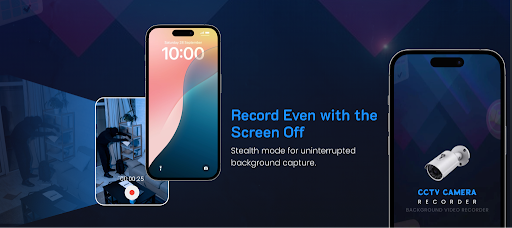
The CCTV Camera Recorder Background feature allows continuous video capture without interruptions, even when other apps are in use or the device is locked. Its background mode supports CCTV Camera Video Recording with the screen off, making it ideal for discreet surveillance. The app enables you to record phone calls or capture ongoing activities without any manual intervention, all in high or low resolution options depending on your needs. With the ability to record your videos in the background, users can multitask efficiently—be it checking other apps or browsing online—while still capturing critical moments seamlessly.
Primary Advantages of the CCTV Camera Video Recorder App
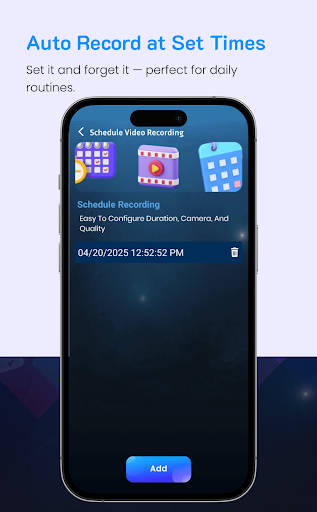
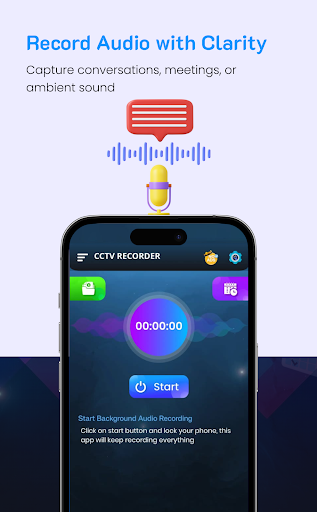
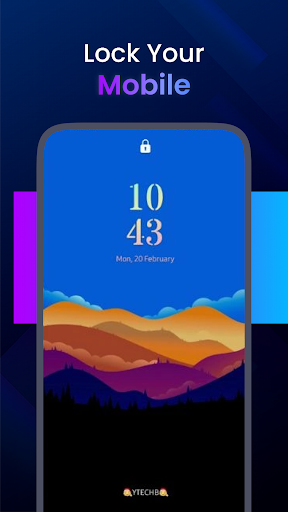
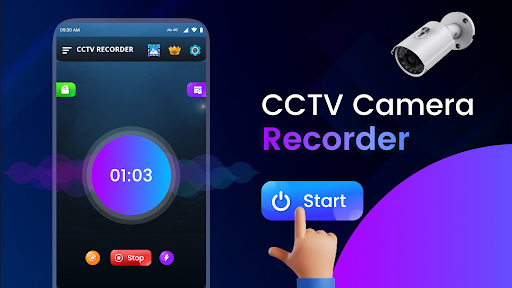
One of the standout features of this background video recorder app is its lock screen background recording capability. This means videos can be captured while your device’s screen remains off, preserving battery and maintaining discreetness. The app supports multitasking, allowing users to start or stop recordings with just a single tap, simplifying the process for all users. Additionally, the scheduled background recording feature lets you set timers for automatic start and stop, perfect for those who want to monitor events over specific periods without manual control. Plus, it supports audio recording alongside video, providing a complete surveillance solution.
Customization and User-Friendly Options
The app offers extensive customization to enhance your recording experience:
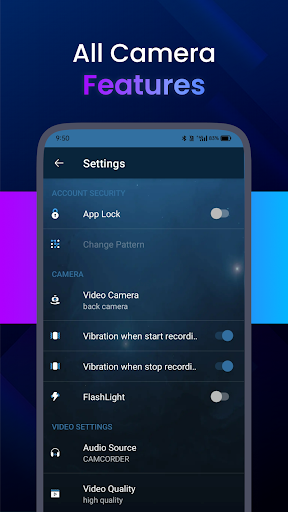
- High-quality video capture in various resolutions—high, medium, or low—tailored to your storage and clarity preferences.
- Video orientation adjustments ensure recordings are aligned correctly, whether you prefer landscape or portrait mode.
- Silent recording mode can disable camera shutter sounds, ensuring discreet operation.
- Support for dual camera recording—using both rear and front cameras—maximizes versatility.
- Easy configuration of duration and storage location for efficient management.
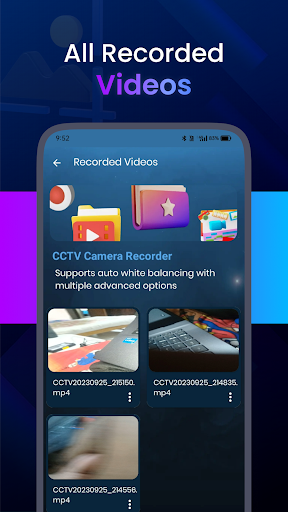
- Future updates include Google Drive backup for secure storage and auto white balancing for color accuracy.
- Volume button controls allow quick start/stop of recordings with up to five key presses, providing convenient control outside the app interface.
Enhanced Security Features for Privacy and Data Protection
Protect your recordings with built-in security measures:
- Password protection ensures that only authorized users can access your recorded videos.
- Fingerprint lock adds an extra layer of security, safeguarding sensitive footage from unauthorized viewing.
Why Choose This CCTV Camera Recorder?
Whether you're aiming to monitor your home, office, or personal space, this video recorder app offers unmatched convenience and versatility. Its ability to record continuously in the background, even during calls or when the screen is locked, sets it apart from typical camera apps. The discreet recording capabilities mean you can capture important moments without attracting attention, making it perfect for security, office surveillance, or personal monitoring.
Real-World Applications
From recording crucial meetings and lectures to keeping an eye on your property, this app facilitates effortless remote security. With features like scheduled recording, multi-camera support, and high-quality video options, it’s suitable for a wide range of scenarios—whether for home security, business security, or personal documentation.
Summing Up
The CCTV Camera Video Recorder App combines user-friendliness with powerful features, making it an essential tool for anyone interested in DIY security solutions or discreet recording needs. Its seamless background operation, customizable options, and security features make it a top choice for capturing vital moments privately and reliably. Easy to set up and operate, this app transforms your device into a mini surveillance hub—helping you stay protected and in control of your recordings at all times.
Pros
- High-quality video recording
- Motion detection feature
- User-friendly interface
- Cloud storage support
- Night vision capability
Cons
- Consumes a lot of battery
- Requires stable internet connection
- Limited free storage capacity
- Includes advertisements in the free version
- Lacks remote access