Introduction to ABC Preschool Kids Tracing & Phonics Learning Game
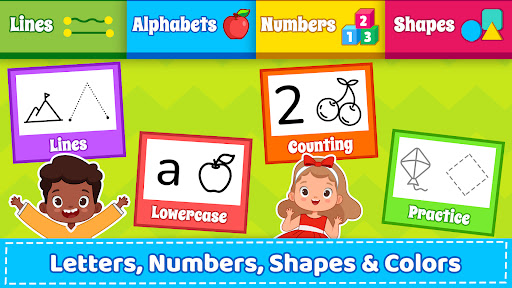
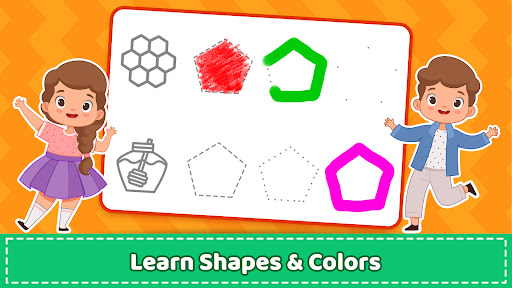
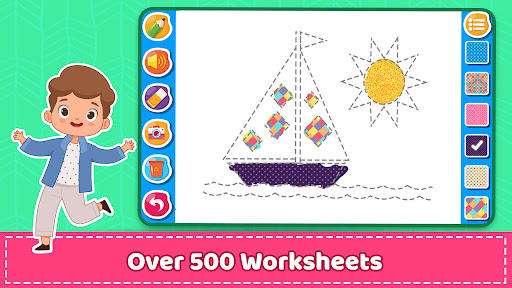
ABC PreSchool Kids Tracing & Phonics Learning game offers an engaging educational experience designed to help your toddler master basic tracing skills. With over 350+ worksheets, this app provides comprehensive activities that focus on tracing lines, phonics, and writing the letters of the alphabet, including ABCs and numbers 1 to 10. The game also introduces shapes and colors, making early learning both fun and effective. Perfect for children in kindergarten or preschool, this free app is a valuable resource for parents and educators aiming to foster early literacy skills.
Are you searching for kids drawing games for free that incorporate alphabet learning? Our app combines alphabet games with drawing activities, offering a seamless blend of creative art and foundational literacy. The game emphasizes early education by helping children recognize and write letters and numbers, making it an ideal choice for early learners and preschoolers.
Features and Learning Activities
Comprehensive Tracing and Phonics Practice
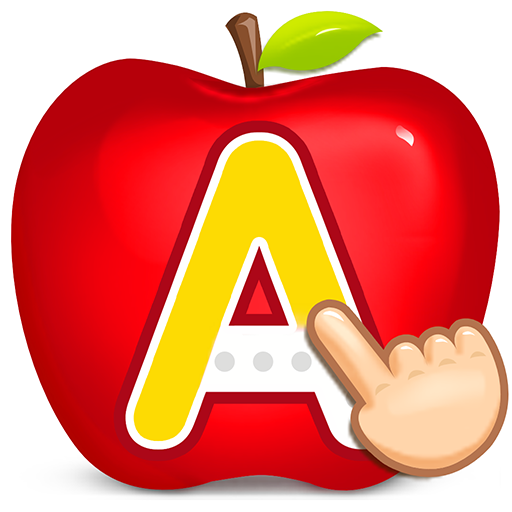
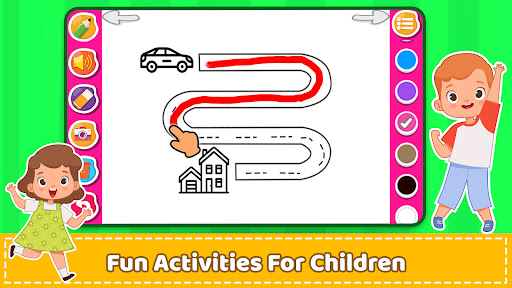
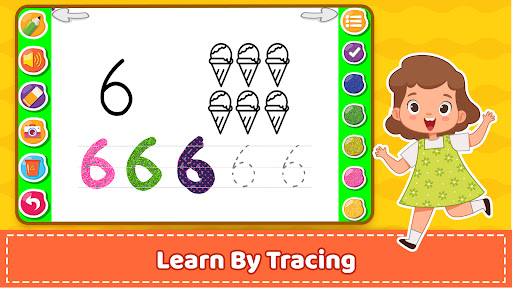
The app includes fun, educational activities such as tracing letters, numbers, shapes, and curves. Kids can practice uppercase and lowercase letters, as well as numbers, with intuitive finger-tracing tasks. This helps children develop handwriting skills by following dashed lines to form shapes and symbols. Additionally, each letter and number features corresponding audio, enhancing sound recognition and auditory learning.
Interactive Phonics and Animation
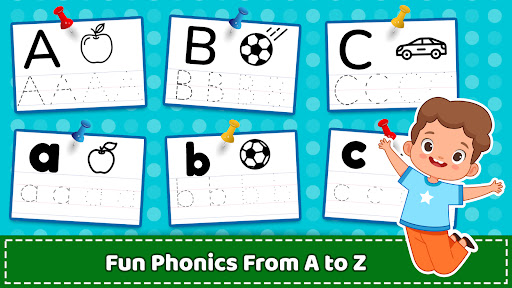
A standout feature is the lively phonics song animations from A to Z, reinforcing letter-sound associations. Counting numbers from 1 to 10 is also made engaging through animated sequences, making the learning process interactive and memorable.
Coloring and Drawing Activities
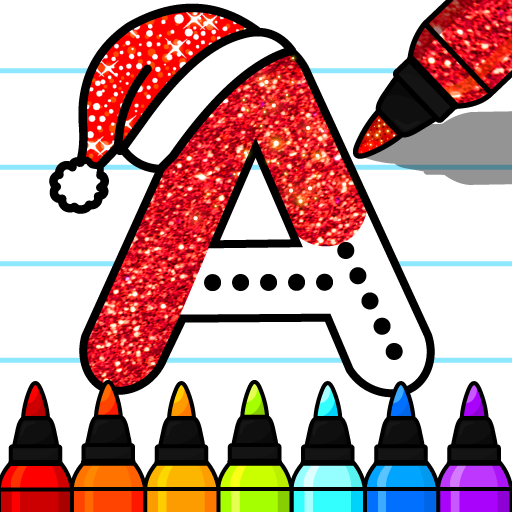
Beyond tracing, children can enjoy free drawings and coloring activities using a variety of crayons, glitters, and patterns. This creative outlet encourages artistic expression and fine motor skills development, while simultaneously reinforcing lessons on colors and shapes.
Educational Content and Age Suitability
Designed for toddlers as young as 2 years old, the app offers simplified ABC tracing games and number recognition activities that are easy to follow. For kindergarten and preschool children aged 3 and above, the app provides more advanced tracing exercises, including connecting dots and practicing slanting and straight lines. It supports early learners in mastering fundamental skills such as shapes, colors, and basic vocabulary.
The app is also suitable for children in 1st grade and other early education stages, making it a versatile tool in classroom settings and home learning environments. Notably, it is recognized as an award-winning application used in some schools to facilitate early literacy and numeracy education.
Additional Learning Tools and Features
- Practice capital and lower-case letters
- Numerical tracing and recognition for numbers 1 to 10
- Learning about shapes and basic geometrical curves
- Multiple practice modes including tracing lines, shapes, and coloring pages
- A colorful interface designed to keep children engaged and motivated
- Educational worksheets such as connecting dots and image coloring
With a user-friendly design, the app encourages kids to learn to write and recognize English alphabet letters and numbers effortlessly. Audio cues further aid in sound recognition, making it an auditory as well as visual learning experience.
Conclusion
ABC PreSchool Kids Tracing & Phonics Learning game is a comprehensive, free educational app that combines early literacy, numeracy, and creativity. Its interactive activities are tailored to suit children aged 2 and above, supporting their journey from recognizing letters and numbers to writing and drawing confidently. The app's engaging animations, vibrant illustrations, and diverse exercises make learning enjoyable and effective. Designed for home use and educational institutions alike, this app is an excellent tool for nurturing young learners' foundational skills in a fun and interactive environment.
Pros
- Provides a user-friendly interface that is easy to navigate
- Offers quick and efficient performance for most tasks
- Includes a wide range of features to enhance user experience
- Regular updates improve stability and add new functionalities
- Supports compatibility with various devices and operating systems
Cons
- Limited customization options for advanced users
- Occasional bugs can cause minor disruptions
- Does not support some advanced features found in competitors
- Requires a significant initial setup time for new users
- Free version has restricted features compared to premium plans